How to Turn One Long Video Into Up to 20 Shorts
Paste a YouTube link or upload a file. Long to Short picks the moments, adds captions and schedules the posts.
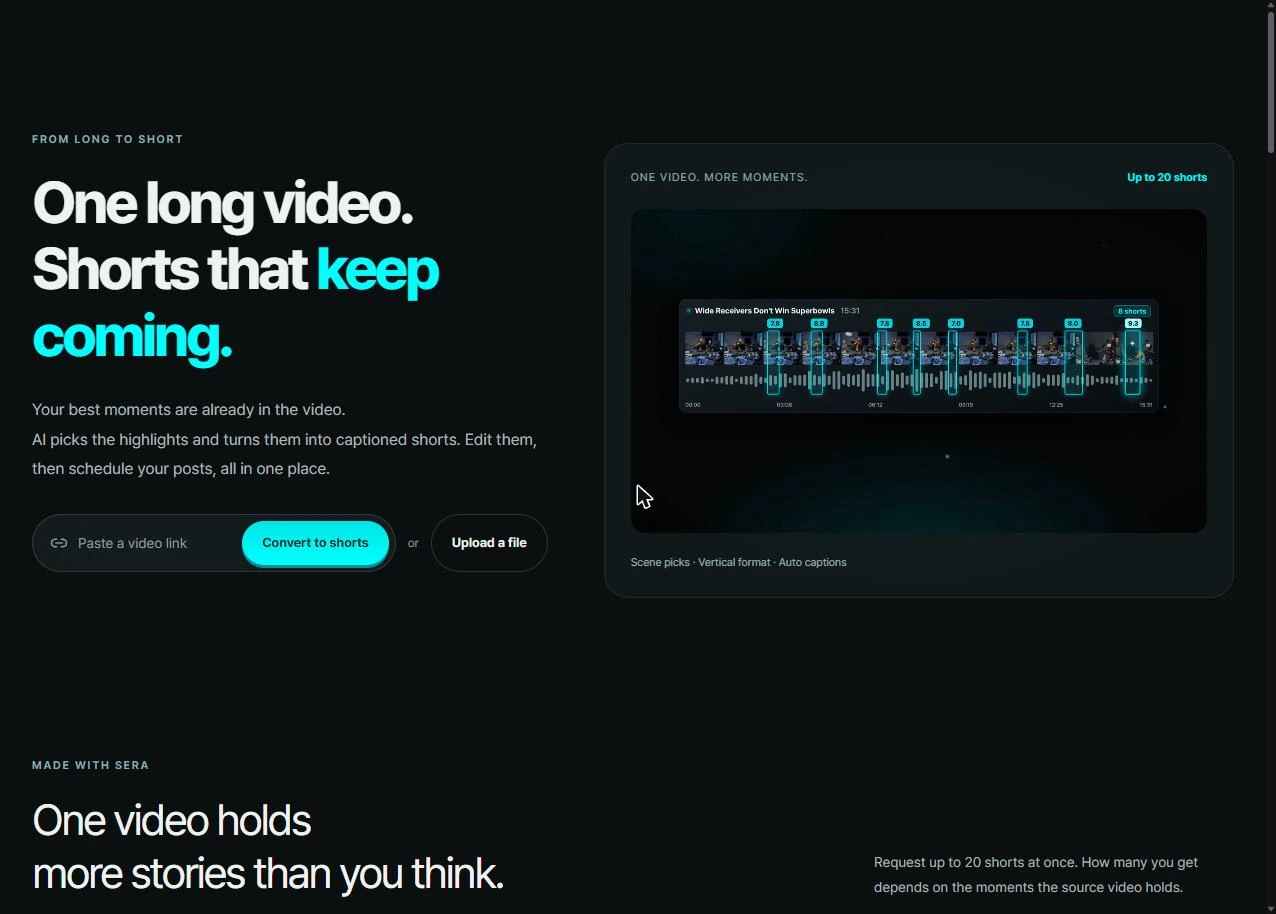
A long video holds a lot of short ones. Finding them by hand takes hours. Long to Short does the searching for you. You paste a YouTube link or upload a file and get back up to 20 shorts with captions timed word by word.
This guide covers what goes in, how the AI picks its moments, what you can edit and how posting works.
What goes in
Paste a YouTube link or upload a video file. Use only videos you have the rights to. If you filmed in several separate files you can merge them into one video first.
Some links will not import. In that case upload the file instead. A failed link import is not charged.
How it picks the moments
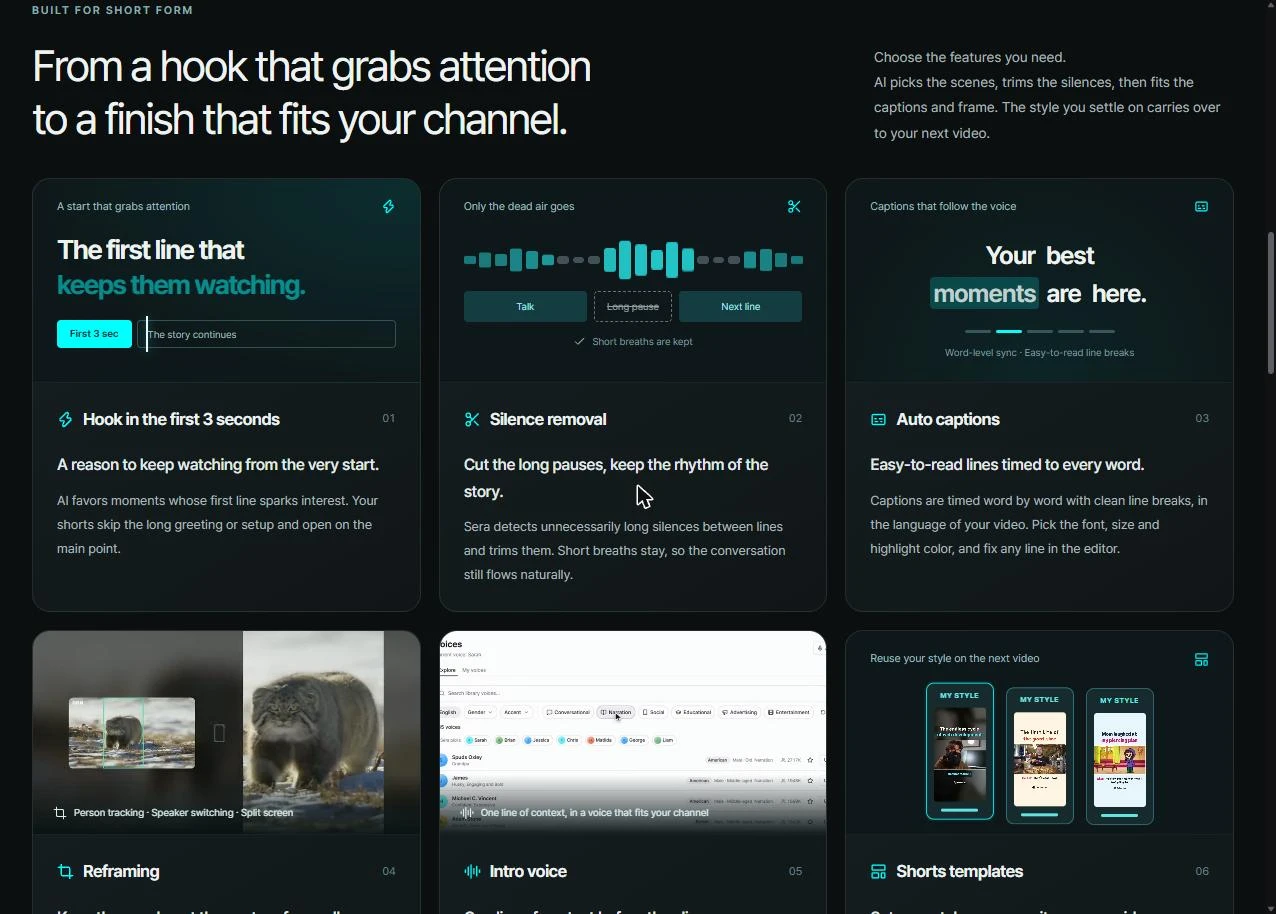
AI scene selection favors moments that open strong. It cuts at the end of a sentence or at a pause. Hook optimization starts a short on the main point instead of a greeting. Silence removal trims the long pauses and keeps the short breaths.
You get up to 20 shorts per request. The number depends on how long the source is and how many standalone sections it has, so it is often fewer than 20.
Captions and framing
Captions are timed word by word. You can change the font, the size and the highlight color. Reframing follows the speaker and offers split screen and picture-in-picture layouts. An intro voice can add one spoken line of context before the clip starts.
Templates save your caption, title and layout styles. Apply one and every batch looks the same.
Edit, then schedule
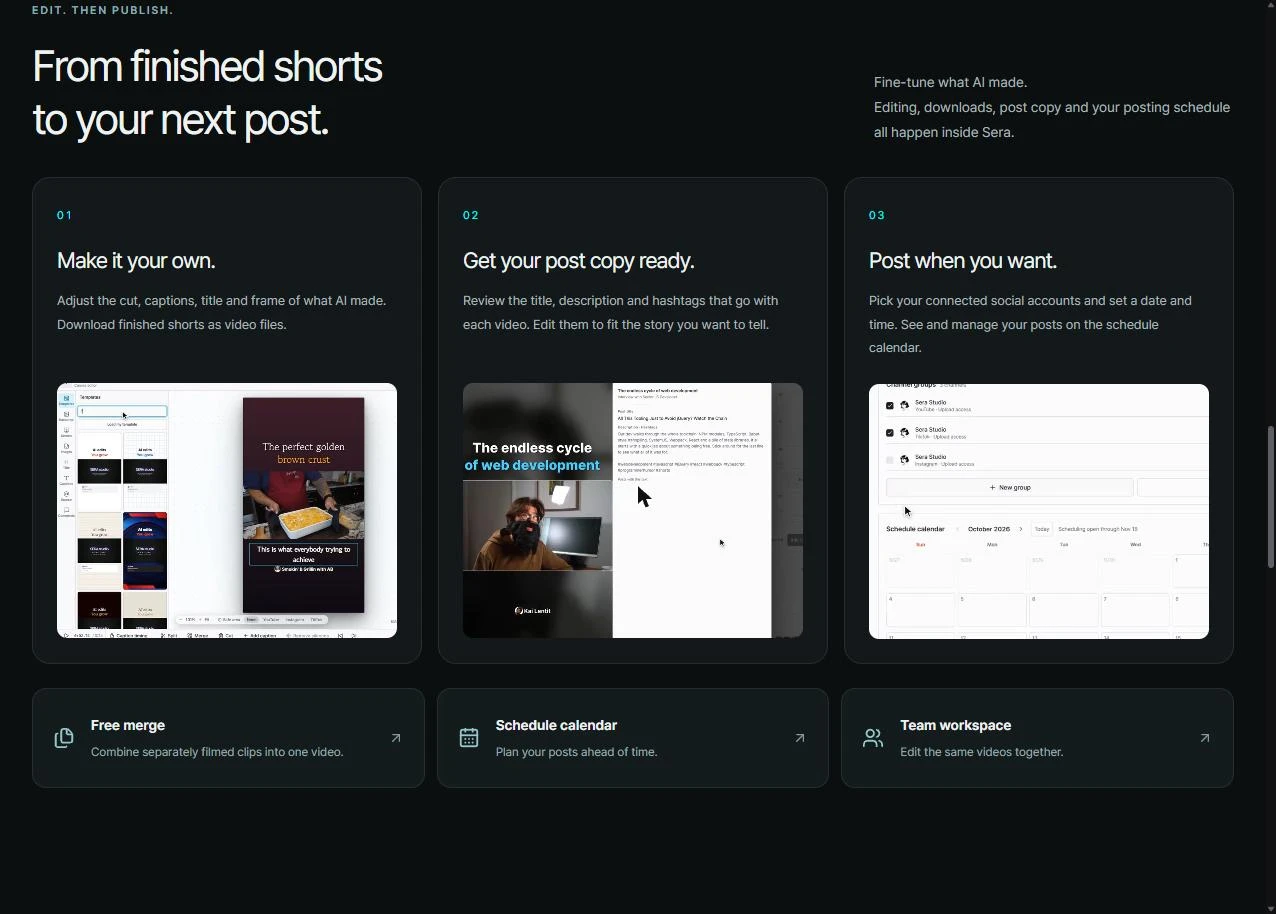
After the conversion you can adjust cuts, captions, titles and frames. You can also edit the title, description and hashtags for each short and download the videos.
To post, connect your social accounts and choose a date and time. Scheduled shorts are managed in a calendar. A team workspace lets other people edit the same shorts.
Where it fits
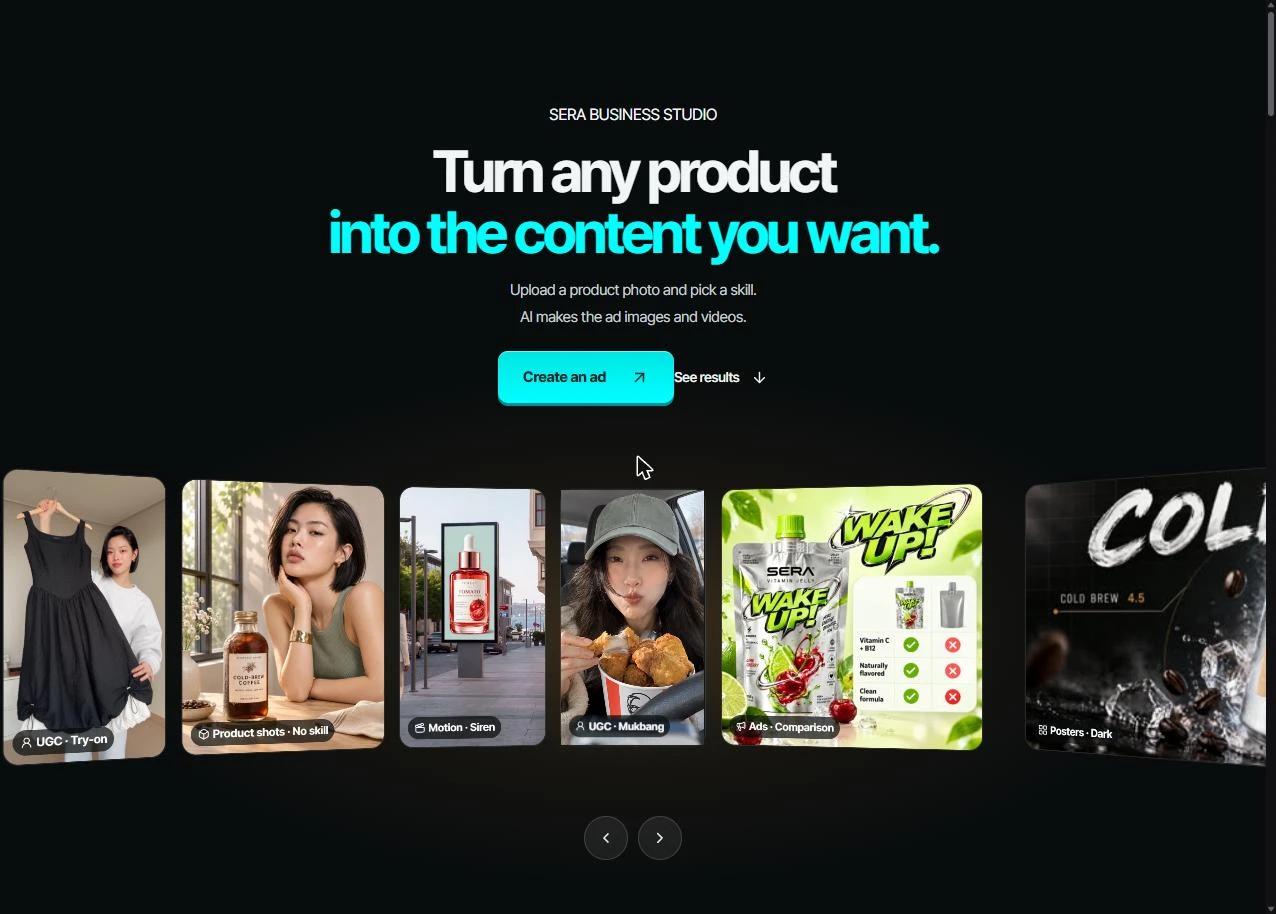
Long to Short works from video you already have. If you only have product photos, Business Studio makes the video for you instead. If you want shorts to go out on a fixed rhythm, you can schedule them in the calendar.
Start with one long video and see how many shorts come out of it.