Brand interviews
Your brand story, told in people’s own voices.
MADE FOR YOUR NEXT STORY
Find the scenes you want to share in interviews and brand videos. Your team polishes them together and plans posts for each channel, all in one place.
No card required · 60 free credits when you sign up
Made with Sera Studio from YouTube videos licensed under CC BY: “The Creamiest Mac and Cheese You've Ever Tasted!” by Smokin' & Grillin with AB, “Pro Hairdresser Reviews The Dyson Airwrap Again 3 Years Later” by Brad Mondo, “IMPOSSIBLE "SUPER SAVAGE" DEEP DISH PIZZA CHALLENGE | Austin Texas” by Joel Hansen.
MORE FROM WHAT YOU CREATE
Your brand story, told in people’s own voices.
Features and what it’s like to use them, in short scenes.
Messages captured at the event, turned into your next content.
FROM YOUR VIDEO TO WHAT’S NEXT
The workflow on real app screens.
Scroll through it step by step.
Upload interview and on-site video files. AI reads the whole context and picks the scenes to use as shorts.
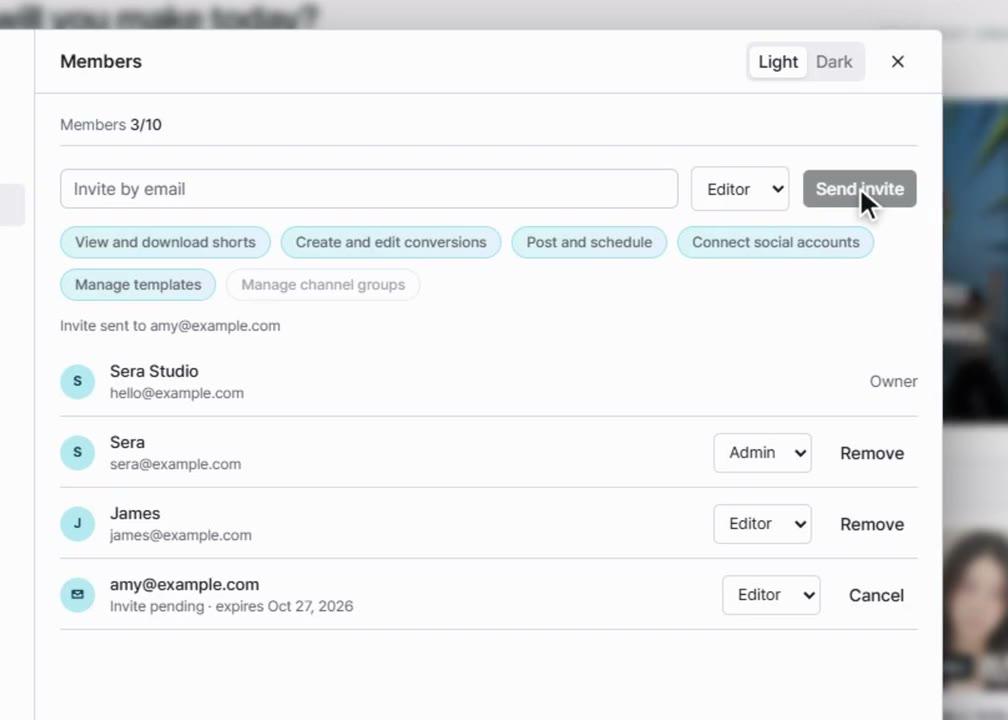
More about free mergeInvite teammates to review videos together. Refine captions and framing in a shared workspace.
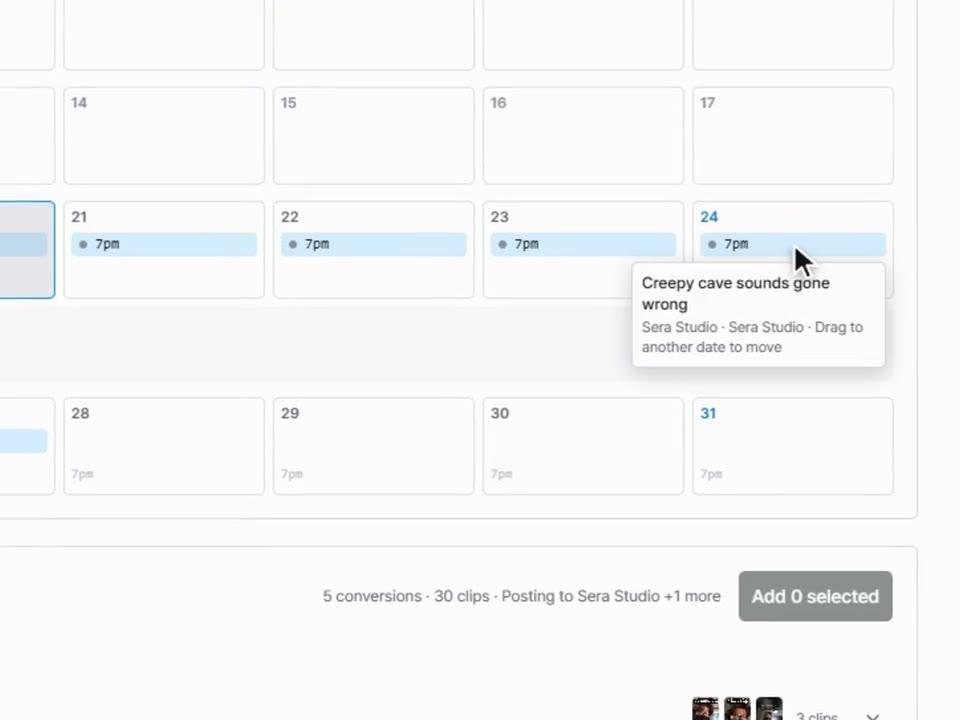
About team workspacesPick the social accounts to post to and check the dates and copy. You can also group each brand’s accounts into a channel group.
About the schedule calendarTHE TOOLS BEHIND YOUR STORY
Use channel groups to collect social accounts by brand. When you post, pick the channel group for that brand.
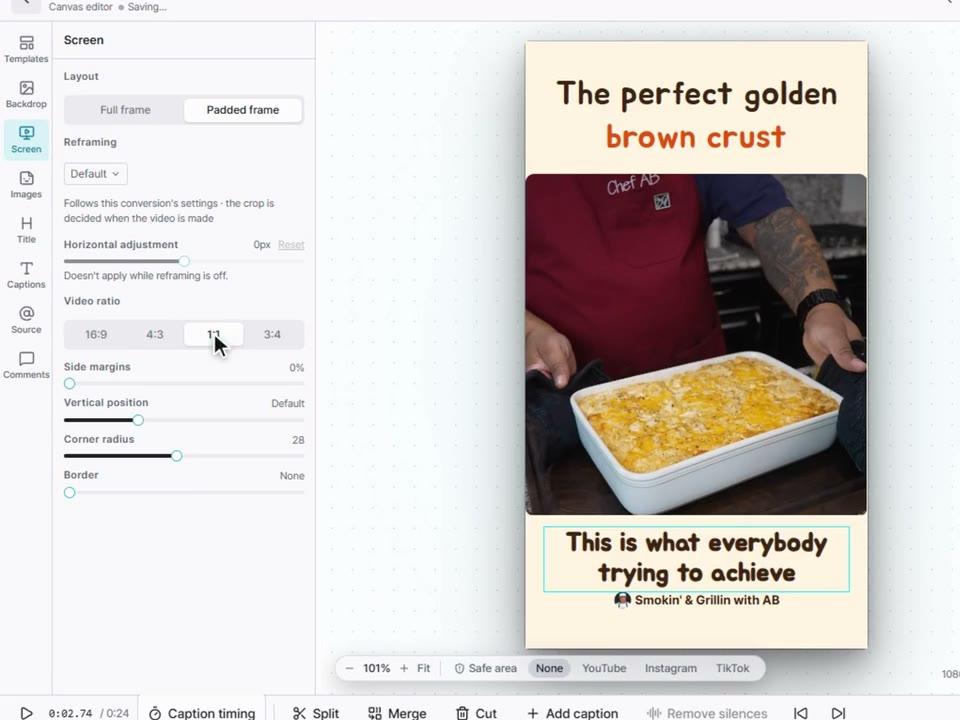
Set your logo, font, color and caption position in the editor. Save the settings you use often as a template and apply them again.
You can request up to 20. The number you actually get depends on the length of the original video and how many usable sections it has.
Sign up without a card and try Long to Short with 60 credits. The credits you need depend on the length of the video and how you add it.
MAKE YOUR NEXT MOVE
Make your first short today from a video you already have.