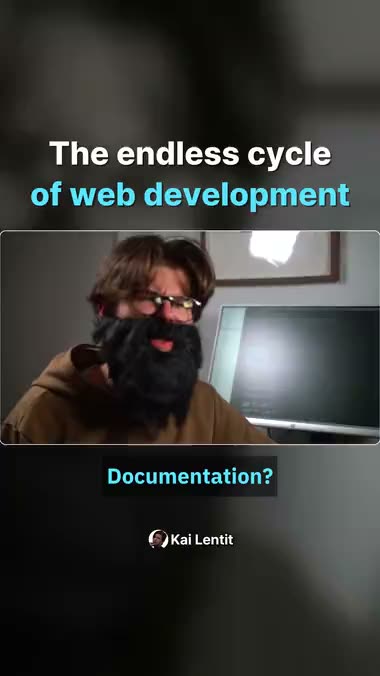
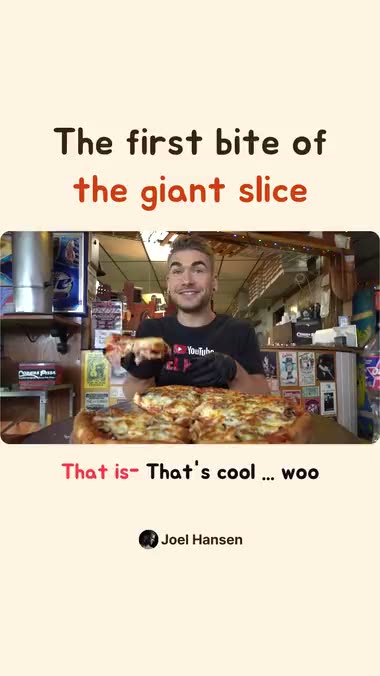
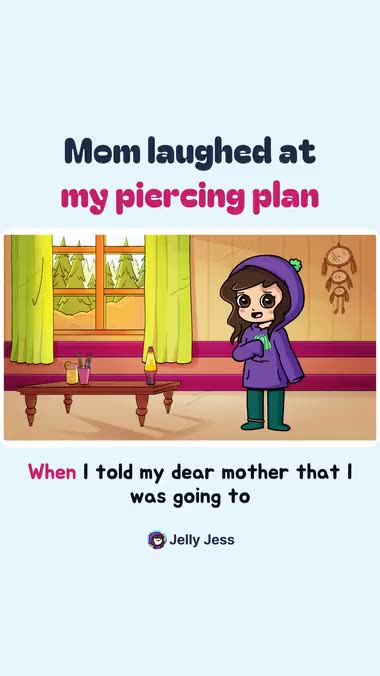
Hook in the first 3 seconds
01A reason to keep watching from the very start.
AI favors moments whose first line sparks interest. Your shorts skip the long greeting or setup and open on the main point.
FROM LONG TO SHORT
Your best moments are already in the video.
AI picks the highlights and turns them into captioned shorts. Edit them, then schedule your posts, all in one place.
No card required · 60 free credits when you sign up
MADE WITH SERA
Request up to 20 shorts at once. How many you get depends on the moments the source video holds.
BUILT FOR SHORT FORM
Choose the features you need.
AI picks the scenes, trims the silences, then fits the captions and frame. The style you settle on carries over to your next video.
A reason to keep watching from the very start.
AI favors moments whose first line sparks interest. Your shorts skip the long greeting or setup and open on the main point.
Cut the long pauses, keep the rhythm of the story.
Sera detects unnecessarily long silences between lines and trims them. Short breaths stay, so the conversation still flows naturally.
Easy-to-read lines timed to every word.
Captions are timed word by word with clean line breaks, in the language of your video. Pick the font, size and highlight color, and fix any line in the editor.
Keep the speaker at the center of a small screen.
Sera tracks people and adjusts the vertical frame as the speaker changes. To show several people together, choose split screen or picture-in-picture.
More about reframingOne line of context before the clip.
Viewers first hear the one line they need to follow the scene. Your clip starts after the intro, so the voice never talks over the original audio.
More about intro voiceSet your style once, use it on every video.
Save caption, title and layout styles as a template. Load the same style on your next conversion to keep your channel's look.
EDIT. THEN PUBLISH.
Fine-tune what AI made.
Editing, downloads, post copy and your posting schedule all happen inside Sera.
Adjust the cut, captions, title and frame of what AI made. Download finished shorts as video files.
Review the title, description and hashtags that go with each video. Edit them to fit the story you want to tell.
Pick your connected social accounts and set a date and time. See and manage your posts on the schedule calendar.
GOOD TO KNOW
New accounts get 60 credits once at sign-up, so you can try Long to Short without adding a card. The credits a video needs are shown before you start. If you need more videos, compare credit packs on the pricing page.
Paste a YouTube link, pick a file from Google Drive, or upload a video file. Use videos you have the rights to. If you filmed several separate files, merge them into one video for free, then convert it.
Up to 20 per request. The actual number depends on the length of the source video and how many sections stand on their own, so you won't always get the maximum. You can set the number yourself, but if fewer good sections exist, you get fewer.
It reads everything said in the video and finds the parts most likely to hold attention. It cuts at the ends of sentences and at pauses so no one is cut off mid-sentence, and you can adjust each cut after reviewing the result.
Upload the video file on the same screen and keep going. No credits are charged for a link that could not be imported. File uploads get a 20% discount compared with links.
Start with one video you made.
See pricing