
SERA BUSINESS STUDIO
Turn any product
into the content you want.
Upload a product photo and pick a skill.
AI makes the ad images and videos.
RECREATE ANY TEMPLATE
Love a result?
Make it with your product.
Pick a template and add your product photo. You get the same scene and mood with your product in it. For templates with a person, you can swap the avatar too.
Get started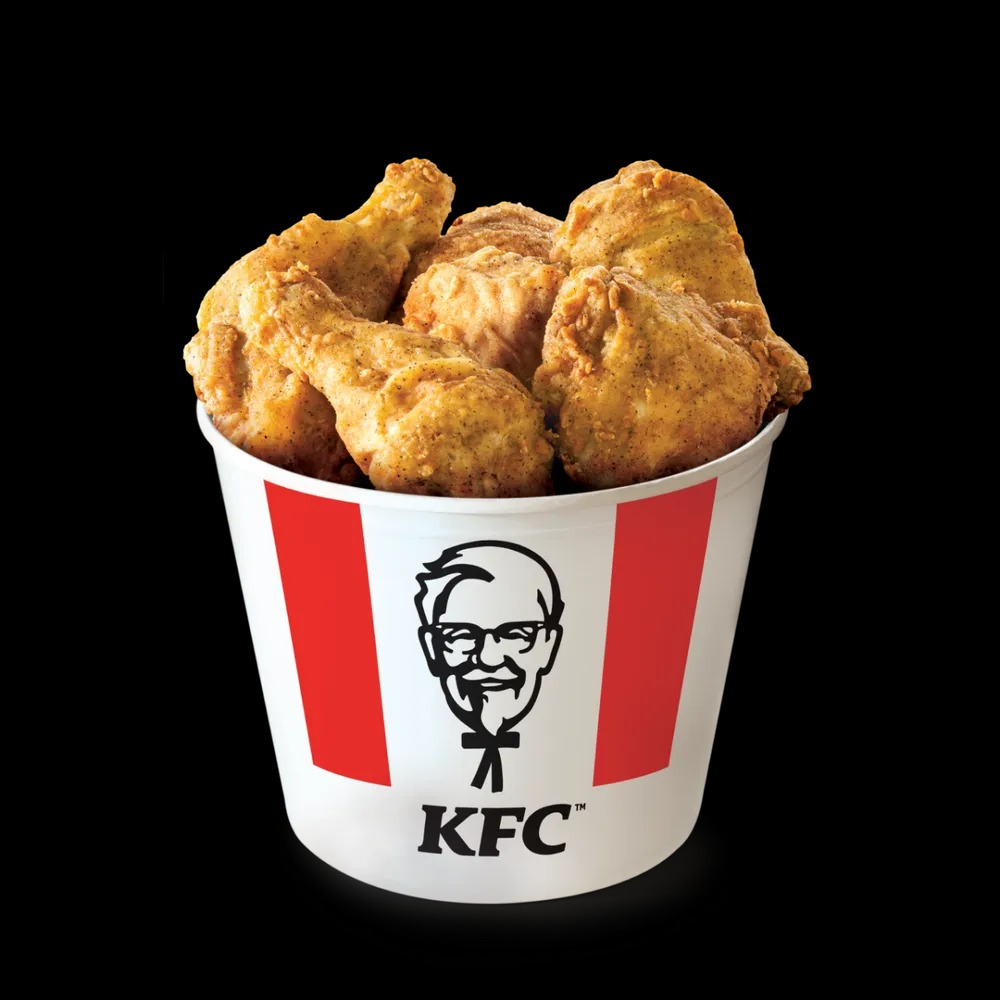 Required
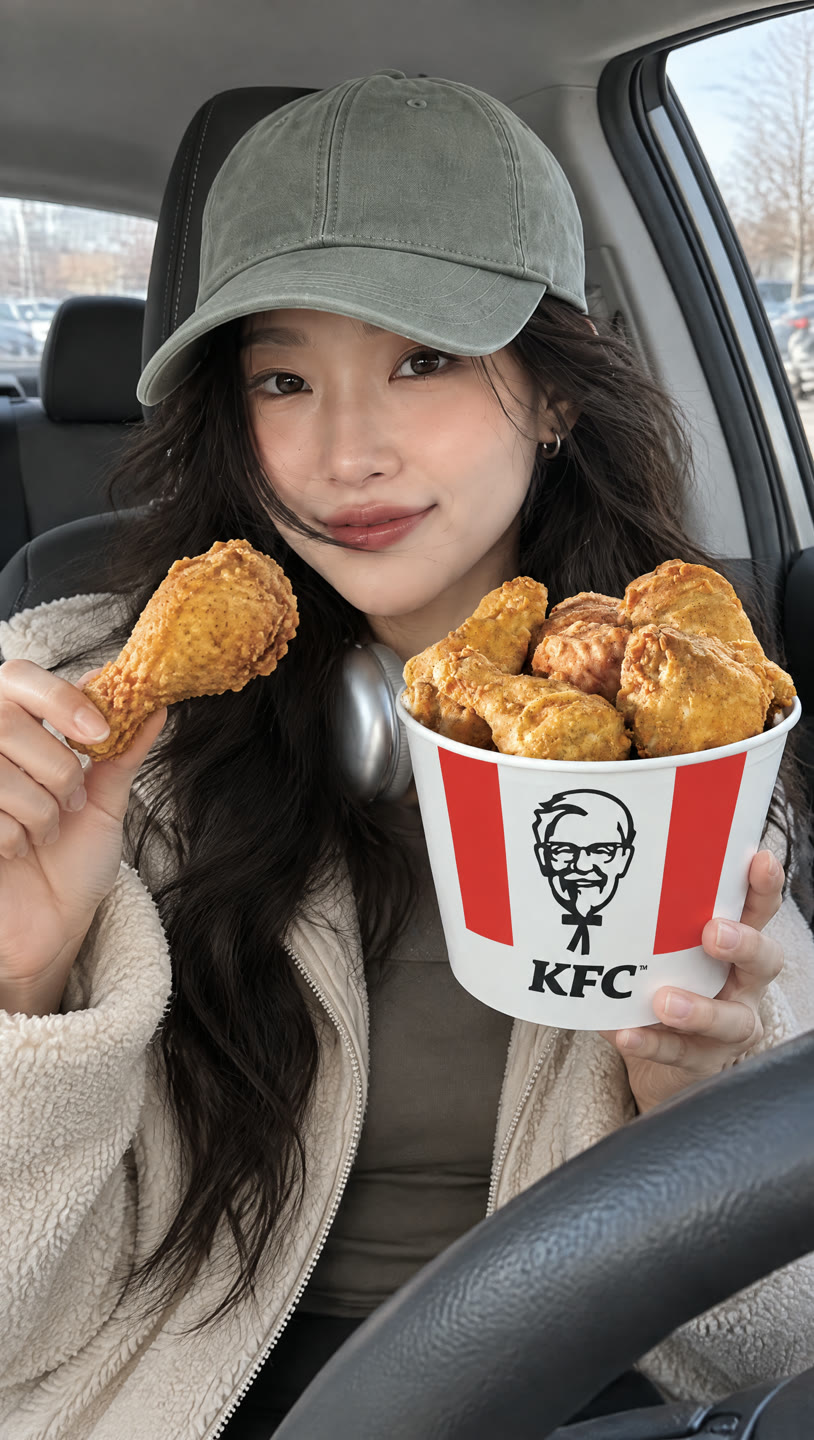 Optional
AVATARS
Pick the face
that presents your product.
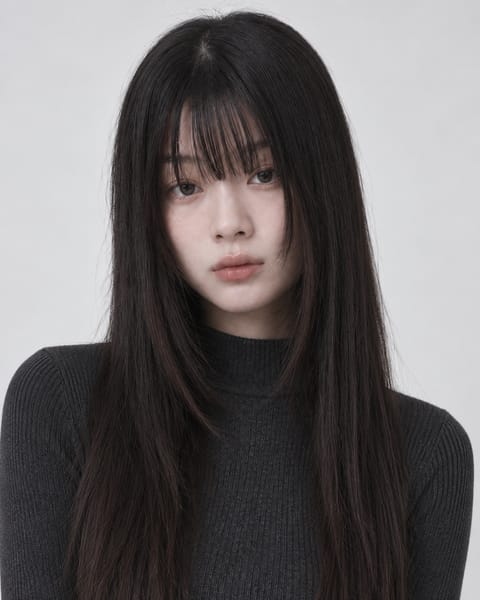
Choose from 15 built-in avatars or add your own.
The avatar you pick appears in UGC videos and in images with a person.
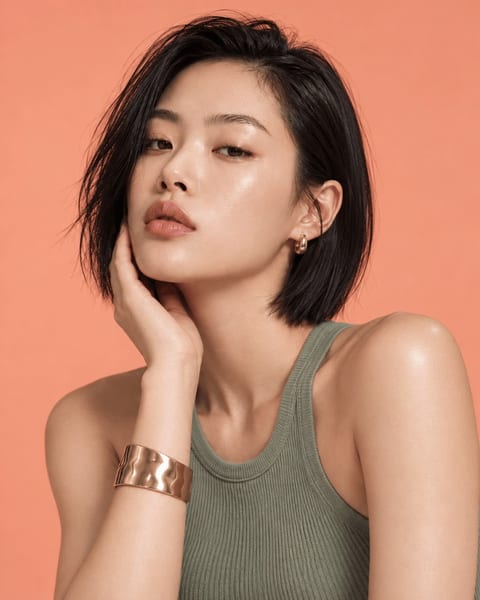 Seoa
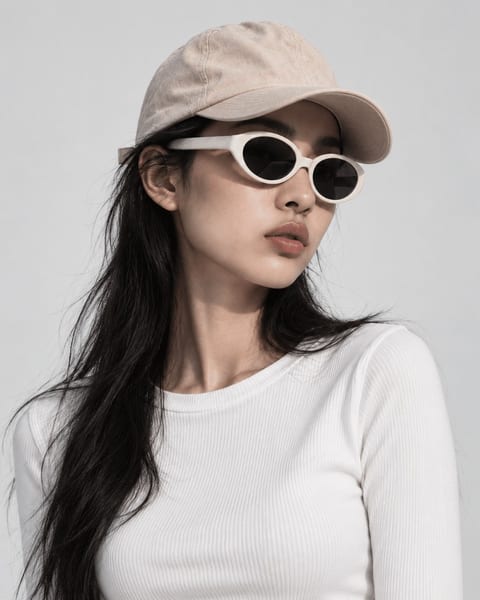 Harin
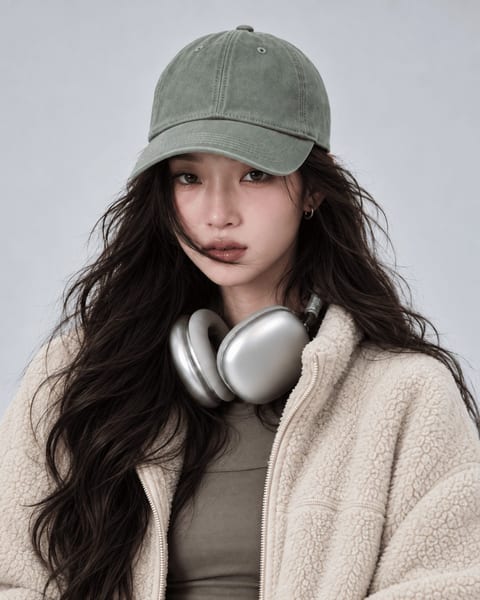 Jiu
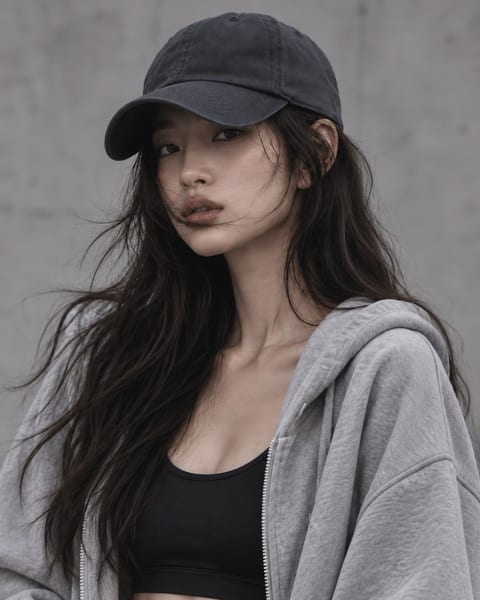 Yuna
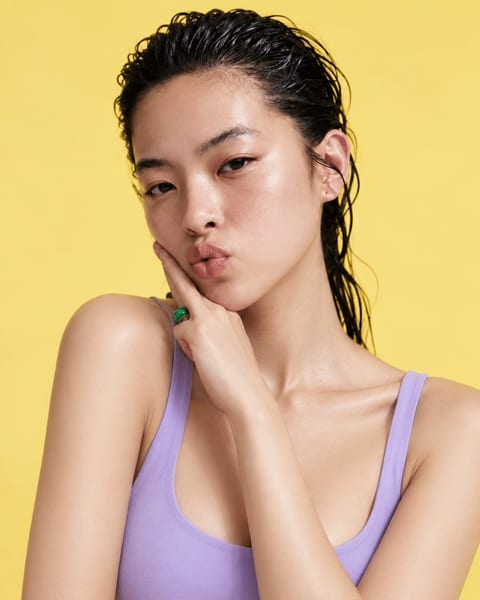 Sua
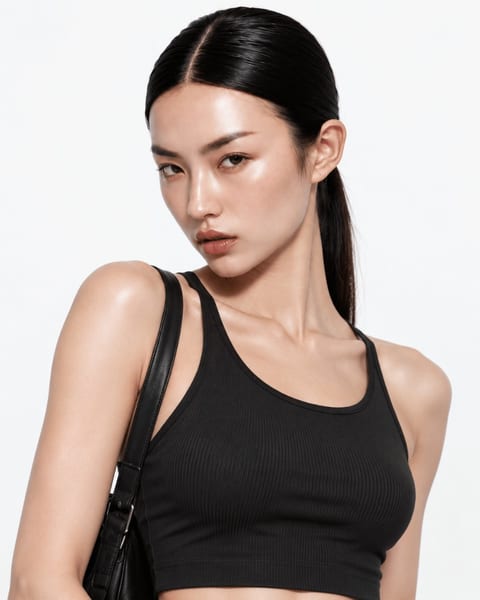 Minji
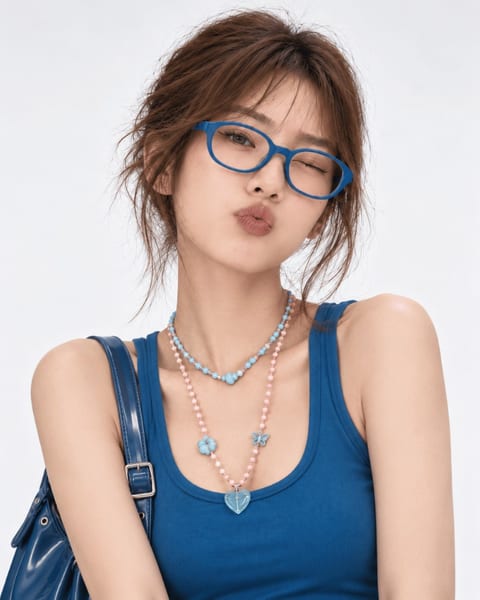 Daeun
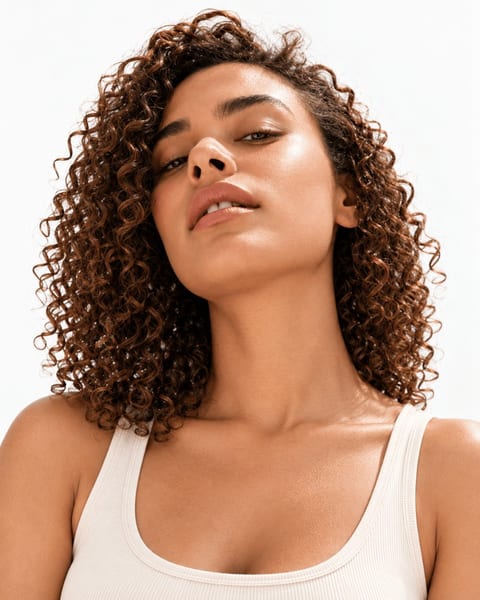 Maya
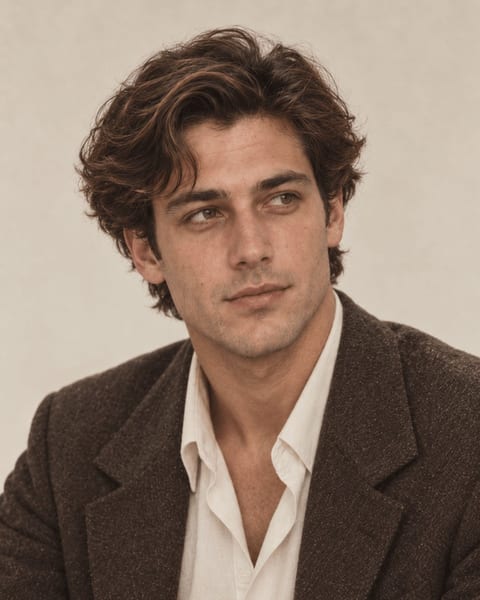 90sNoah
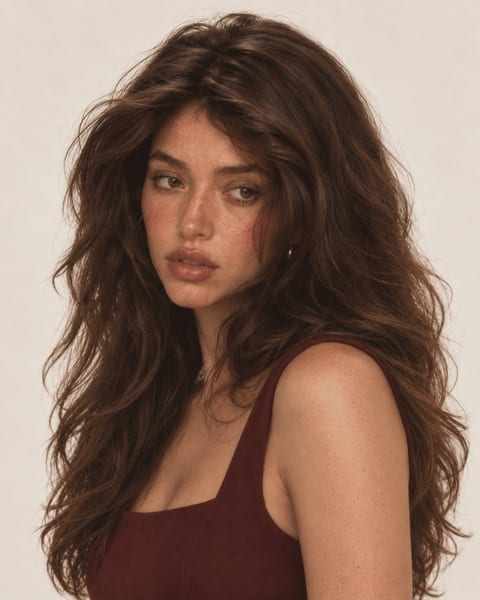 90sChloe
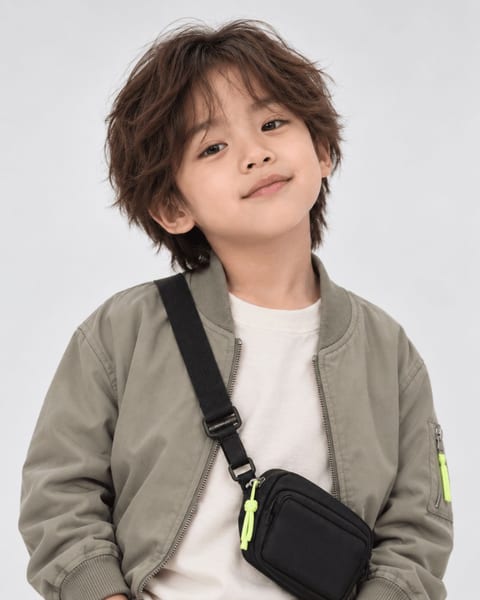 Garam
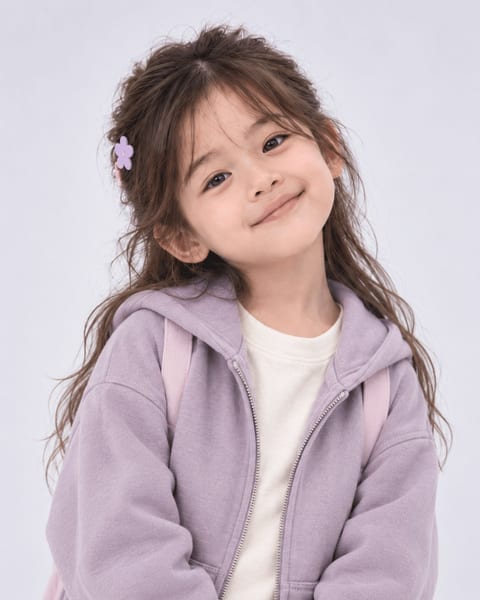 Yeonhwa
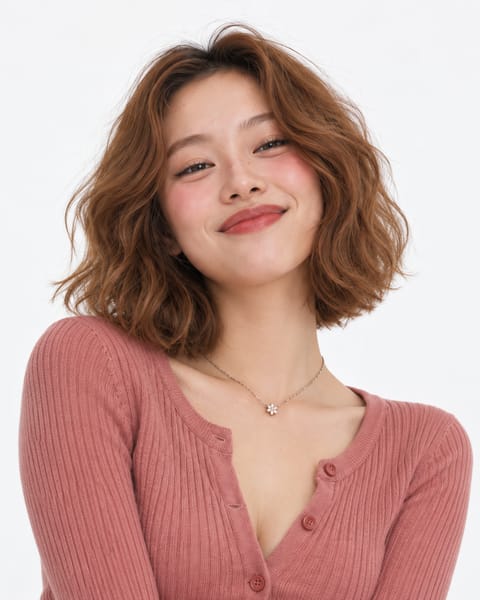 Bomi
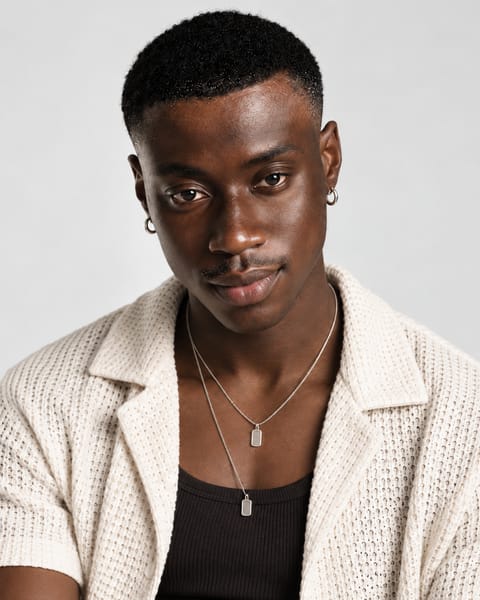 Marcus
 Yunseul
VIDEO SKILLS
From reviews to unboxings,
pick a skill.
Each skill comes with its own shot list.
Add a product photo and get a video that follows it.
TEMPLATES
Start from
a template.
Open any result to see the product and avatar that went into it.
Then make your own with the same setup.
GOOD TO KNOW
Before you start.
What kind of photo works best?
A photo where the product is clear and the text on the packaging is readable. AI draws a new background to match the skill you pick.
Where can I post what I make?
Download it and post anywhere: Instagram, YouTube Shorts, TikTok and more. Connect your social accounts to post videos straight from Sera or schedule them.
Can my ads feature a person?
Pick a UGC skill and an AI person shows off your product on camera. Product shots also have skills where an AI person appears with your product.
Can I use video I shot myself?
Business Studio works from product photos. For video you shot, try Long to Short: it finds the best moments and adds captions.
YOUR NEXT PROMOTION
Your next ad starts here.
Start now with a single product photo.
Open Business Studio