Interviews
The scene where a guest’s thinking comes through.
MADE FOR YOUR NEXT STORY
Find stories worth telling again in interviews and broadcast archives. AI picks the scenes, and your team checks the context and captions before they go out as shorts.
No card required · 60 free credits when you sign up
Made with Sera Studio from YouTube videos licensed under CC BY: “What Watches do Strangers in Tokyo Wear? - Street Interview” by The Japanese Factory, “Wide Receivers Don't Win Superbowls | Charlamagne Tha God and Andrew Schulz” by Brilliant Idiots, “Interview with Senior JS Developer” by Kai Lentit.
MORE FROM WHAT YOU CREATE
The scene where a guest’s thinking comes through.
Stories worth bringing back now.
Footage spread across several files, put into one sequence.
FROM YOUR VIDEO TO WHAT’S NEXT
The workflow on real app screens.
Scroll through it step by step.
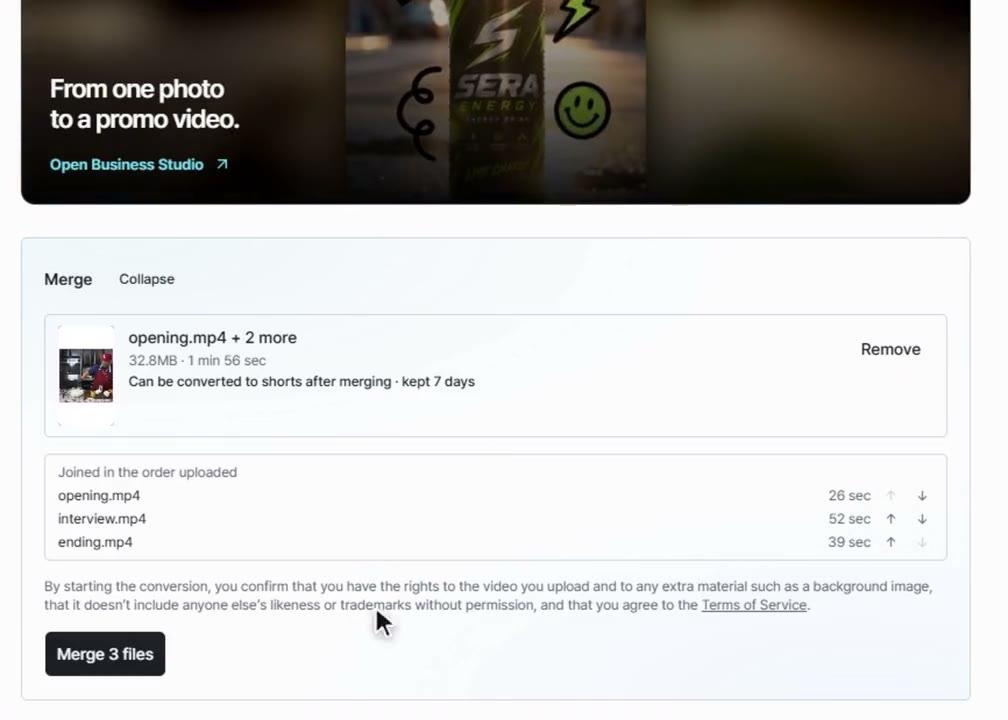
Add a broadcast file or a link to a video you own. If it’s saved in parts, put the files in order and merge them into one video.
More about free mergeReview what comes before and after each scene AI picked. Check the names of people and places and the caption wording, and fix anything that needs it.
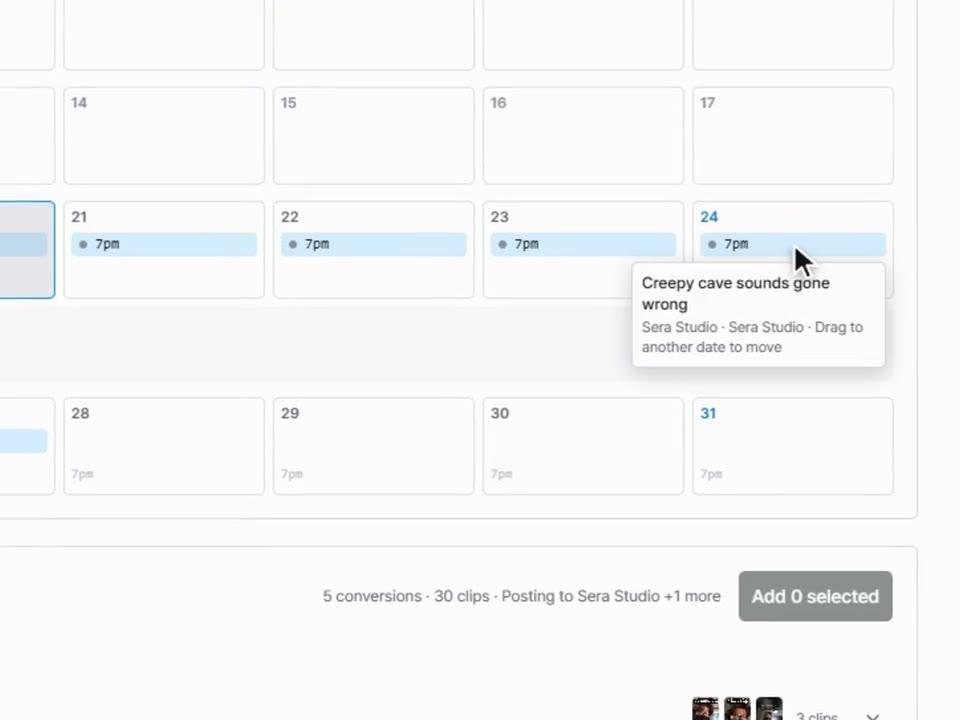
More about editingReview the video and its post copy together. Set a posting time for each social account and check the status afterward.
About the schedule calendarTHE TOOLS BEHIND YOUR STORY
Yes. It reads what’s said and how the video flows, then picks sections to use as shorts. Before posting, check the content and captions yourself in the editor.
Edit the captions directly in the editor. If the same word appears many times, fix every instance at once with find and replace.
You can request up to 20. The number you actually get depends on the length of the original video and how many usable sections it has.
Sign up without a card and try Long to Short with 60 credits. The credits you need depend on the length of the video and how you add it.
MAKE YOUR NEXT MOVE
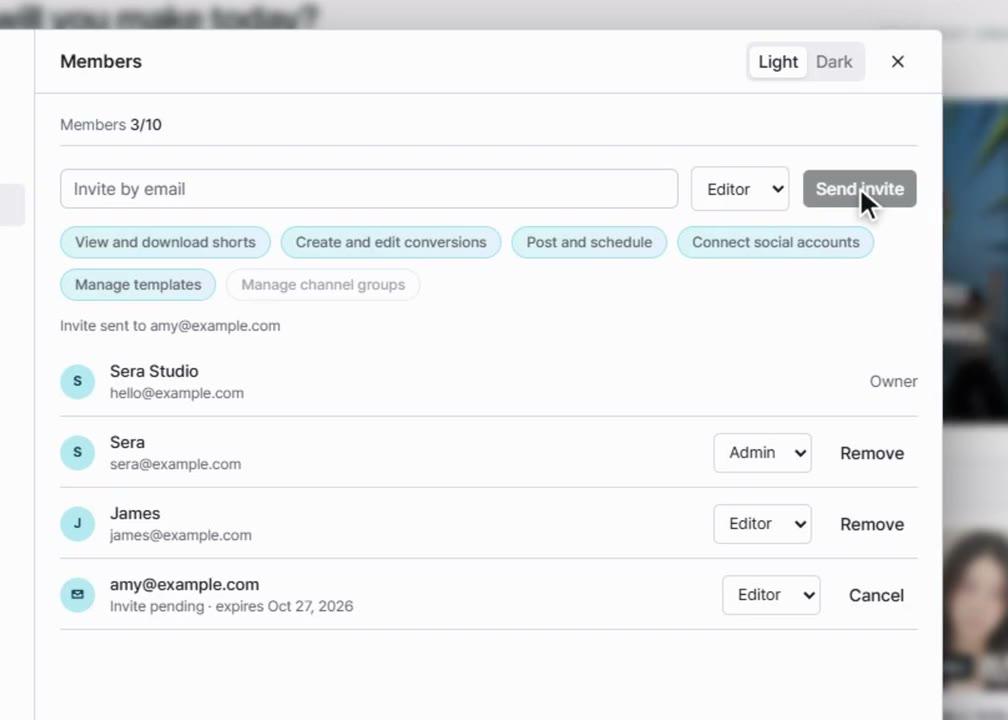
Start with one video, or ask us how Sera can work for your team.