Vlogs
The moments from your day worth watching again.
MADE FOR YOUR NEXT STORY
AI finds the best moments in your long vlogs and reviews and turns them into captioned shorts, so you can spend more time on the next shoot.
No card required · 60 free credits when you sign up
Made with Sera Studio from YouTube videos licensed under CC BY: “Pro Hairdresser Reviews The Dyson Airwrap Again 3 Years Later” by Brad Mondo, “I Built a SECRET Room You'd Never Find!” by Stokes Twins, “trying a tiktok makeup tutorial (supermodel look)” by Avrey Ovard.
MORE FROM WHAT YOU CREATE
The moments from your day worth watching again.
What you thought after trying it, short and clear.
A relatable scene from a long conversation.
FROM YOUR VIDEO TO WHAT’S NEXT
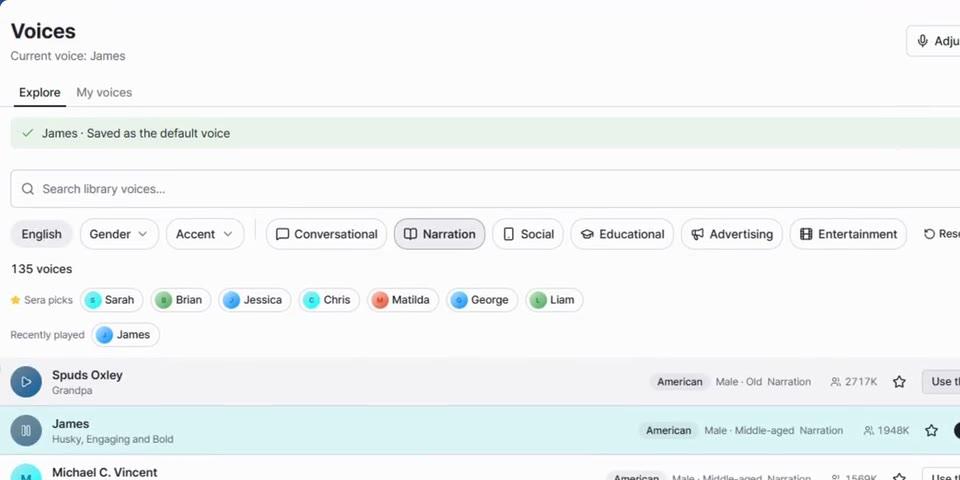
The workflow on real app screens.
Scroll through it step by step.
Paste a link to your YouTube video or add a file. If you filmed in parts, merge the files into one video for free.
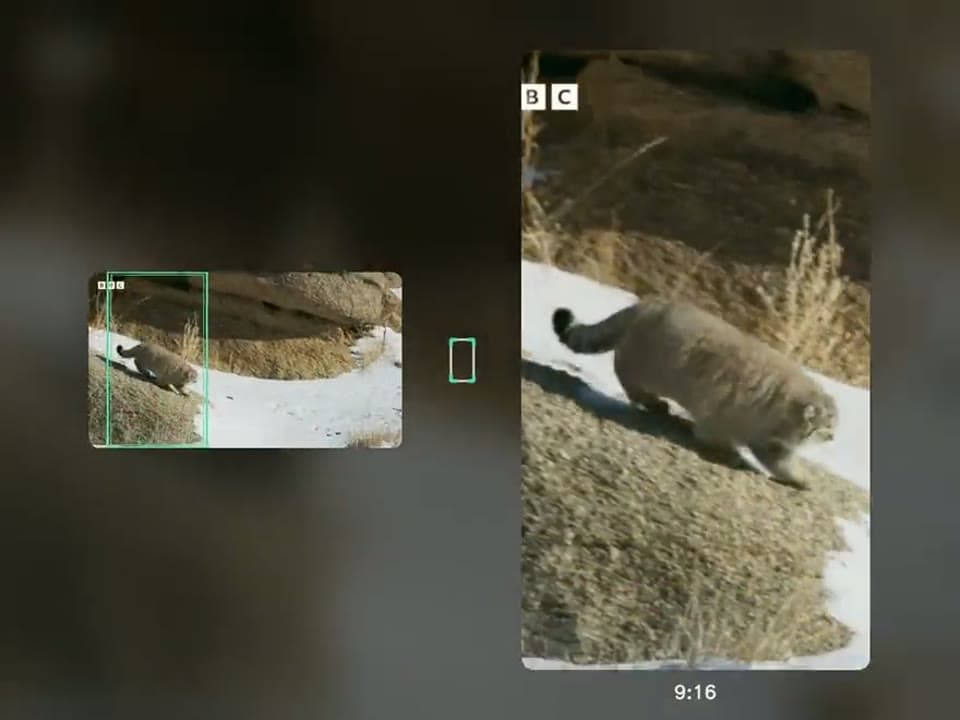
More about free mergeReview the sections AI picked and edit the titles and captions. You also choose the aspect ratio and where the captions go.
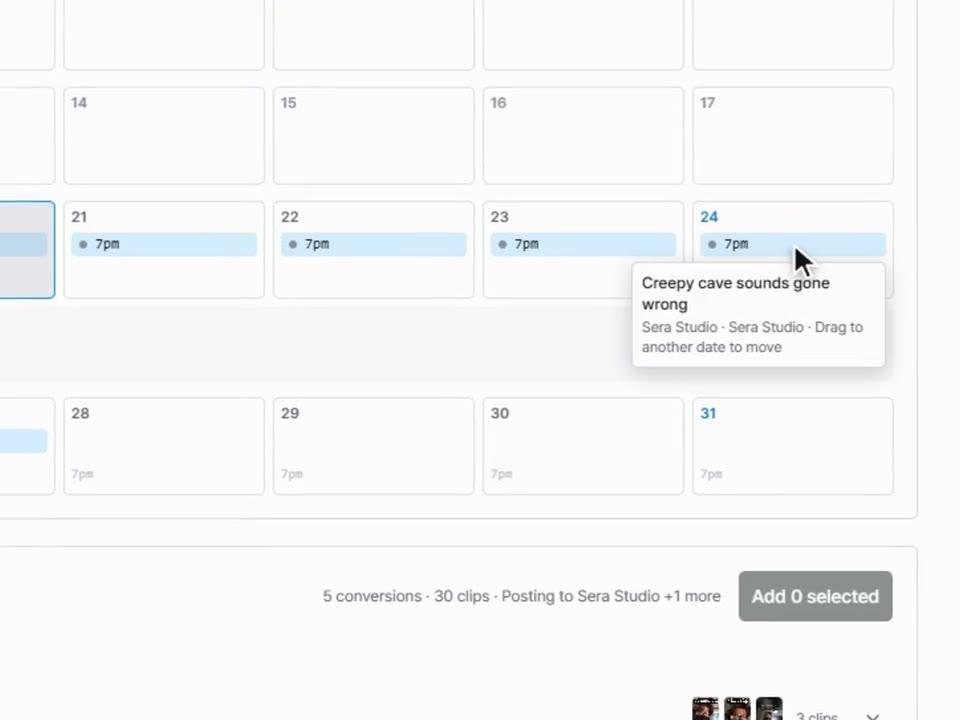
More about editingSchedule finished shorts to your social accounts. Collect your videos and post them on the days you choose.
About the schedule calendarTHE TOOLS BEHIND YOUR STORY
Yes. Upload the video file directly. If you filmed several separate files, use free merge to put them in order and join them into one video, then convert it.
Save the settings you use often, like font, color and caption position, as a template. Then apply them to your next video.
You can request up to 20. The number you actually get depends on the length of the original video and how many usable sections it has.
Sign up without a card and try Long to Short with 60 credits. The credits you need depend on the length of the video and how you add it.
MAKE YOUR NEXT MOVE
Make your first short today from a video you already have.