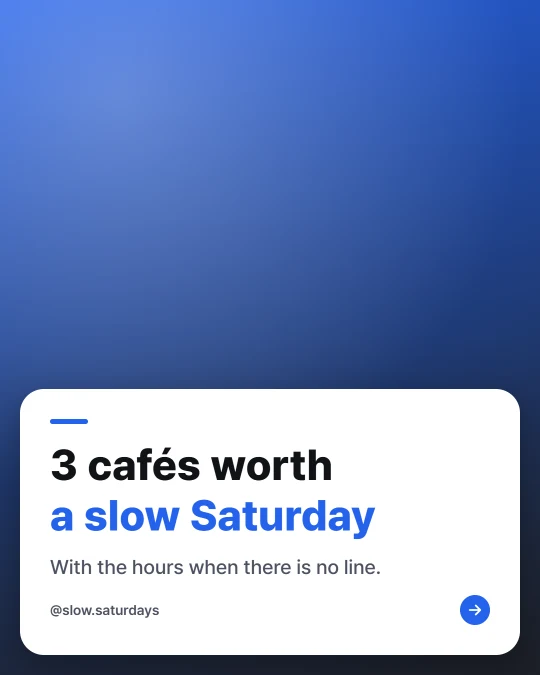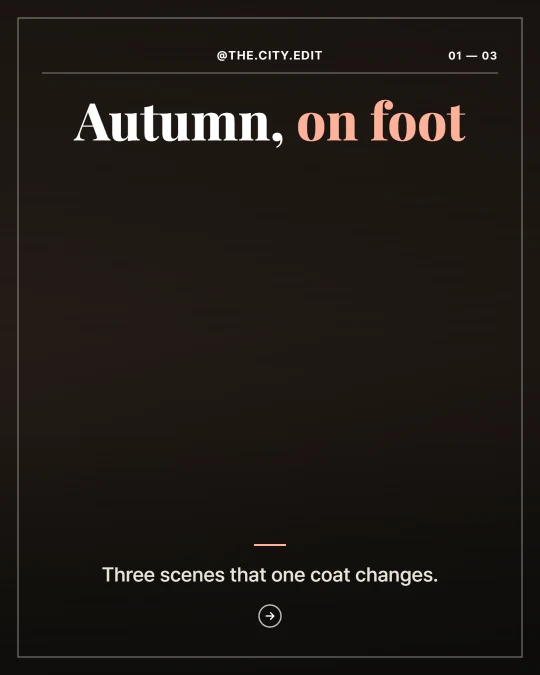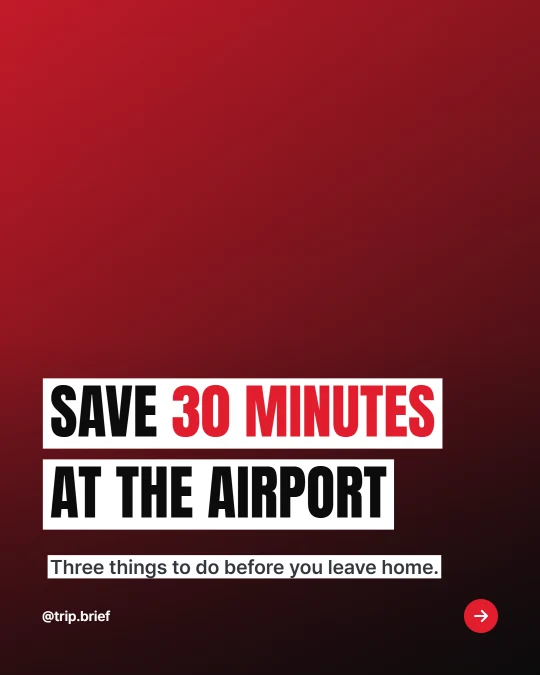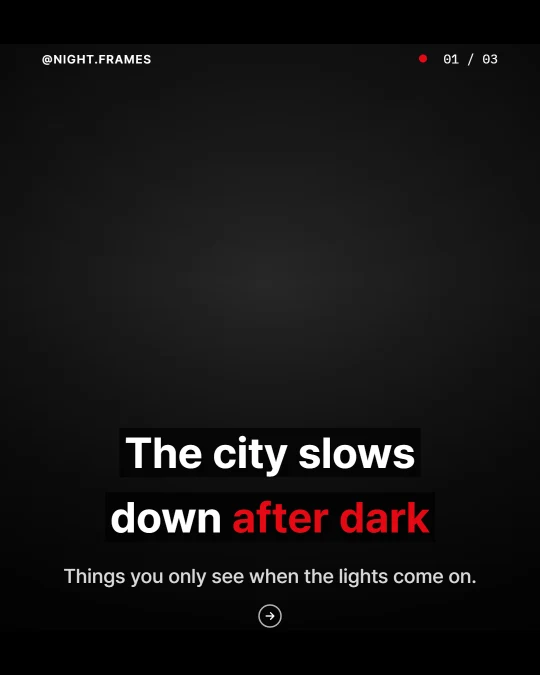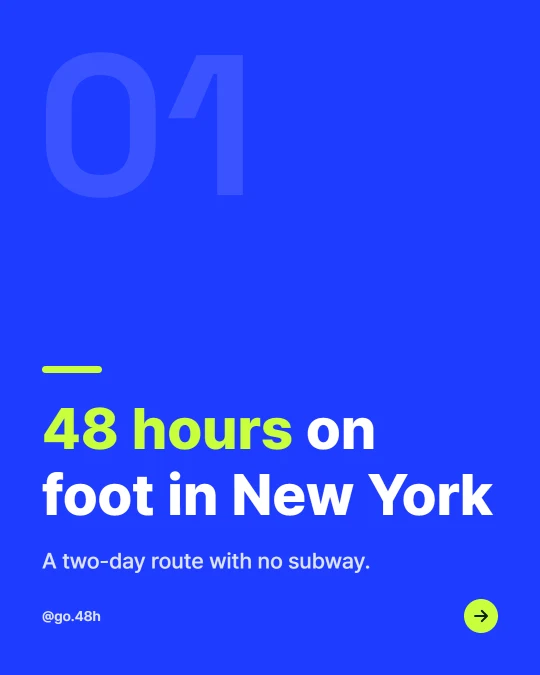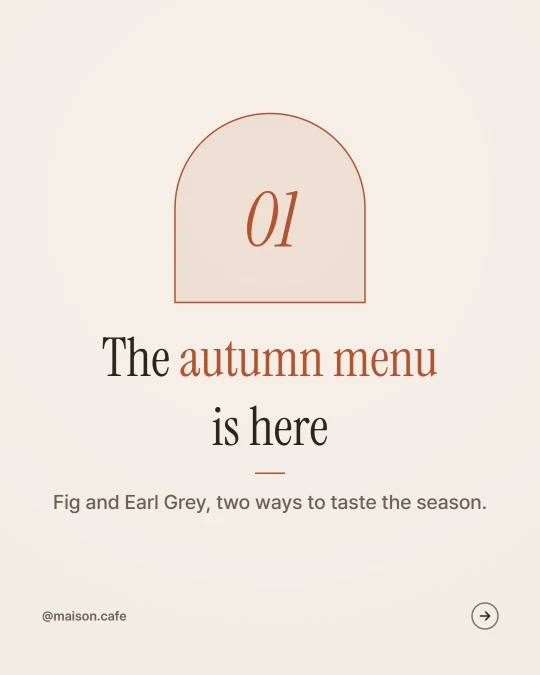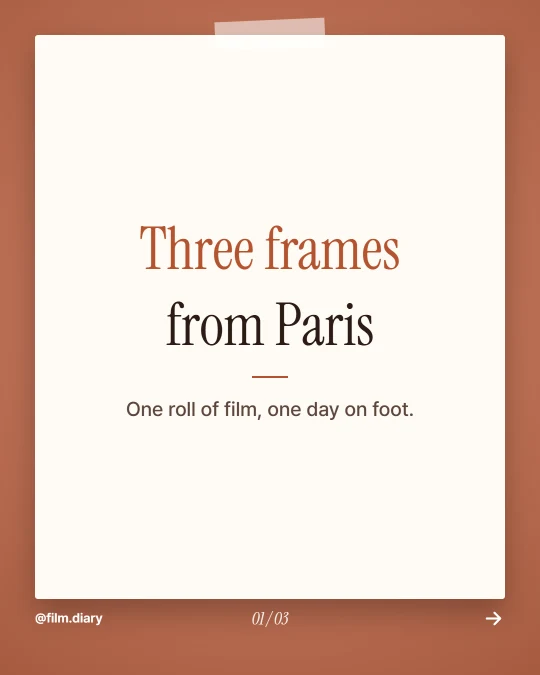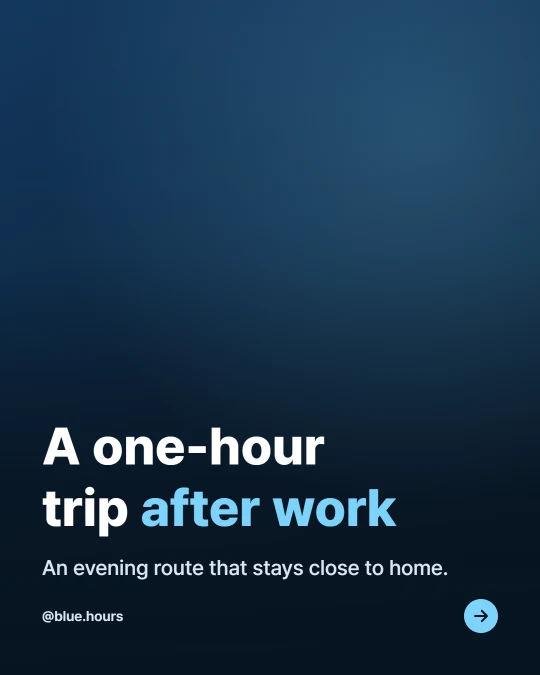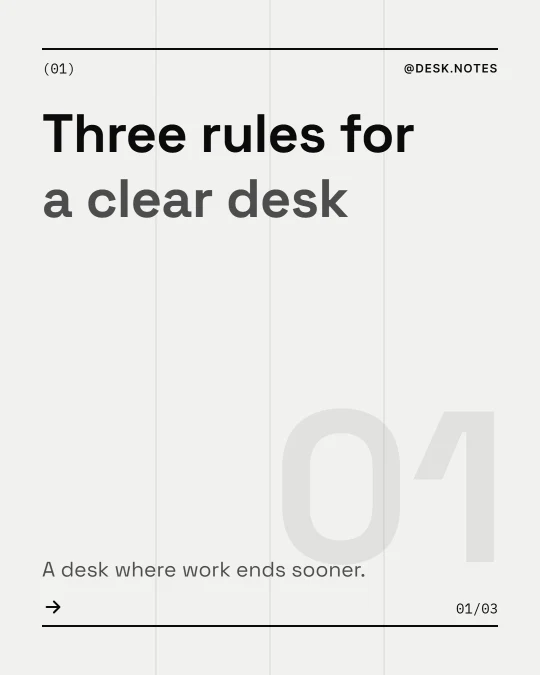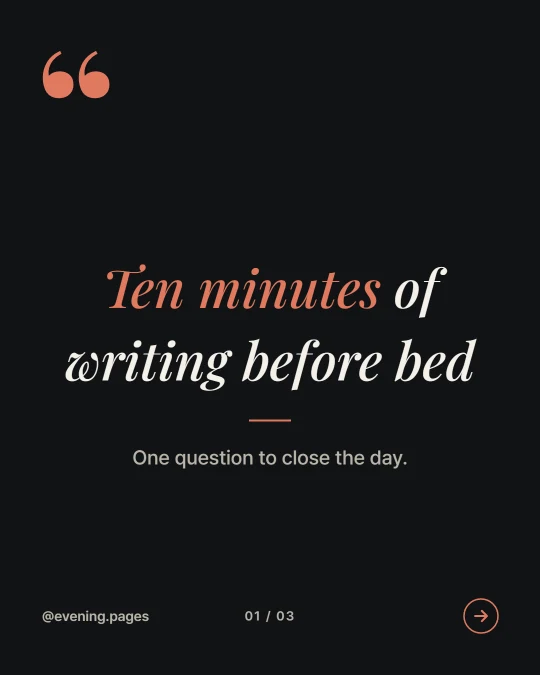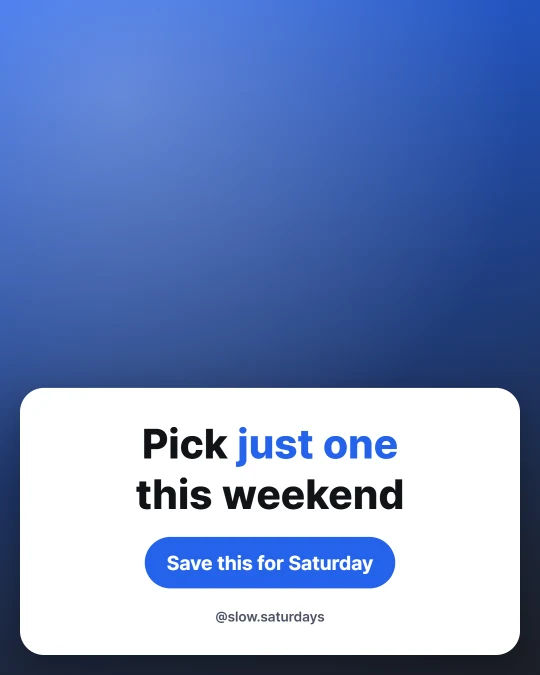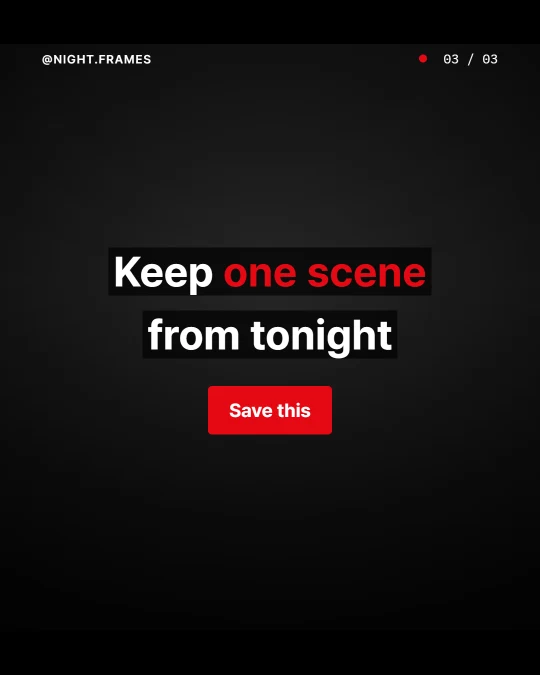



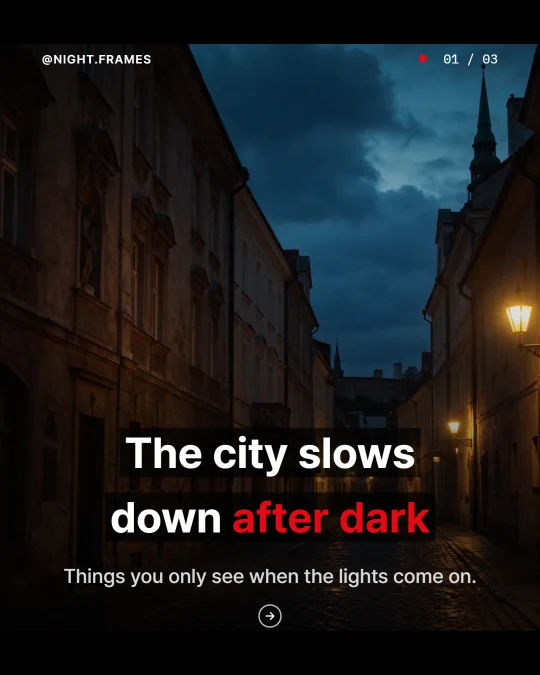
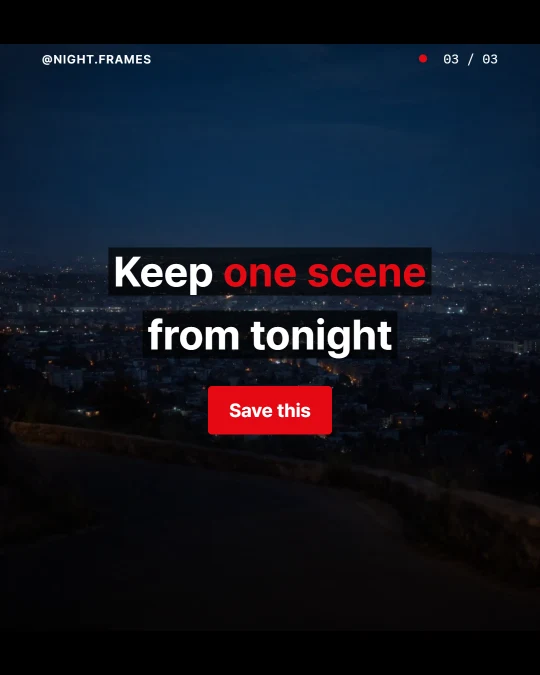
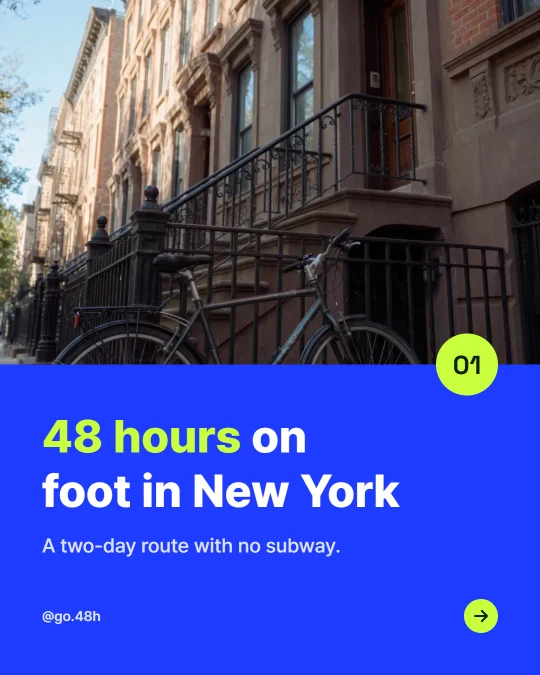

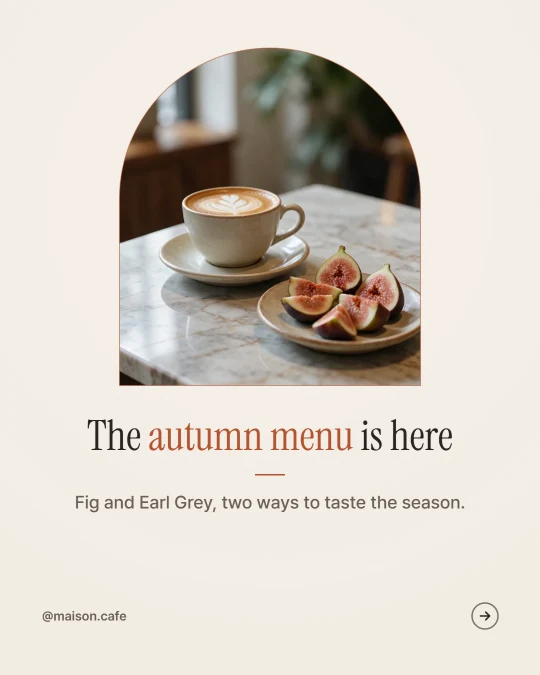


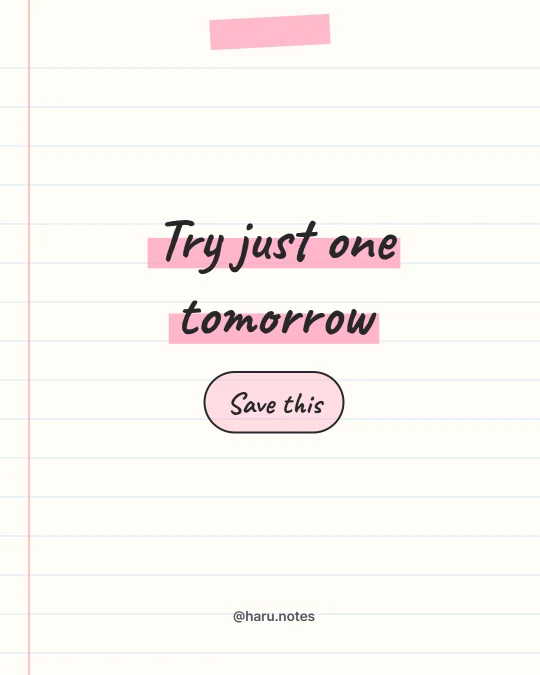
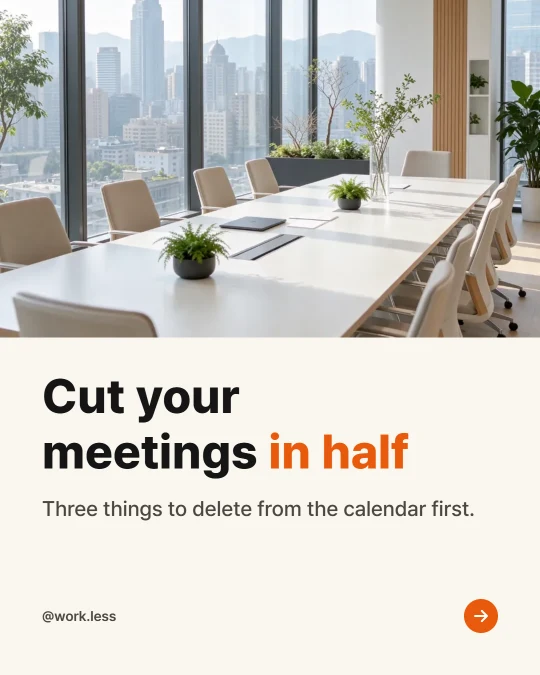

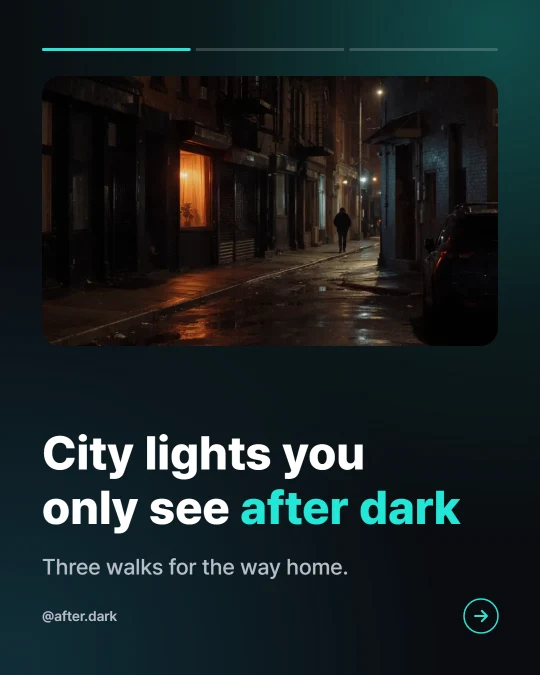


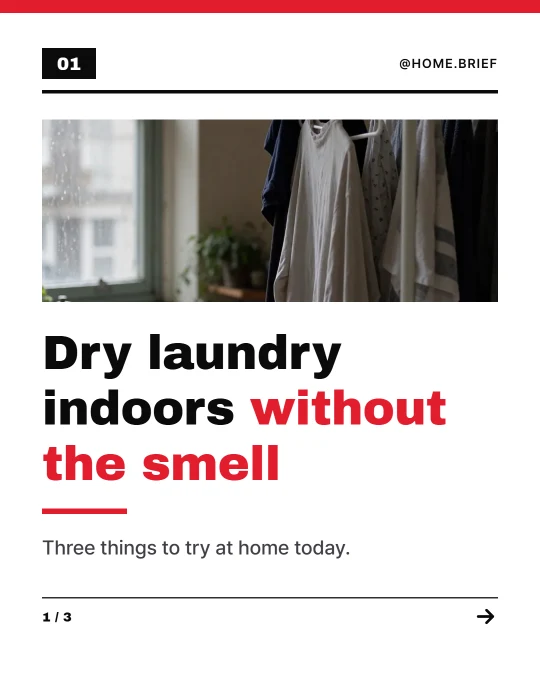
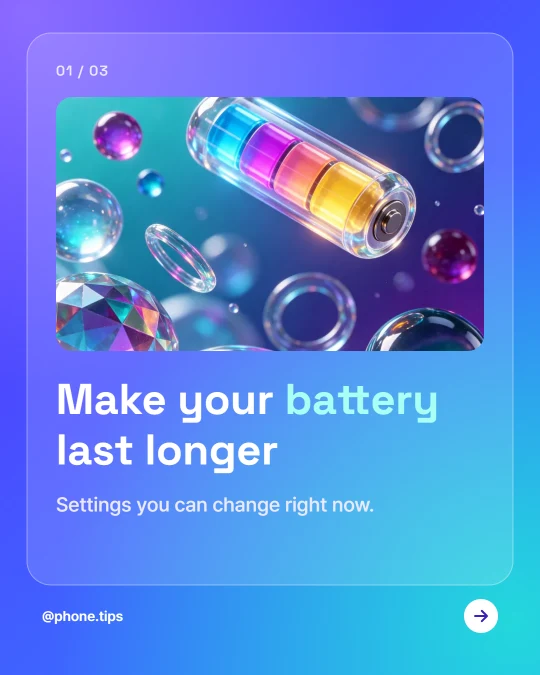
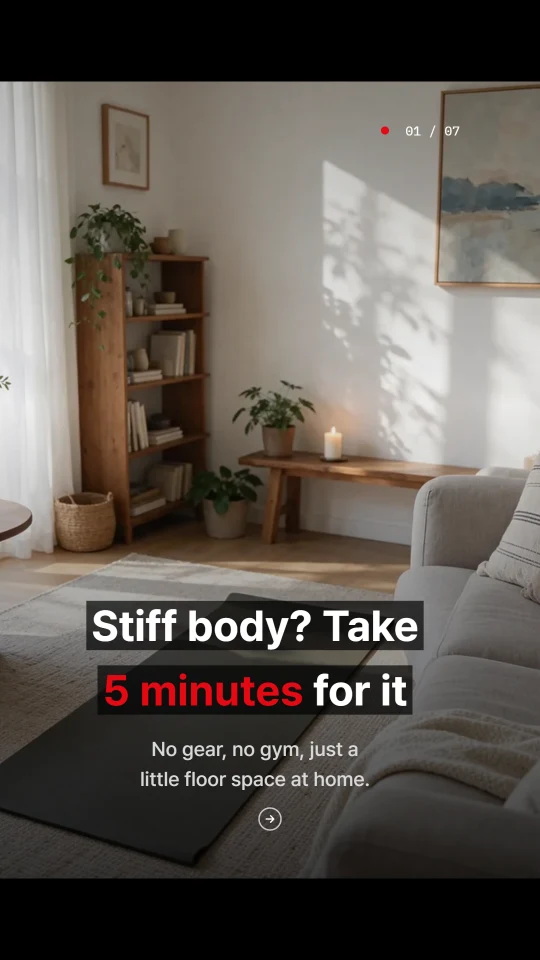
Clear of the TikTok buttons
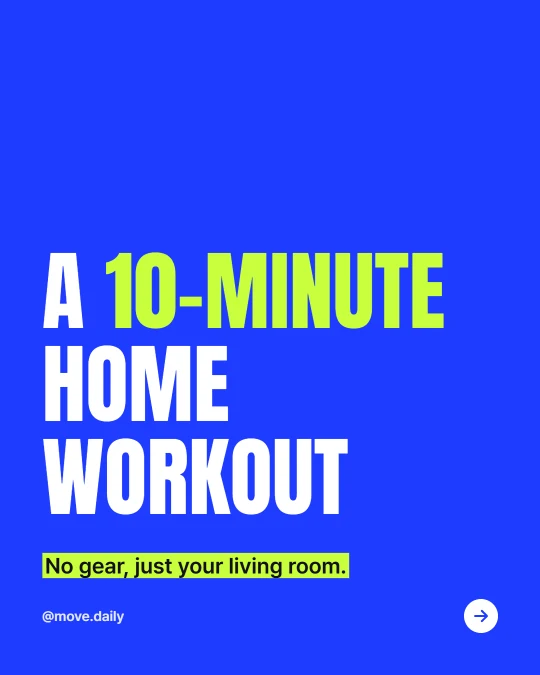
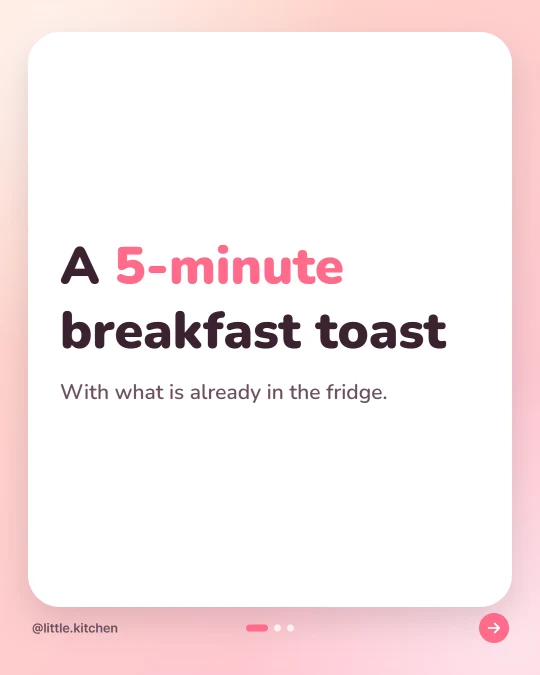
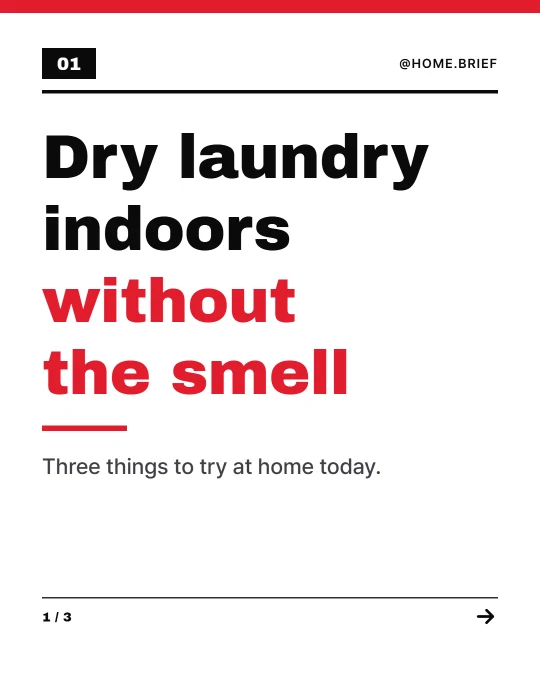
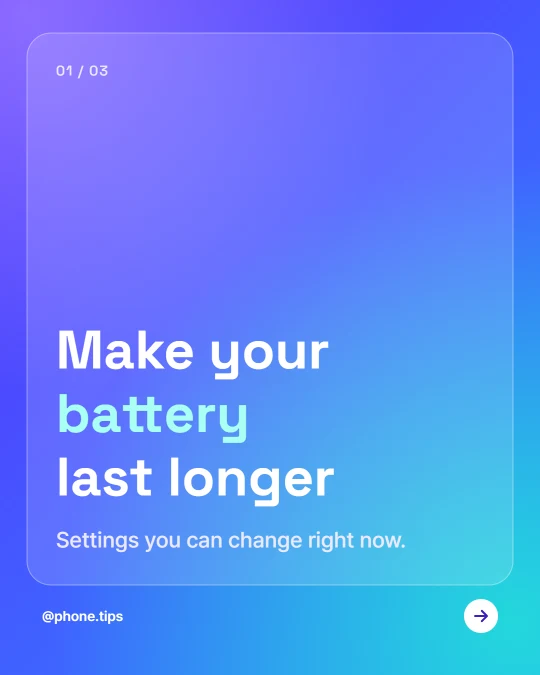
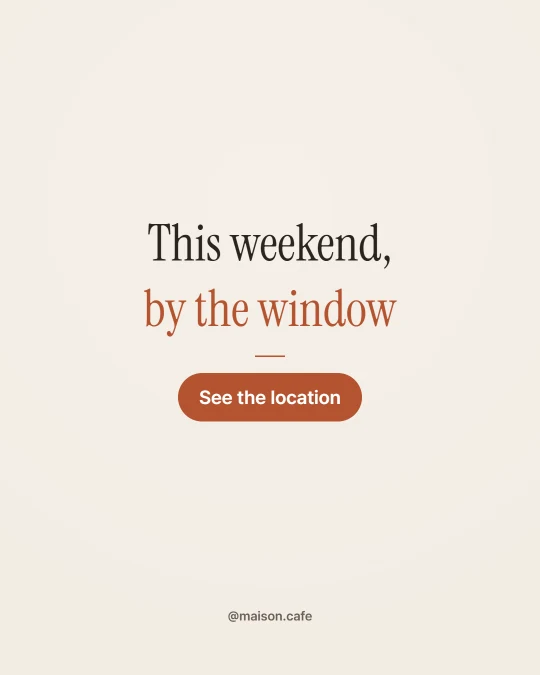
9:16 cards keep the words away from the spots where the TikTok app shows its buttons and caption. That spacing was measured on a real TikTok screen.
Sera Studio
Type a topic, paste your notes or drop in a blog link. AI splits it into slides and writes every one. Pick a template you like and post it straight to social.
AI paints the picture, then code sets the words on top as real type.
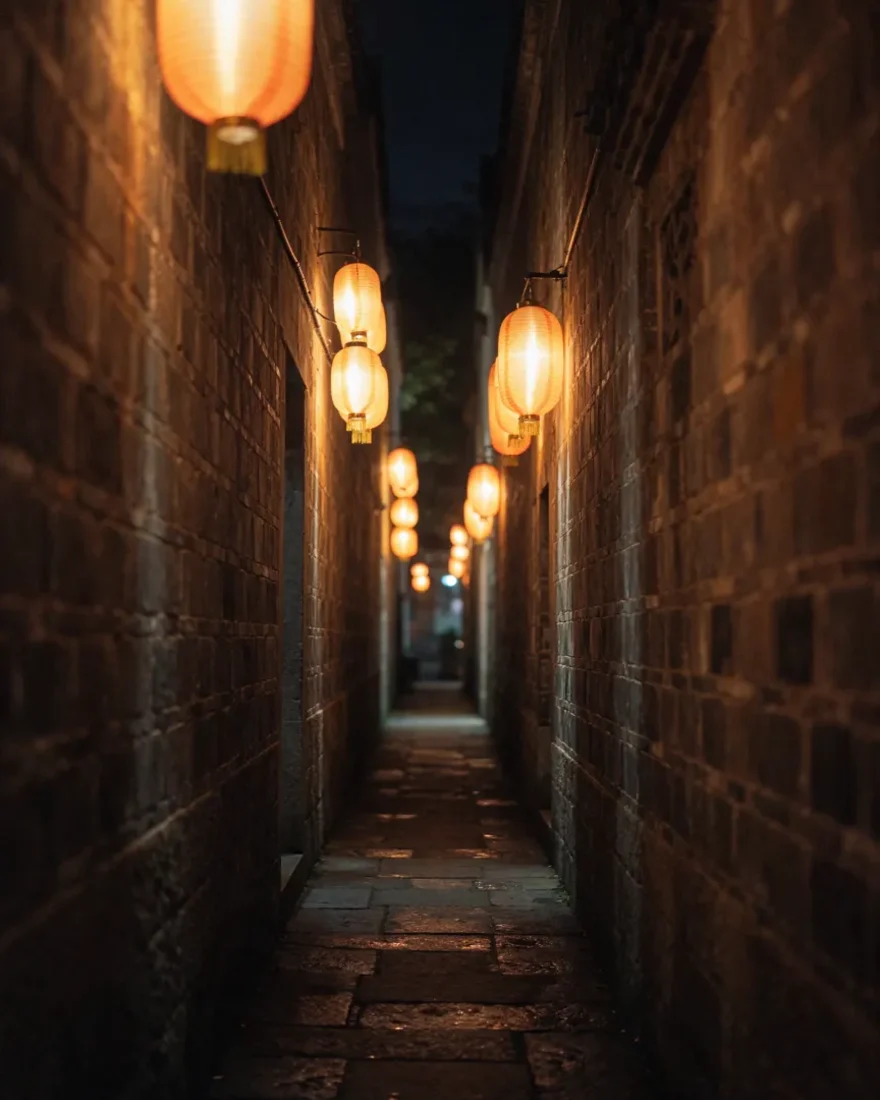
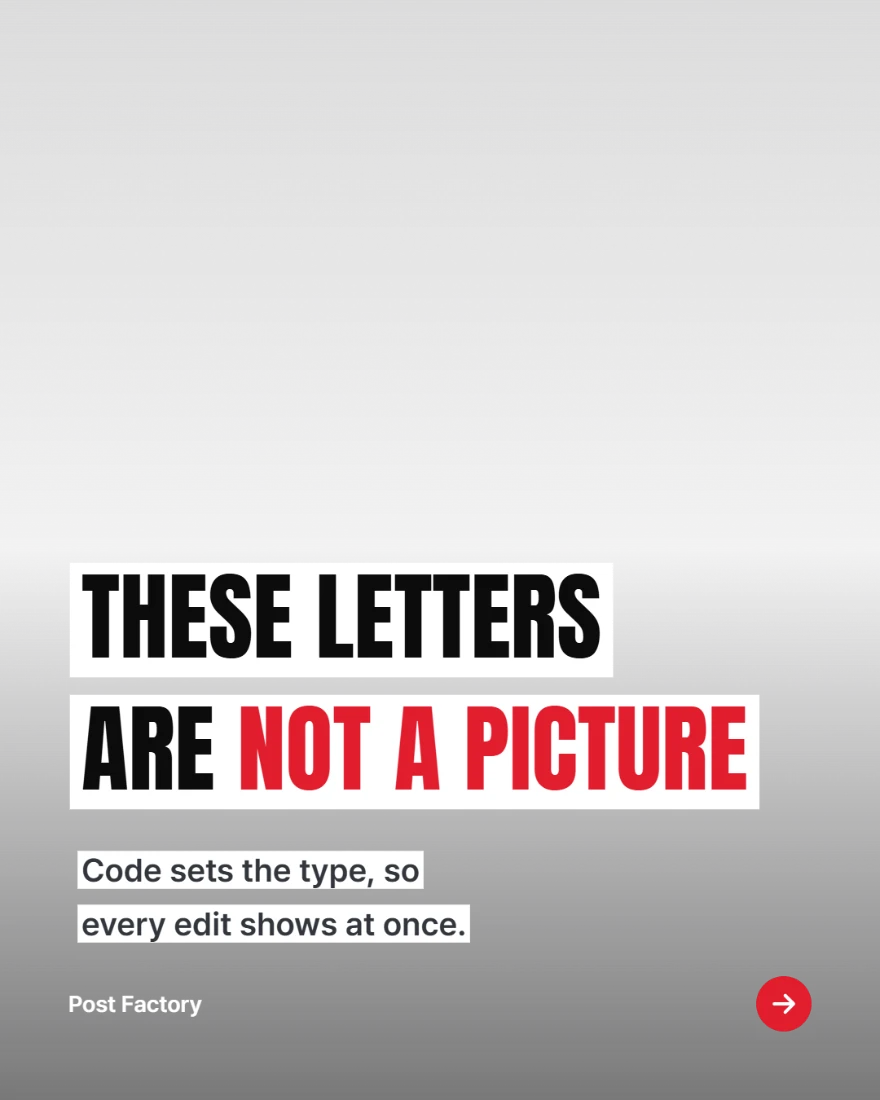
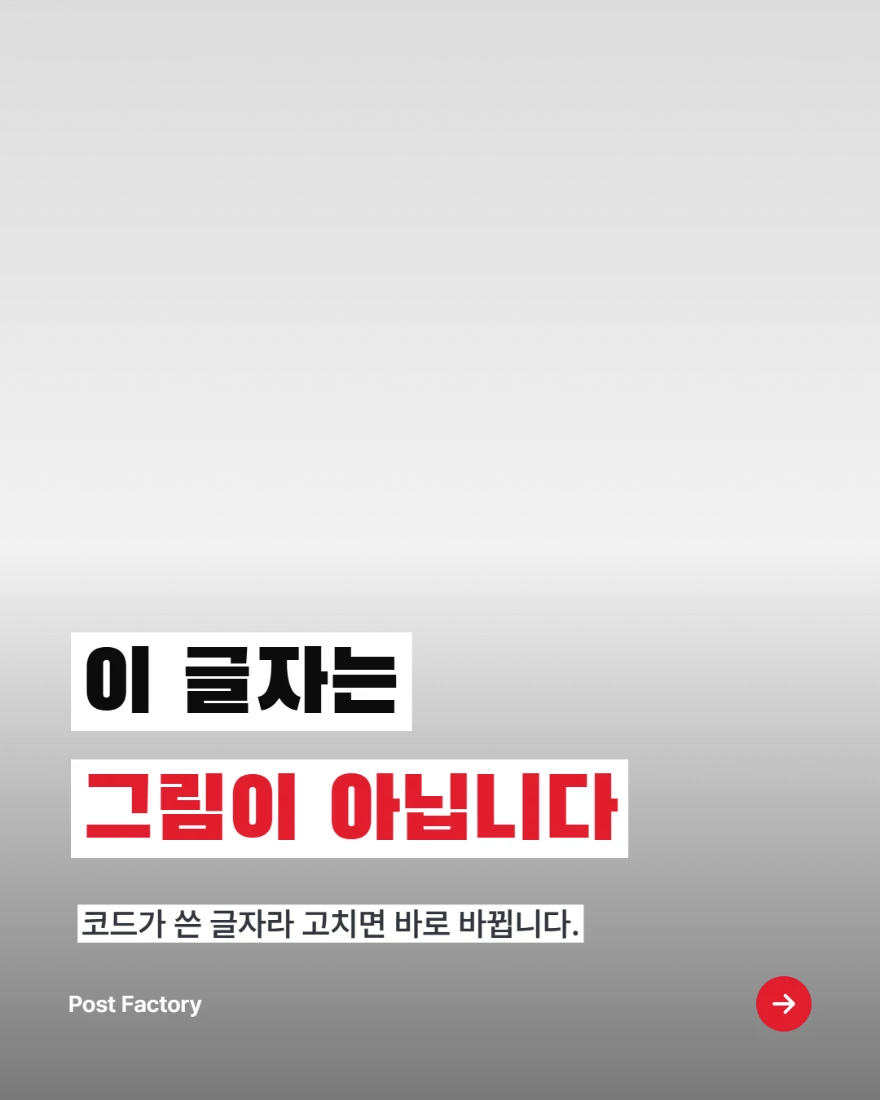
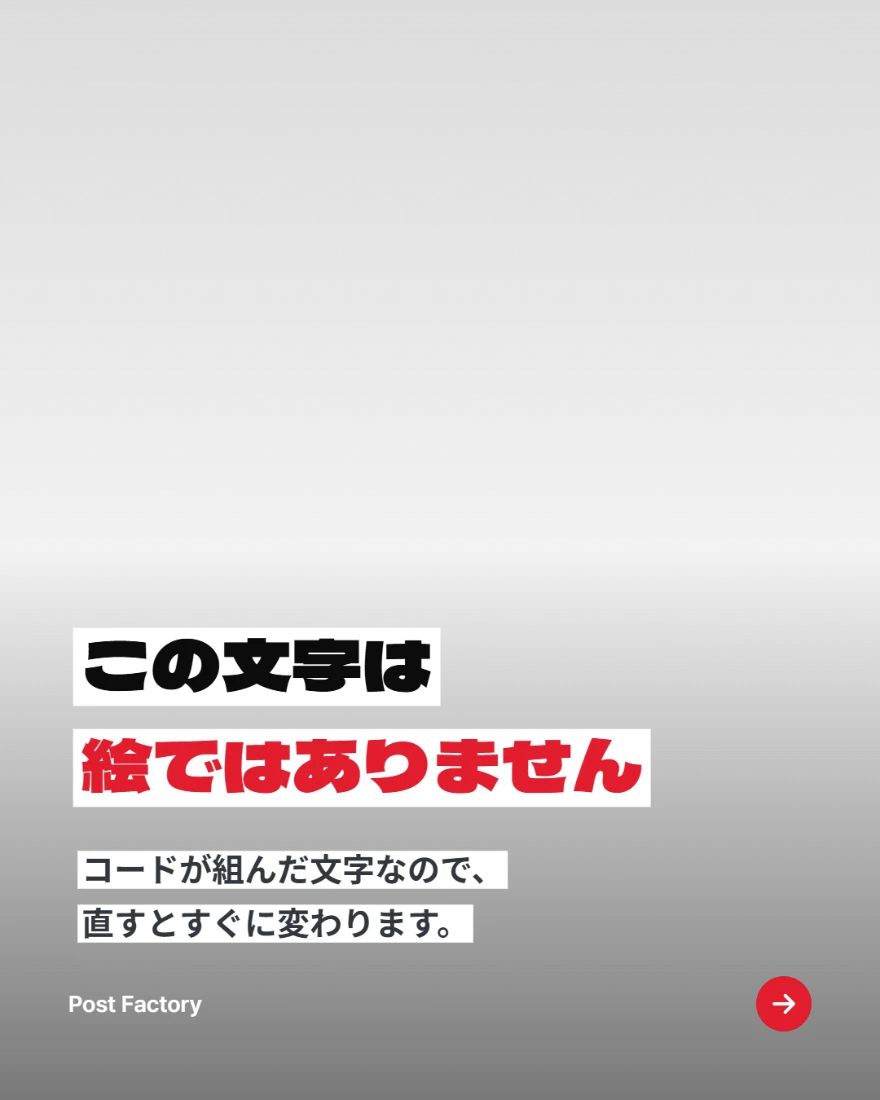
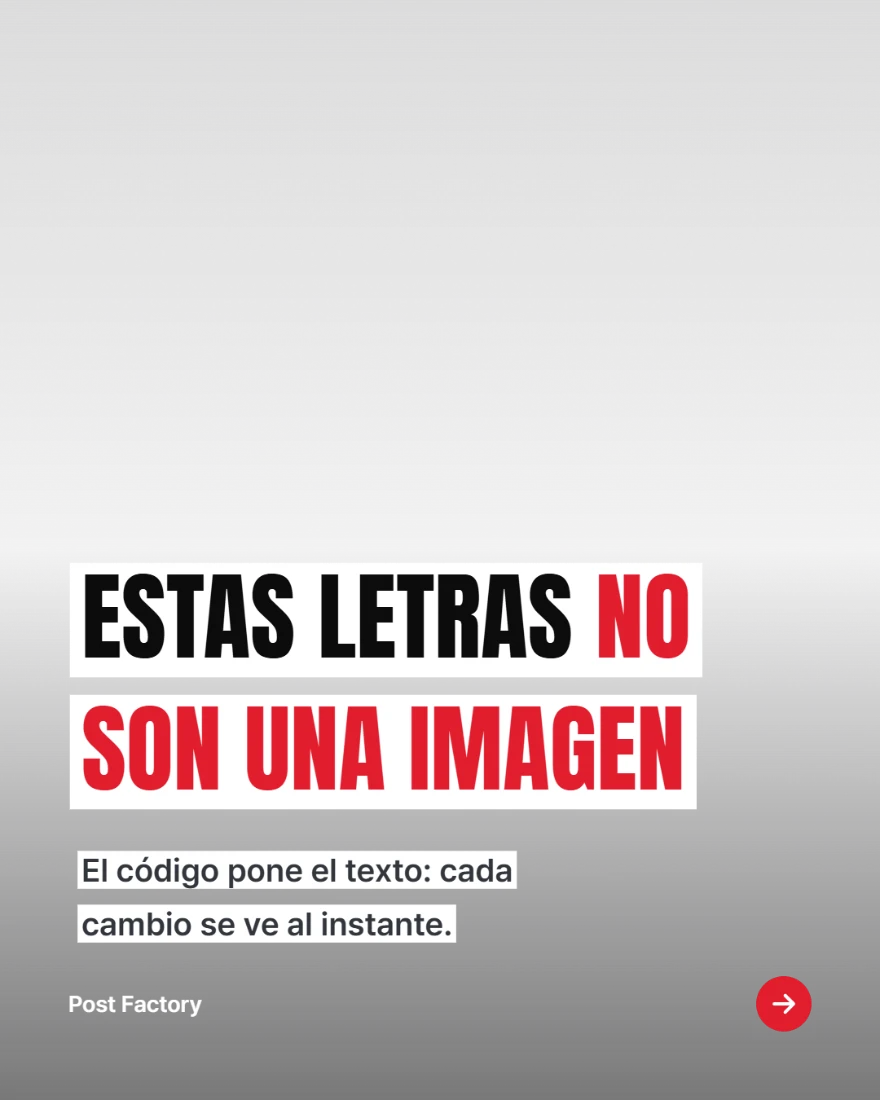
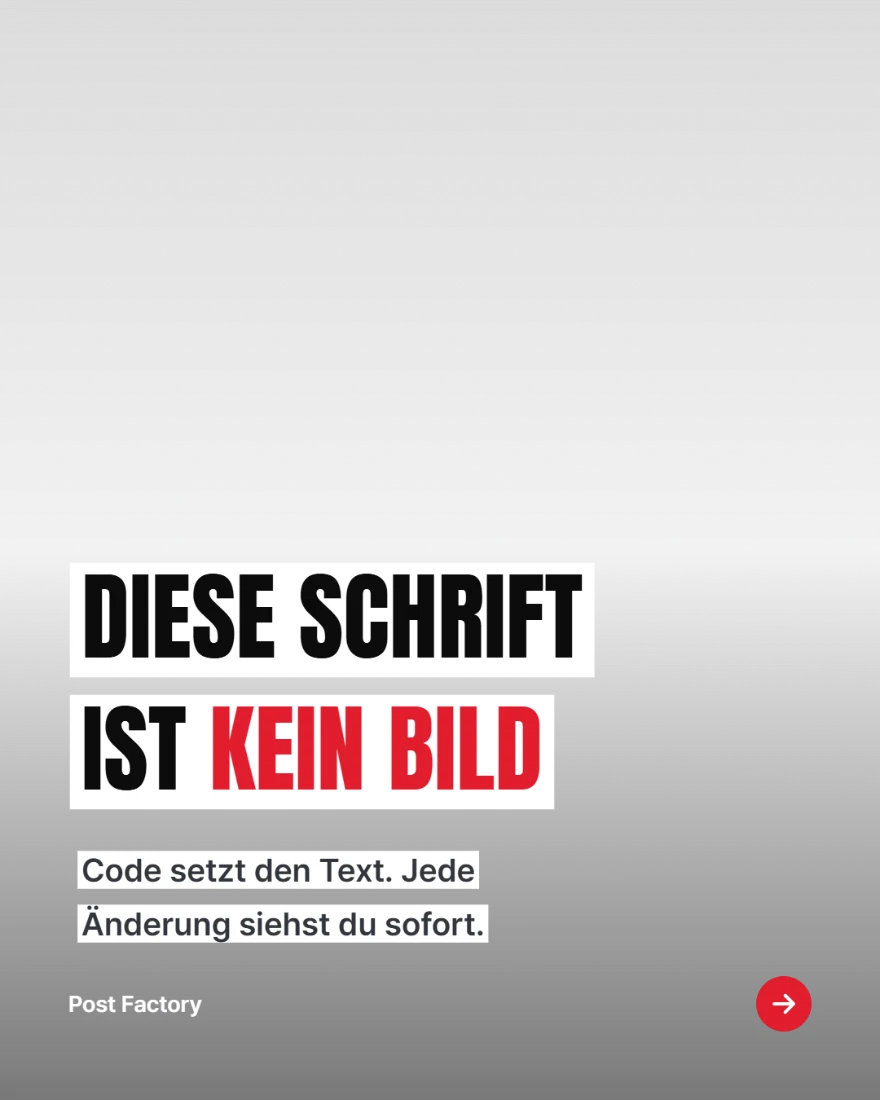
Add your source and press Write draft. AI splits it into a cover, body slides and a closing slide, then writes every one. It also describes a picture for each slide and writes the caption and hashtags.
5-minute stretches to do at home
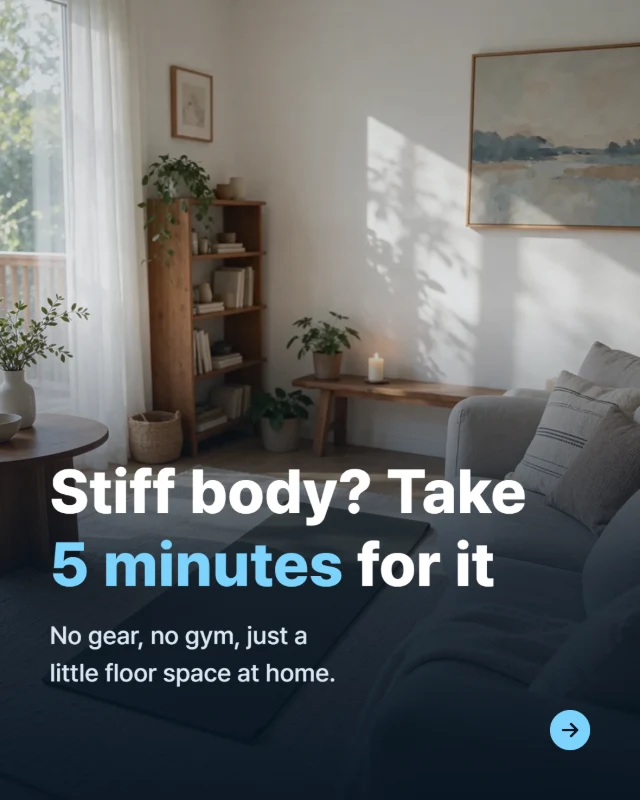 Cover
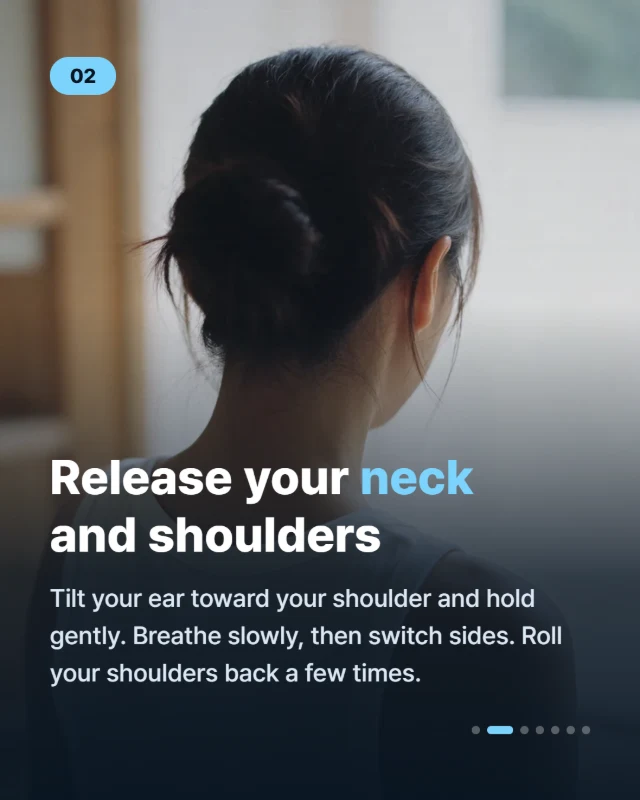 Body
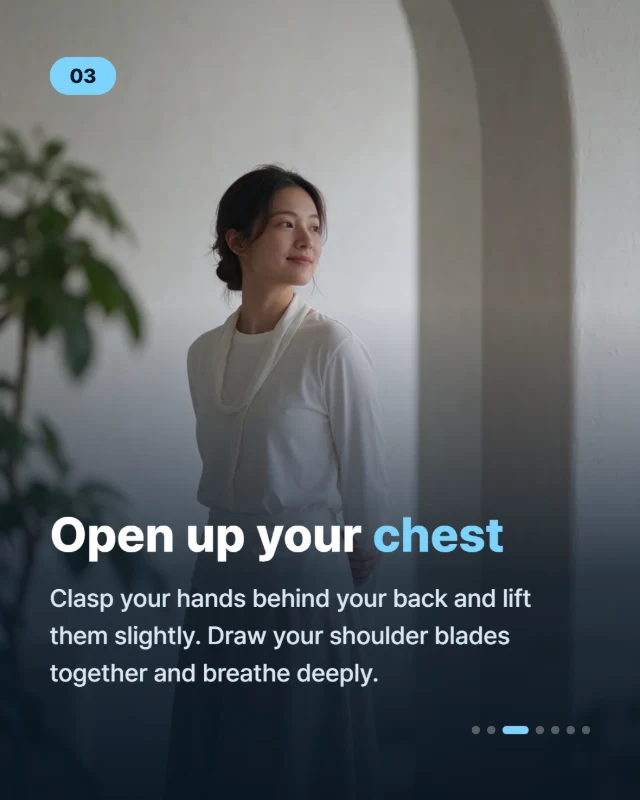 Body
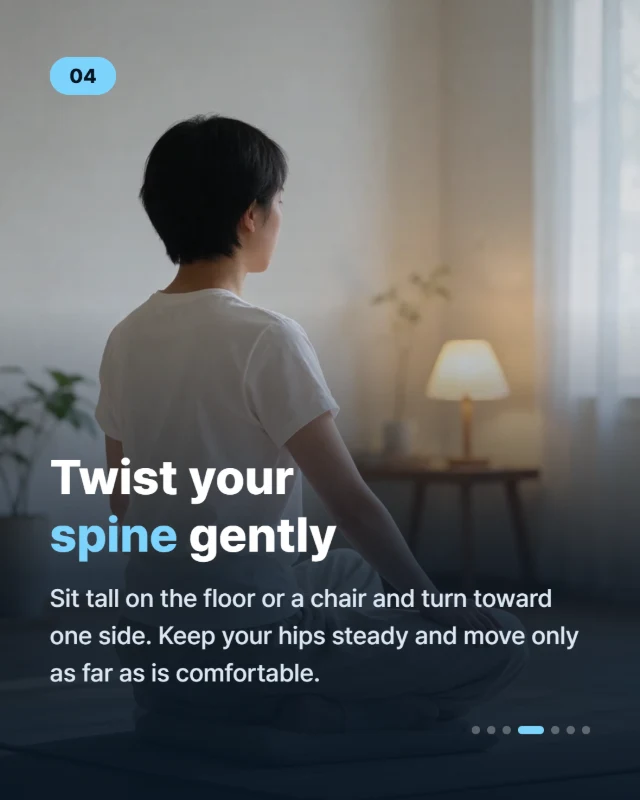 Body
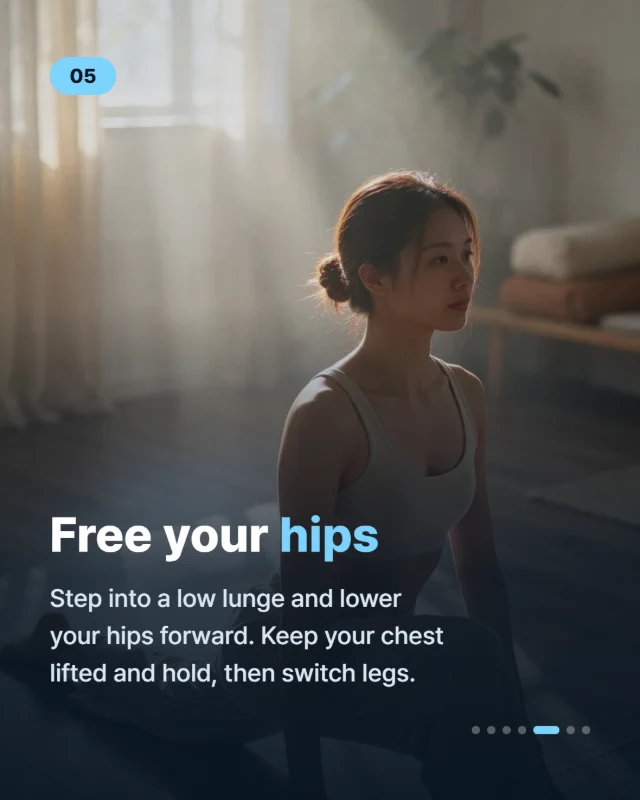 Body
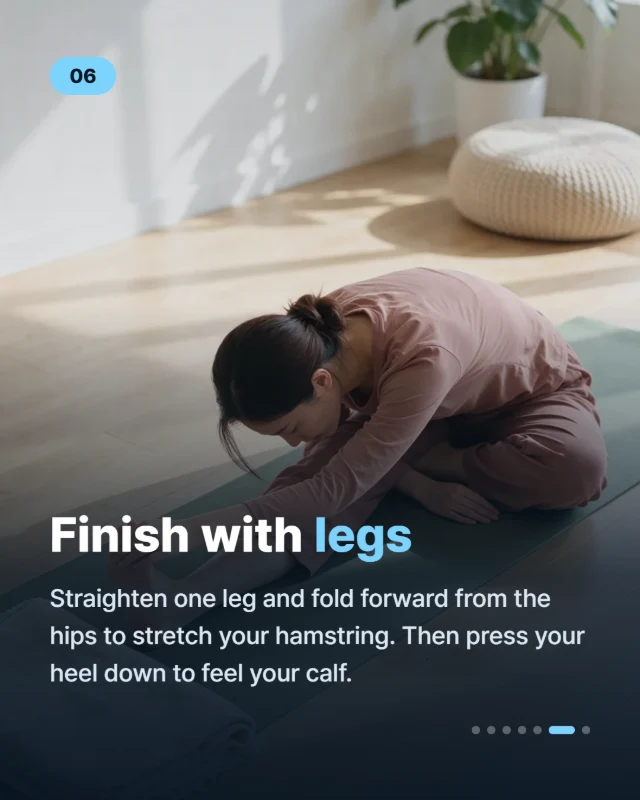 Body
 Closing
Short on time? These stretches fit into any day and need no equipment. Save this post for your next break.
#stretching #homeworkout #wellness #mobility #selfcare
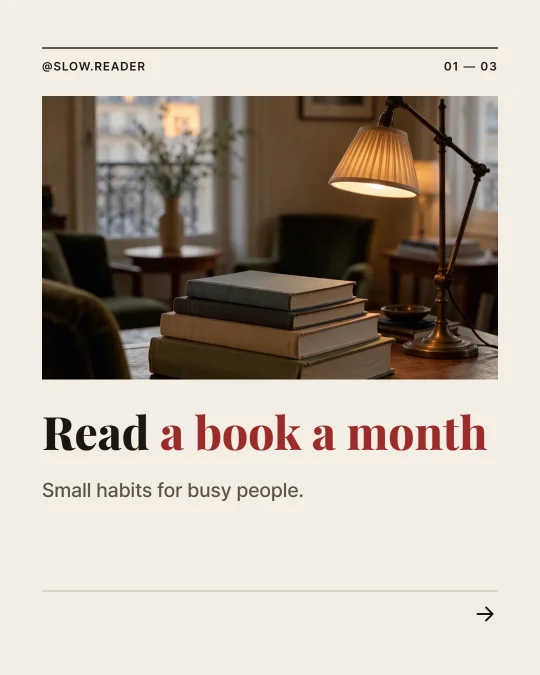
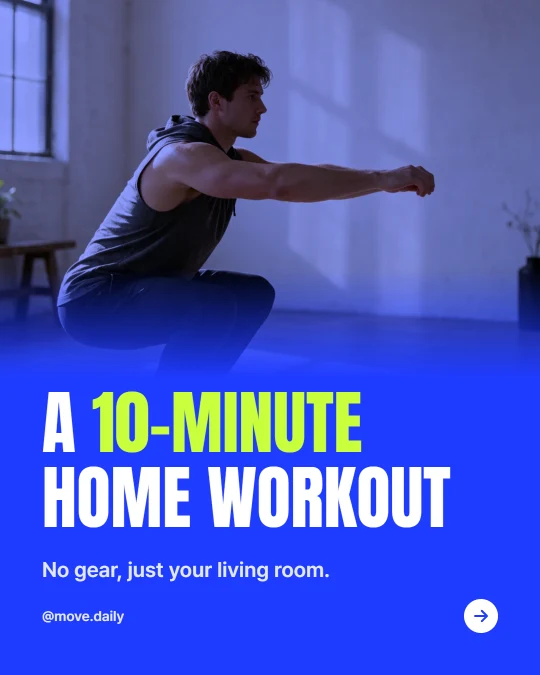
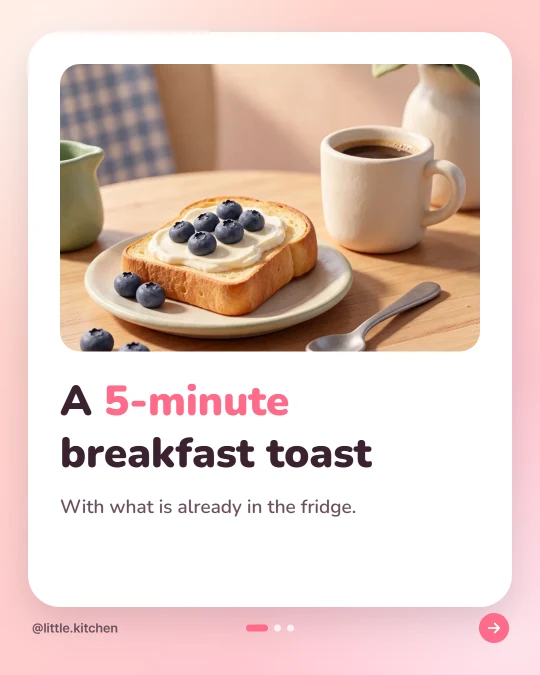
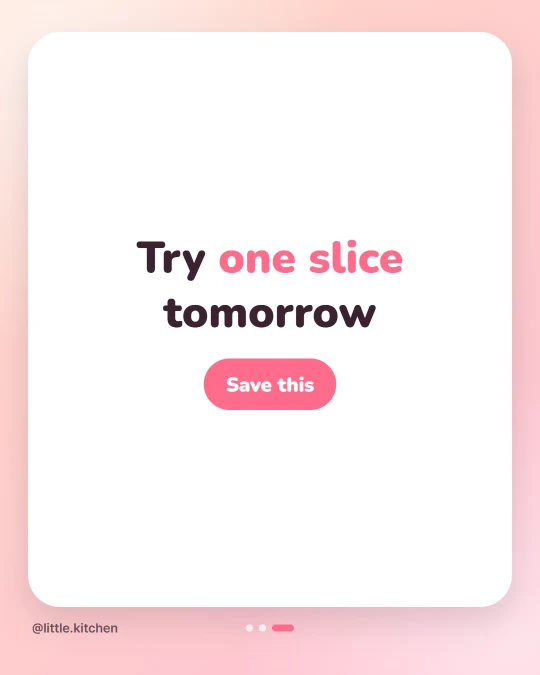
This draft was written from the first example in the app’s input box, with the same instructions and model the app uses (November 18, 2026). The text is unedited. Each picture was made from the description the draft wrote for that slide, with the model the app uses for pictures, and the cards are shown in the Mood template.
Writing a draft uses no credits.
AI picks a layout for each body slide. Numbers stand out and how-tos turn into steps. You can switch the layout in the editor at any time.
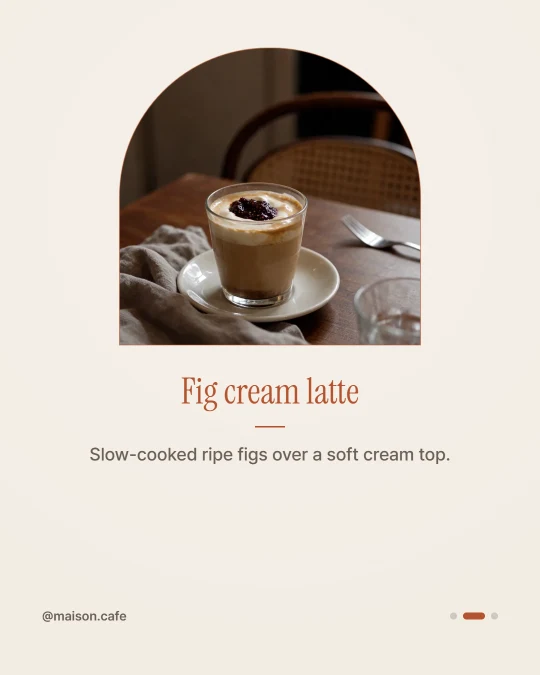 StandardA headline and a few lines
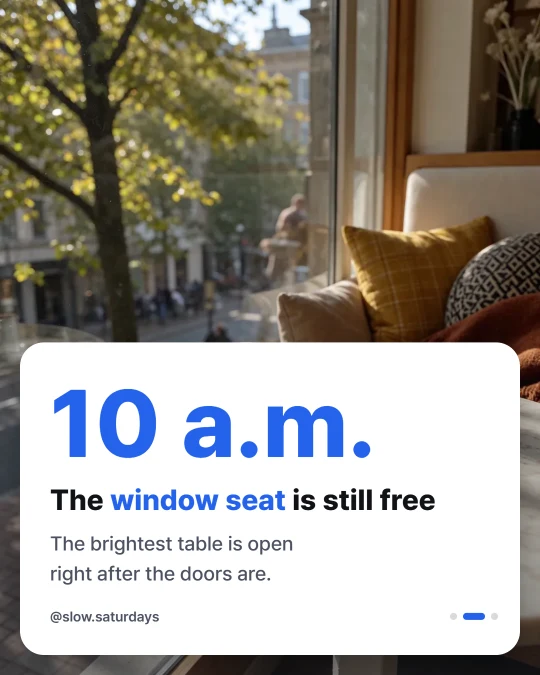 Big numberOne big number
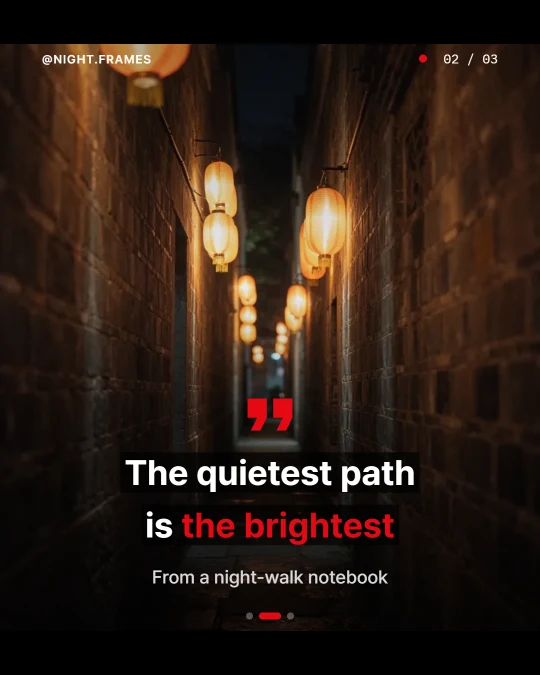 QuoteA single line and its source
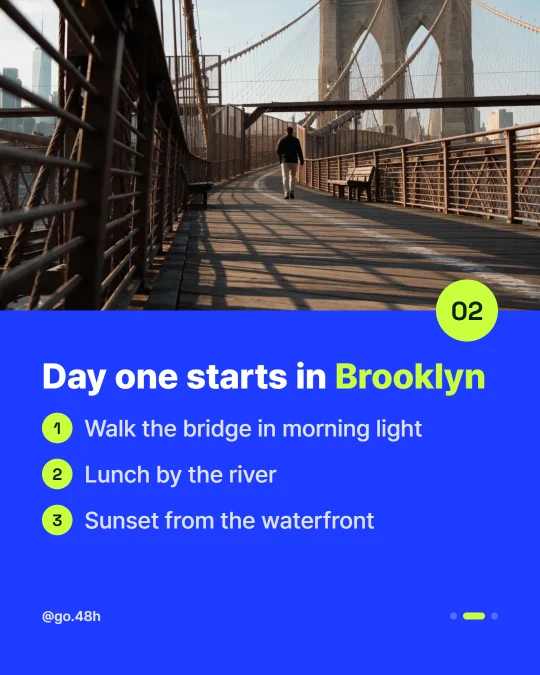 StepsNumbered steps
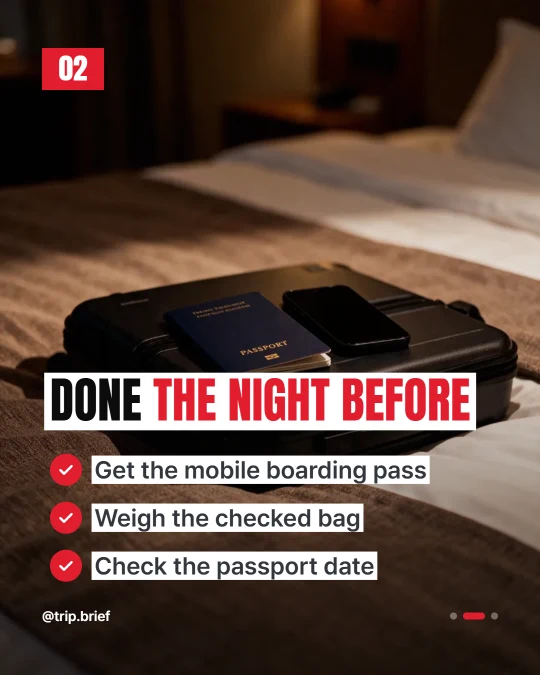 ChecklistTicked items
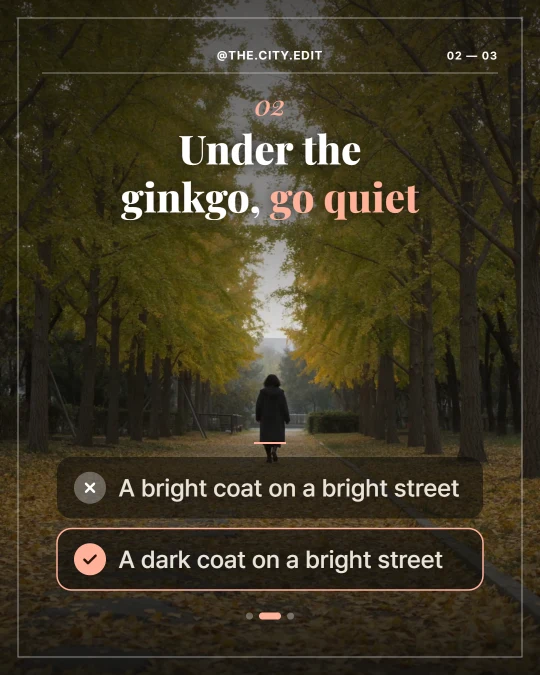 CompareThe weaker way next to the better one
Numbers are checked against your sourceWhen you give it source material, statistics in the draft (percentages, amounts of money and large numbers) are looked up in that material. Any it can’t find are listed in the editor.
The draft above is loaded here. Switch the template, size, colors or lettering and it redraws on the spot, the same way the app does.
Drawing the card
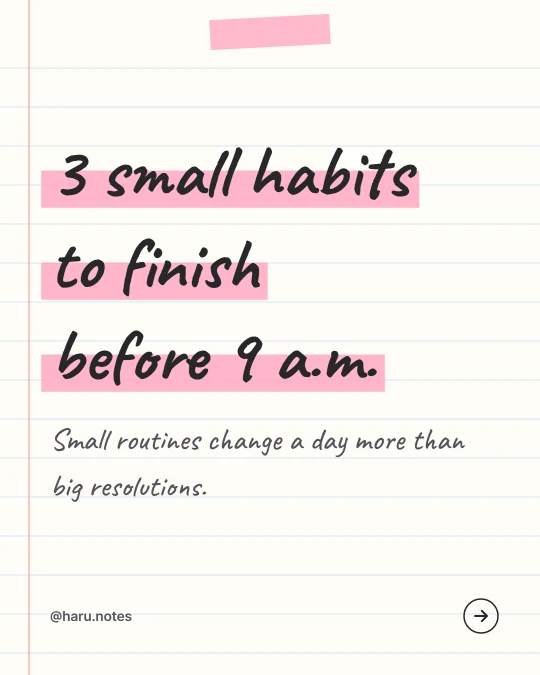
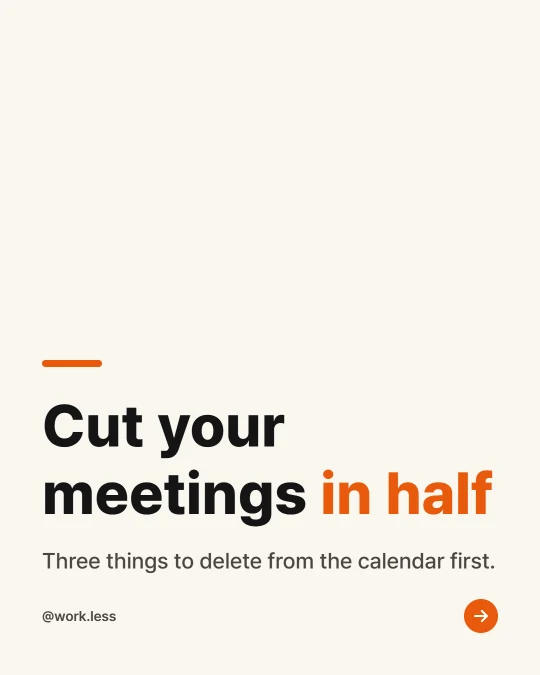
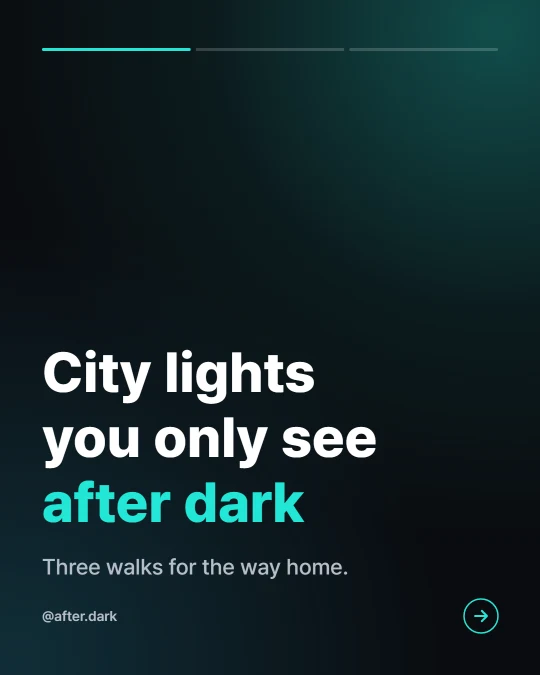
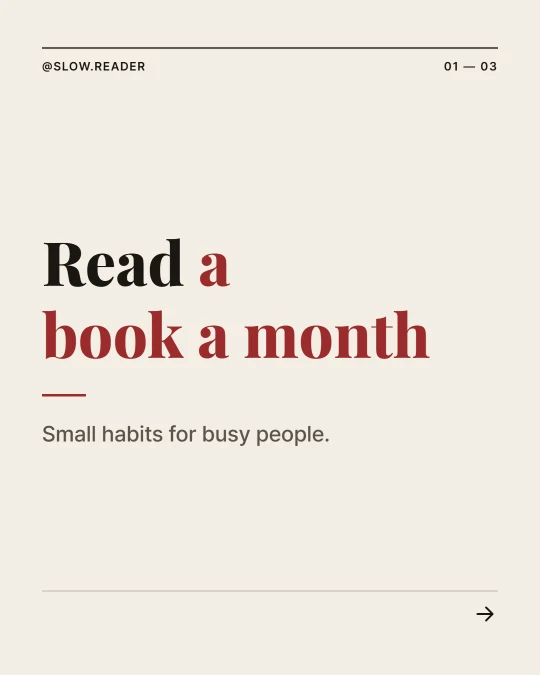
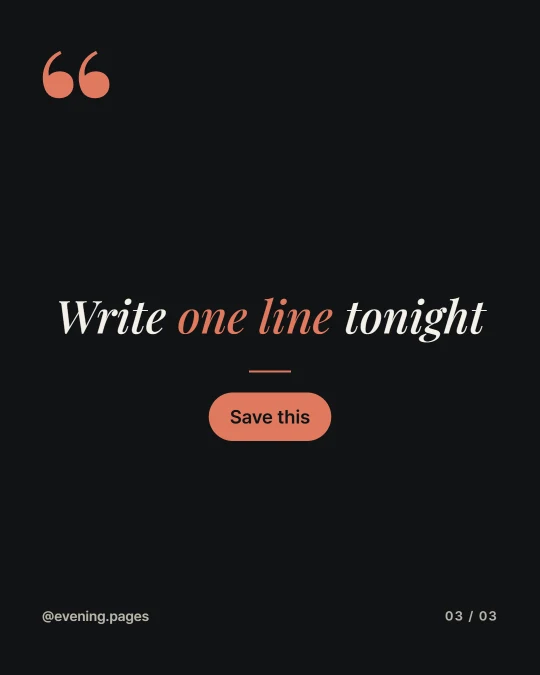
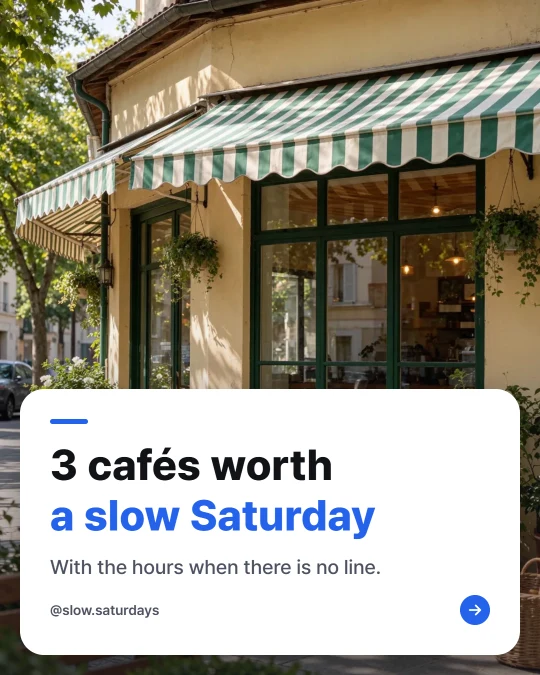
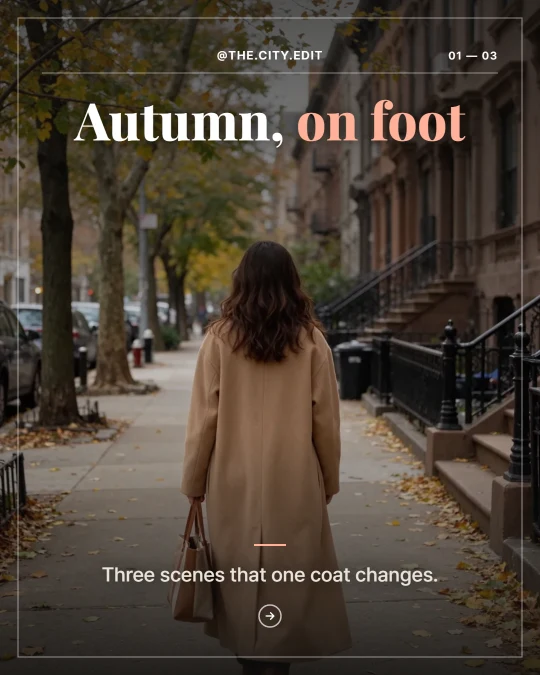
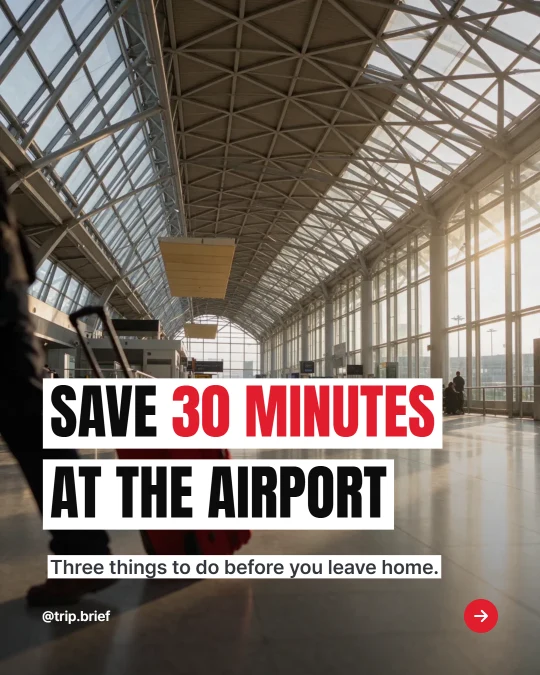
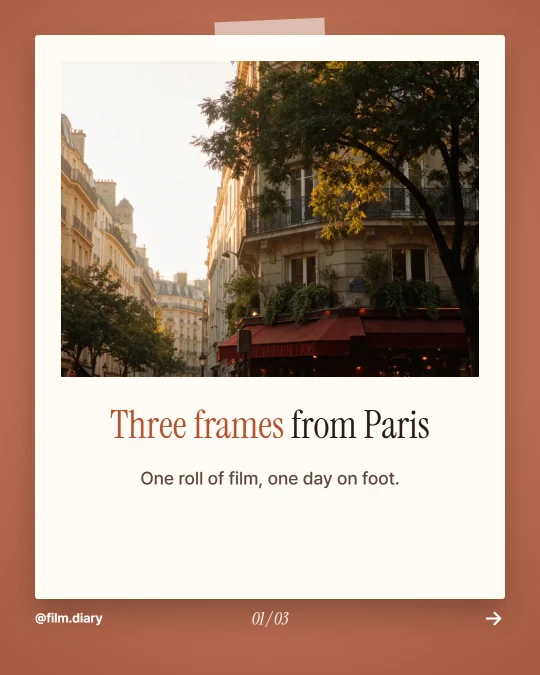
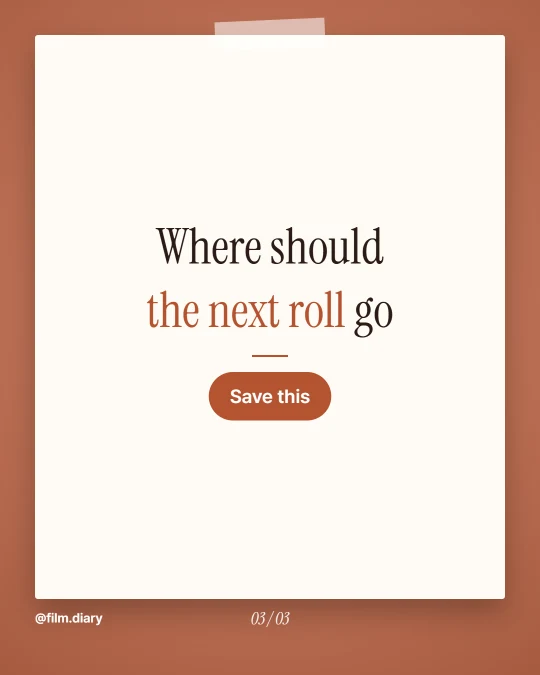
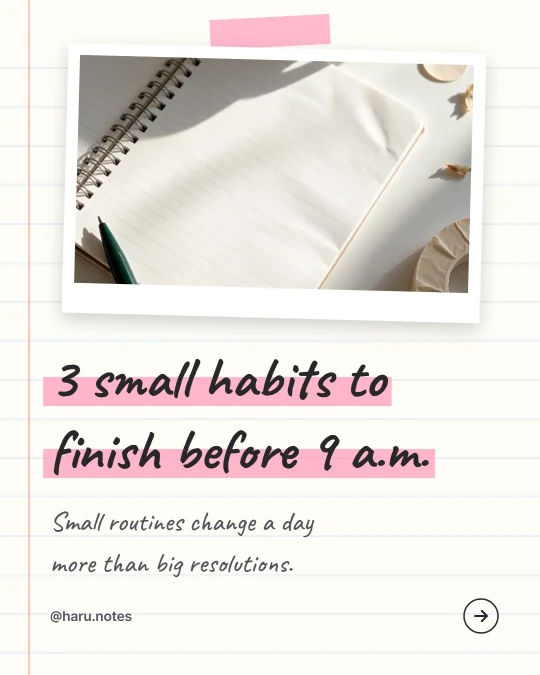
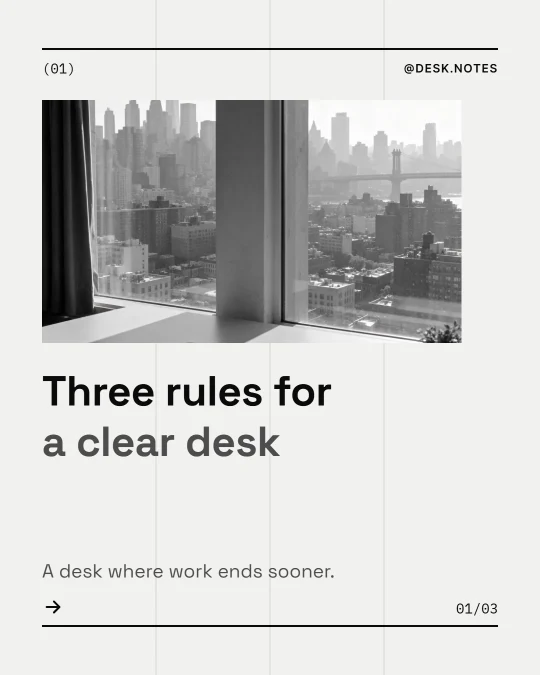
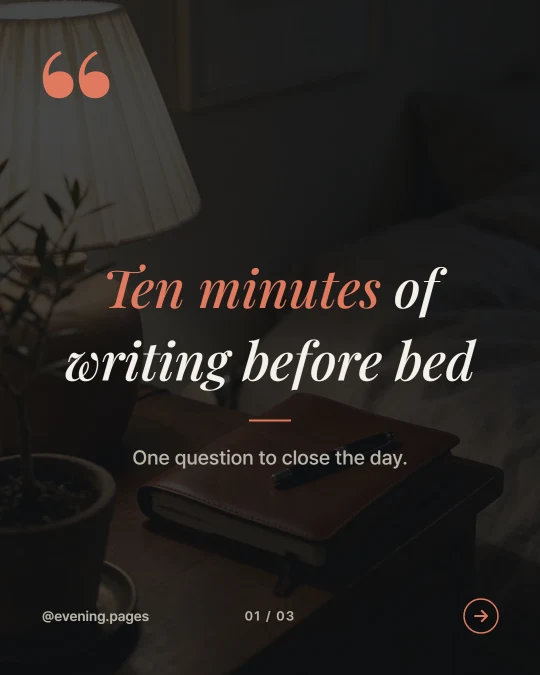
Each template pairs its own picture placement with a mix of type and colors, so a post keeps one look from the cover to the closing slide.
The sample photos were made the same way the app makes card pictures.
Connect your social accounts and post straight from the editor. The caption goes up with it.
9:16 cards keep the words away from the spots where the TikTok app shows its buttons and caption. That spacing was measured on a real TikTok screen.
Several slides come as a ZIP and a single slide as a JPEG.
Connect Sera Studio to Claude and make a carousel right in the chat. Open the post in the editor to keep working on it.
How to connectNo credits are used.
Make pictures only for the slides that need one, or upload your own photo.
Rewrites the description so the picture comes out well.
Anything from a one-line topic to notes, a script or a full article. Add a blog post link and it reads the post and splits it into slides. Sources can be up to 12,000 characters.
Leave the count on auto and AI picks between 4 and 12 slides. You can also pick 5, 7 or 10. Add slides in the editor and a post can hold up to 20.
Writing, editing, downloading and posting use no credits. An AI picture is 2 credits per slide, and polishing a picture description is 1 credit each time.
Yes. You can upload a photo for any slide, and the card is drawn with your photo in place of an AI picture.
The post’s link is added to the end of the caption as the source. Posts behind a login, or pages that fill in their text after they open, may not be readable. Before turning someone else’s writing into slides, make sure you’re allowed to use it.
Straight to Instagram, TikTok, Facebook, Threads, LinkedIn and X. The Instagram feed takes 4:5 and 1:1 cards, and X takes up to 4 images per post.
Save a name, two colors and a logo as your brand, and every new post starts with them. The brand is kept in the browser where you saved it.
The TikTok app lays its buttons, account name and caption over the photo. 9:16 cards keep those spots clear and place the words around them. The app overlay in the editor shows where they are.