
Turn any garment
into the look you want.
Upload a garment photo or a flat sketch and pick a skill.
AI makes editorials, runway videos, flat sketches and patterns.
From flat sketch to garment.
From garment to flat sketch.
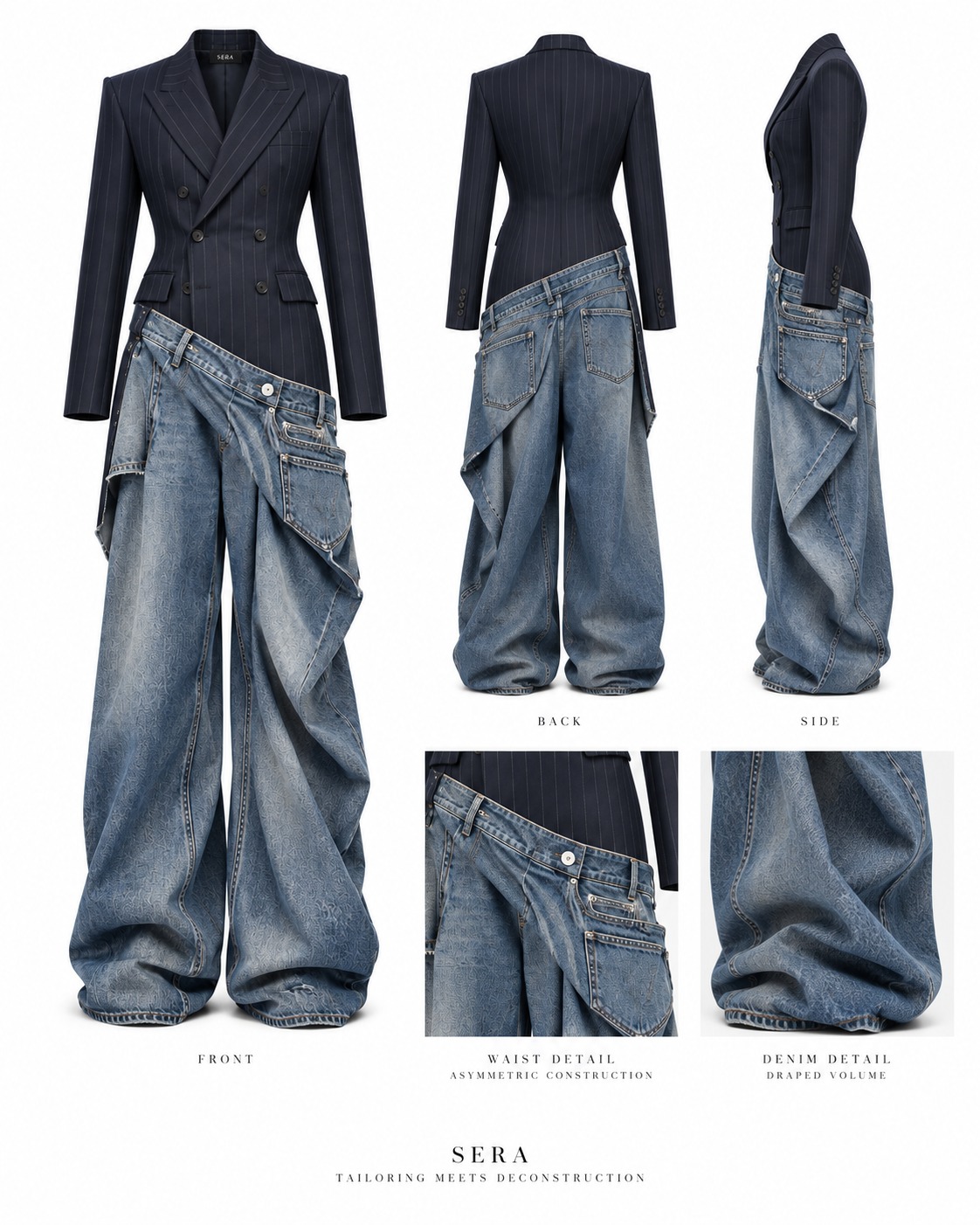
AI draws front and back flat sketches and pattern pieces from a garment photo.
Add a flat sketch and it makes product photos and lookbooks of the real garment.
Sketch to Image
Turns flat sketches and patterns into a product photo of the real garment.
Sketch to Lookbook
Turns flat sketches and patterns into the real garment, worn by a model.
Image to Sketch
Draws front and back flat sketches from a garment photo.
Image to Pattern
Draws the pattern pieces from a garment photo.
Same flat sketch,
different fabrics.
Both videos come from one flat sketch drawn from a garment photo. Add up to 3 fabrics and set the parts and color for each one.
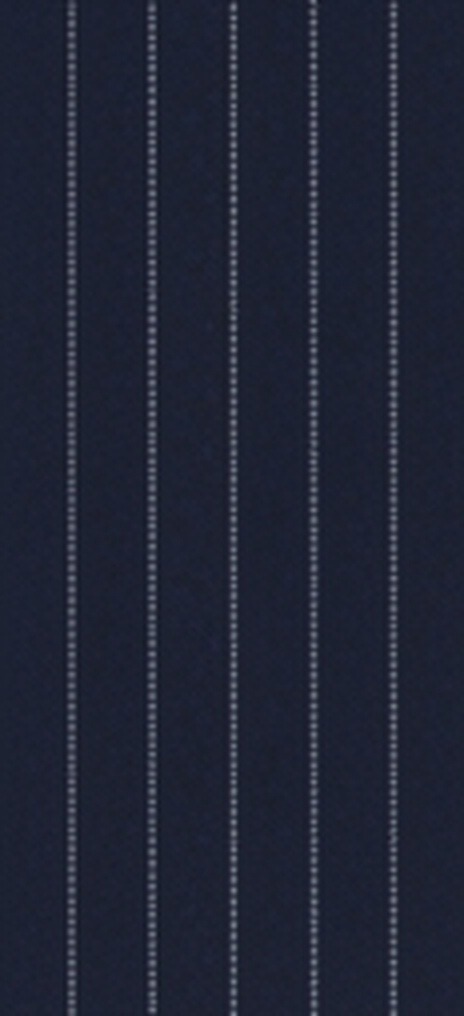 Uploaded fabric
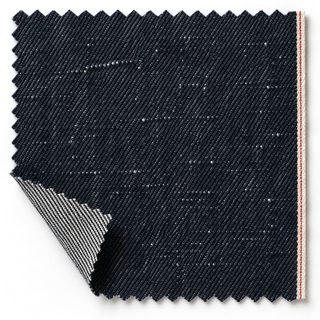 Selvedge denim
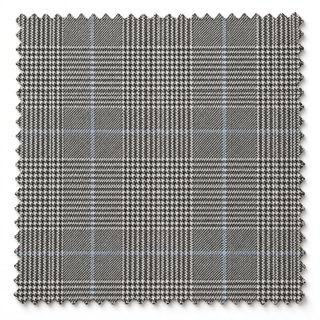 Glen check
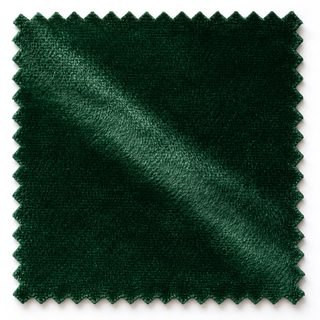 Velvet
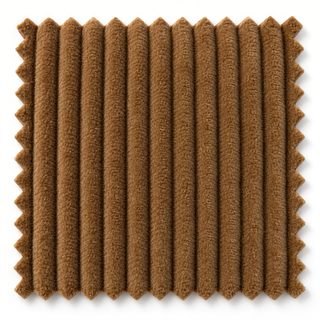 Corduroy
91 built-in fabrics.
Pick a built-in fabric or upload a photo of your own.
AI gives the garment the fabric’s weave, texture and sheen.
Tweed and wool14
- Glen check
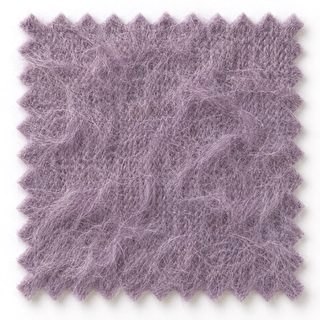 Mohair
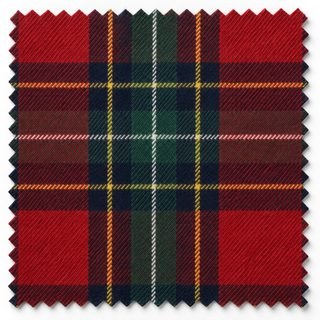 Tartan
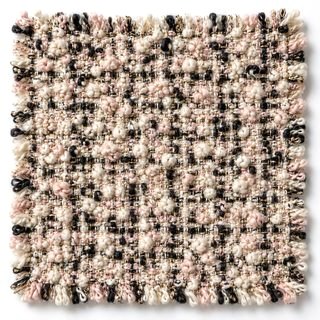 Chanel tweed
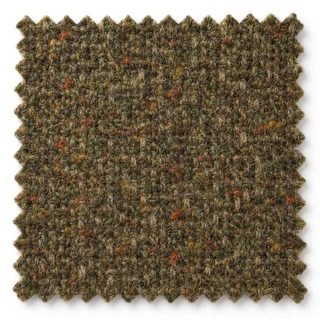 Harris tweed
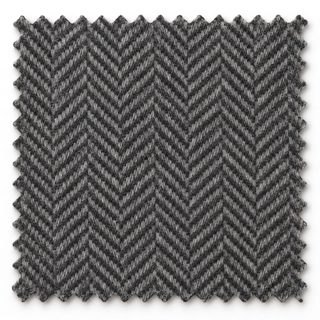 Herringbone
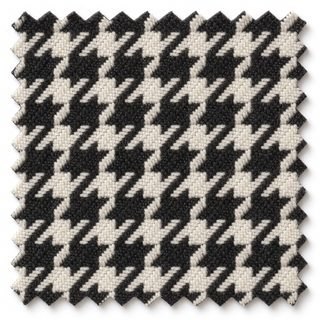 Houndstooth
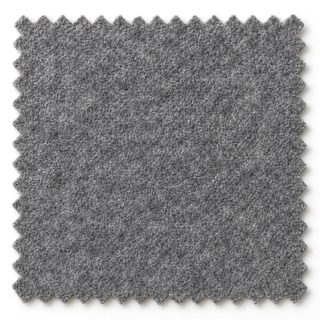 Wool flannel
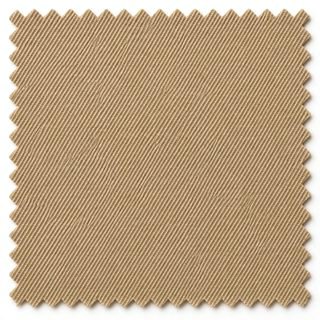 Gabardine
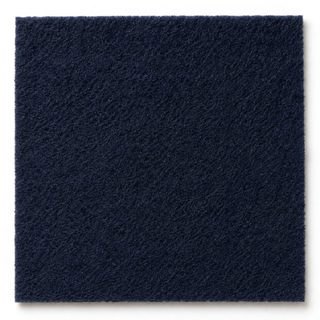 Melton
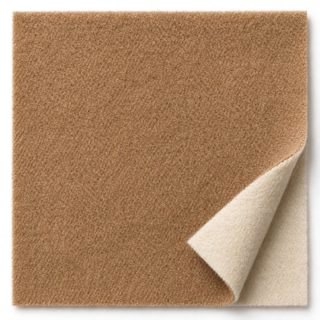 Double-face cashmere
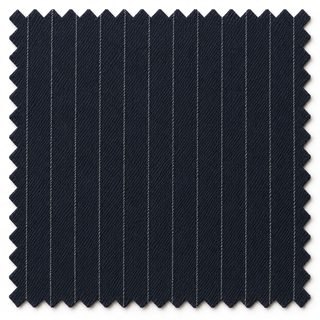 Pinstripe
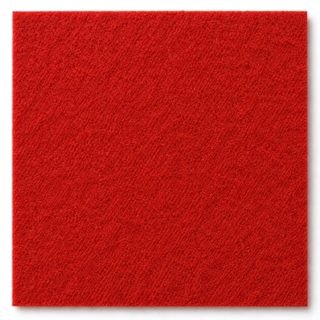 Felt
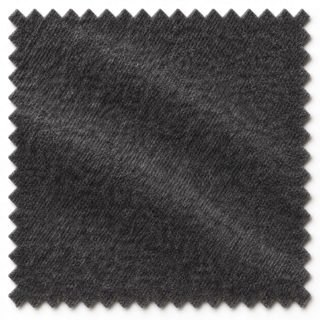 Woven cashmere
Cotton, linen and denim16
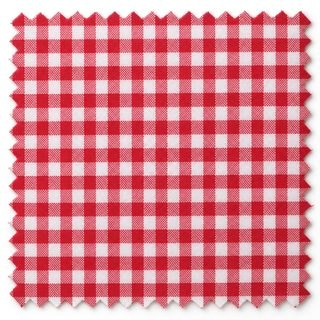 Gingham
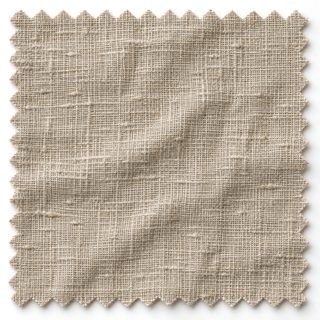 Linen
- Selvedge denim
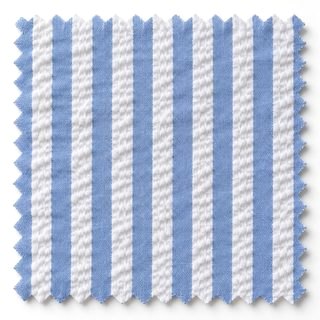 Seersucker
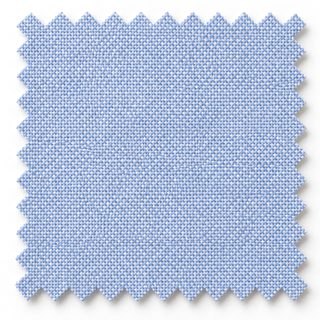 Oxford
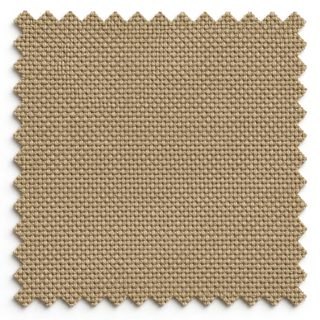 Canvas
- Corduroy
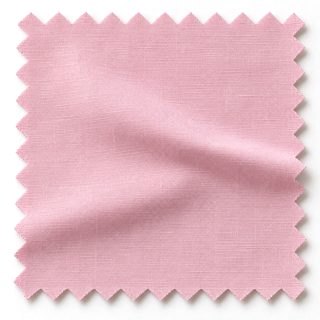 Cotton poplin
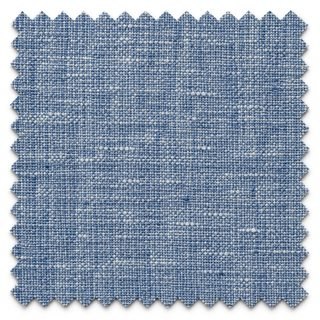 Chambray
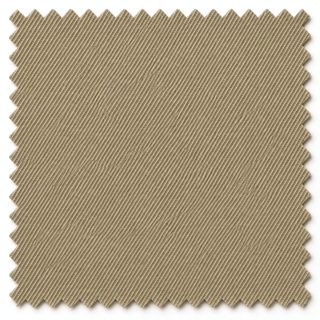 Chino twill
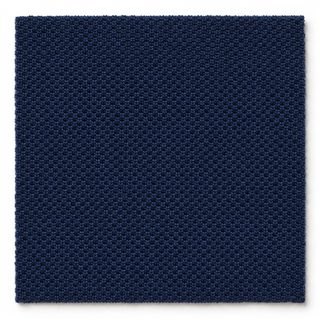 Piqué
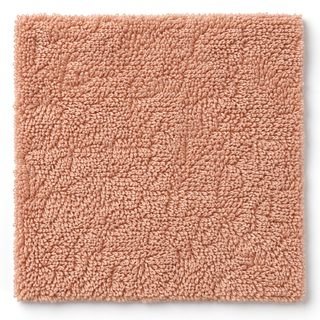 Terry cloth
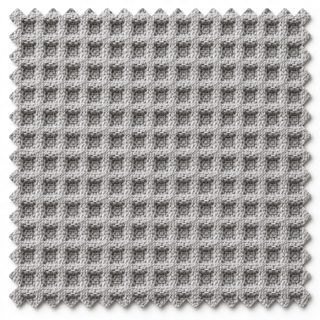 Waffle
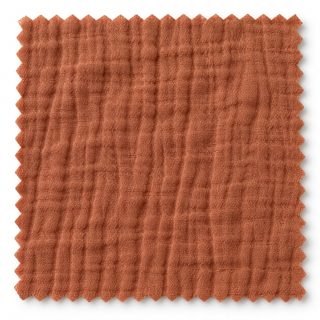 Double gauze
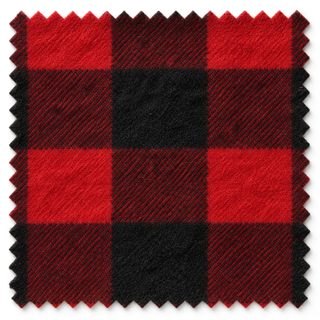 Buffalo check flannel
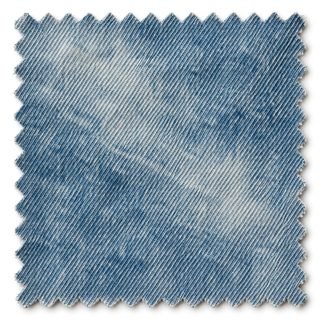 Washed denim
Silk, satin and sheer9
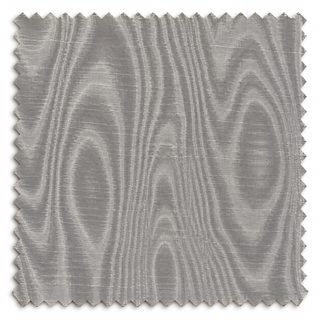 Moiré
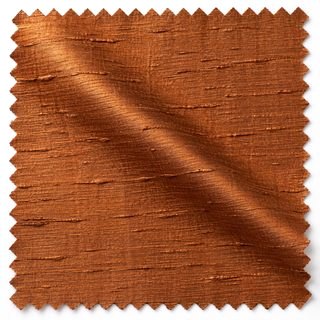 Shantung
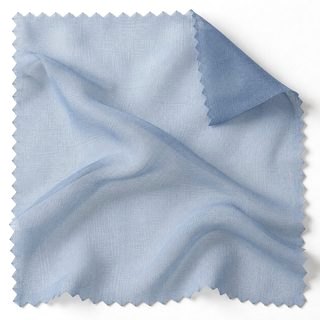 Chiffon
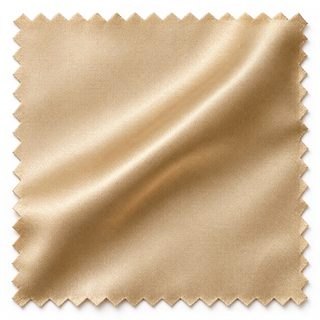 Silk satin
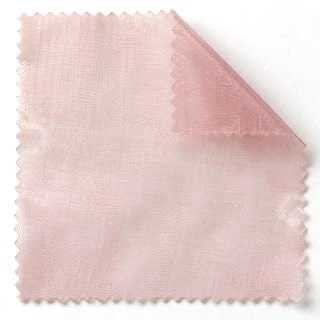 Organza
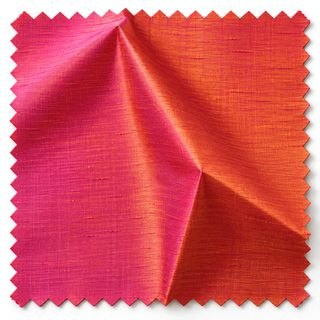 Taffeta
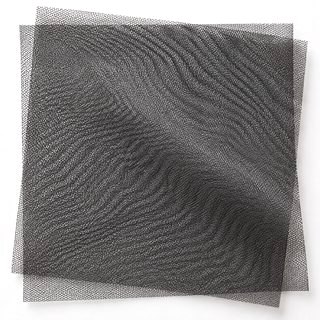 Tulle
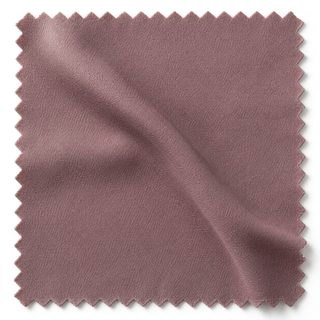 Crêpe de chine
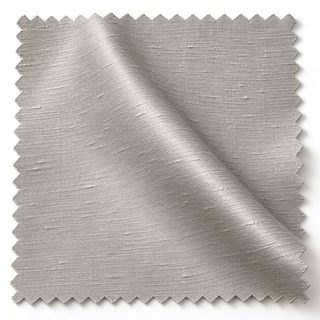 Mikado
Jacquard and patterned weaves6
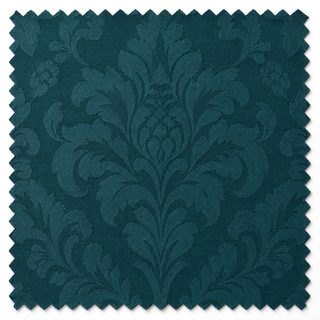 Damask
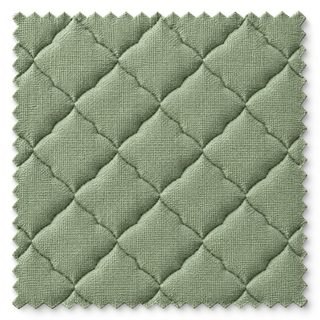 Matelassé
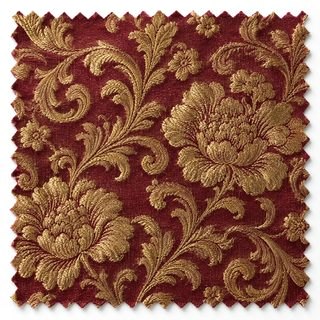 Brocade
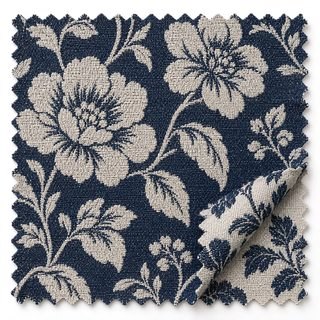 Jacquard
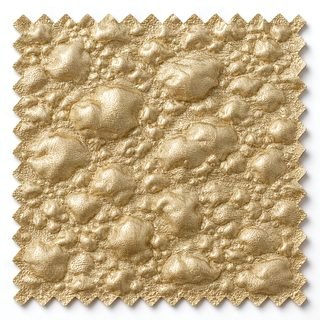 Cloqué
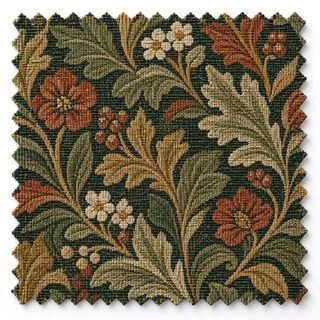 Tapestry
Where will
your look walk?
Choose from 13 runway venues, 8 fashion week cities and 7 paparazzi spots.
On Auto, the stage changes every time you generate.
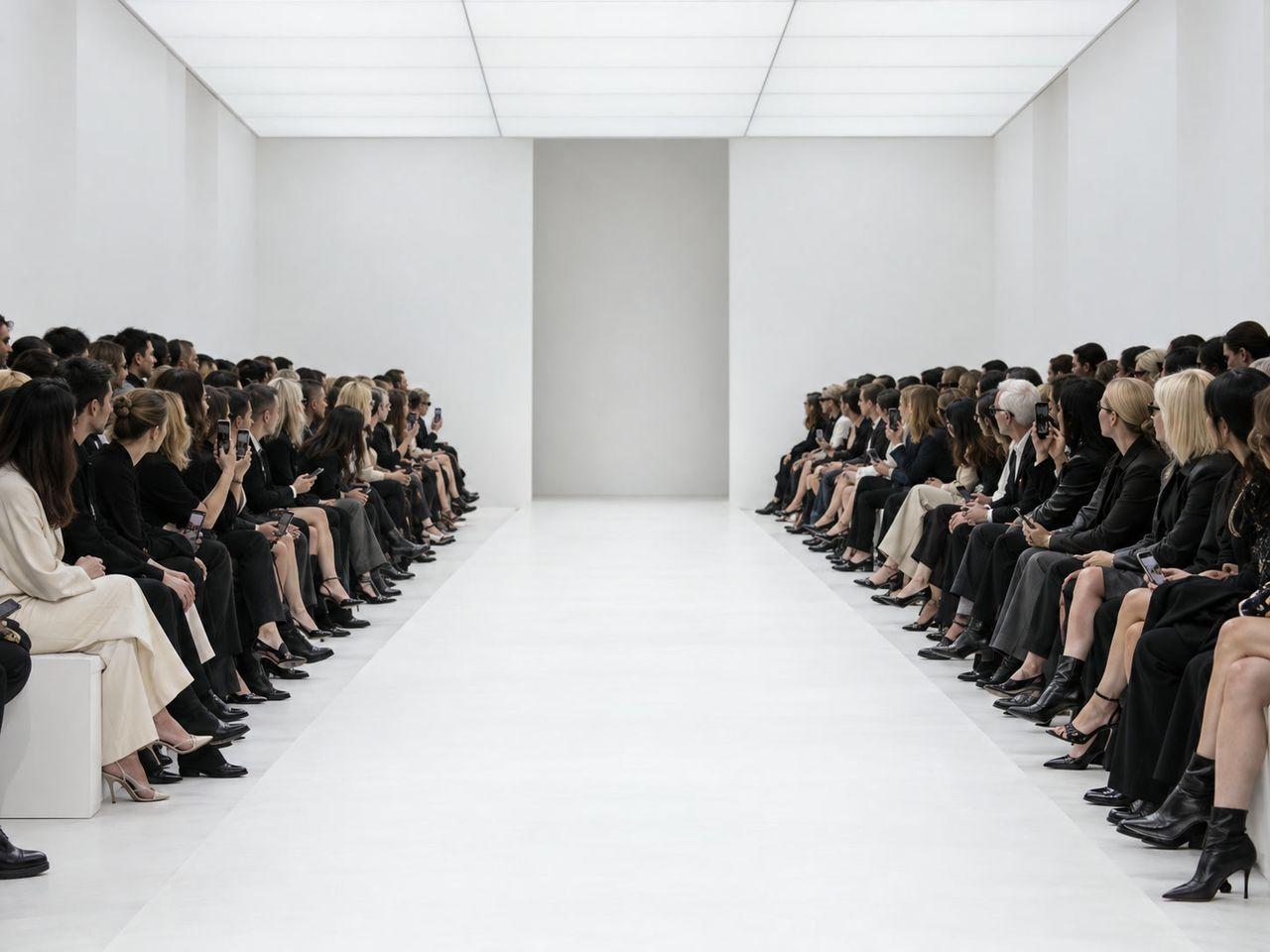
White Cube
Start from
a look you love.
Open any result to see the garment and avatar that went into it.
Then make your own with the same setup.
Before you start.
What kind of photo works best?
A photo where the whole garment is clear. Flat lays, hanger shots and photos of the garment being worn all work. If you add a photo of the back, the back of the flat sketch is drawn from it.
Can I start from a flat sketch alone?
Sketch to Image, Sketch to Lookbook and Sketch to Video start from a flat sketch or a pattern. Set the fabric and color, and AI makes the real garment in that fabric and color.
Who models the clothes?
Pick a built-in avatar or your own, and the model has that face and build. Leave it empty and AI picks the model.
How is it different from Business Studio?
Business Studio makes ads for any product. Fashion Studio has skills made for clothes, like flat sketches, patterns, runway, fashion week and OOTD. For products other than clothes, try Business Studio.
Your next collection starts here.
Start now with a single garment photo.
Open Fashion Studio