







Motion Studio
Pick Siren or Siren Fast in the model menu to open the panel for your source video and photos. On Siren you can choose motion transfer or object swap.
Open Motion StudioSera Studio
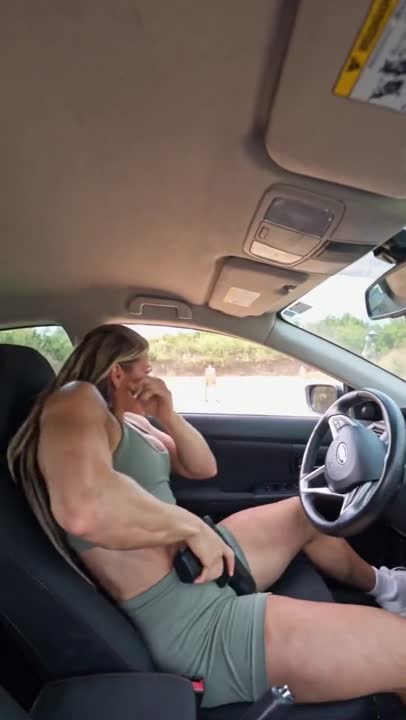
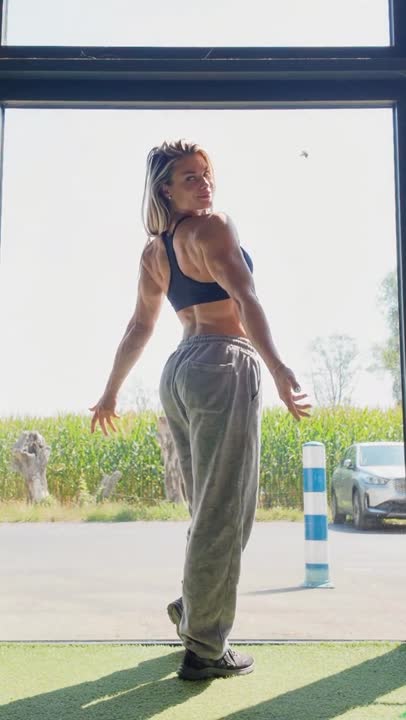
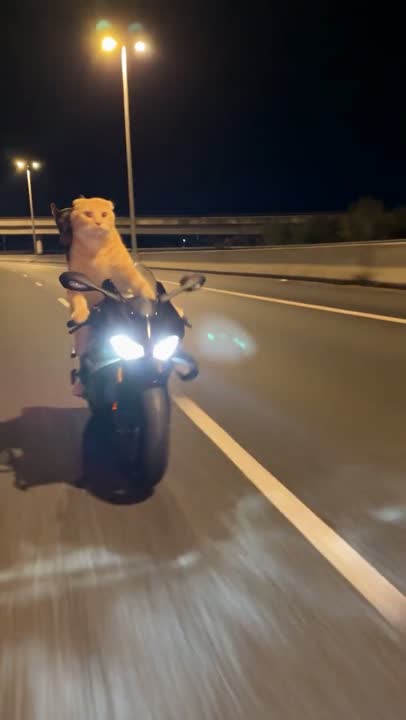
Same shot. New cast.
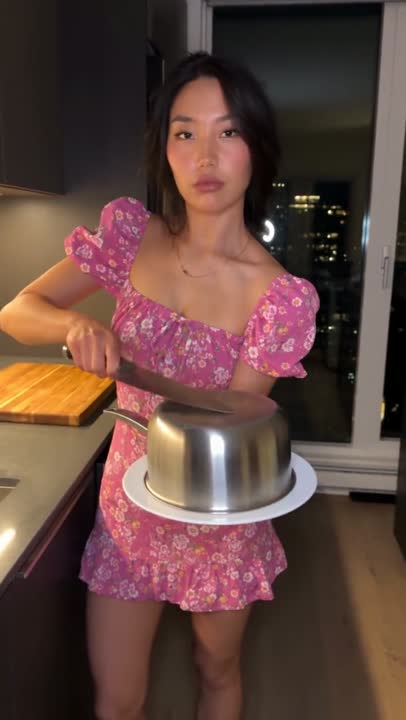
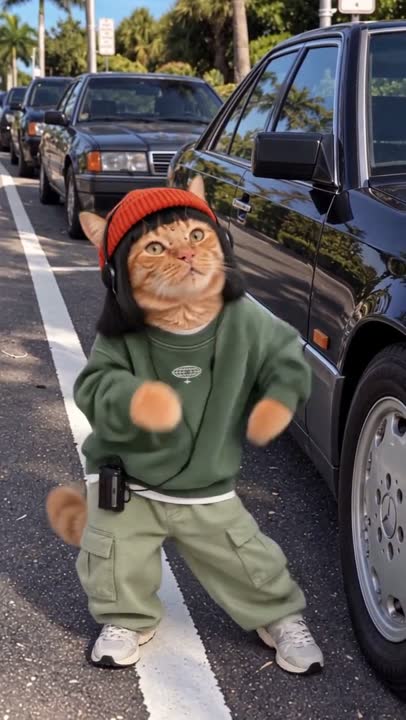
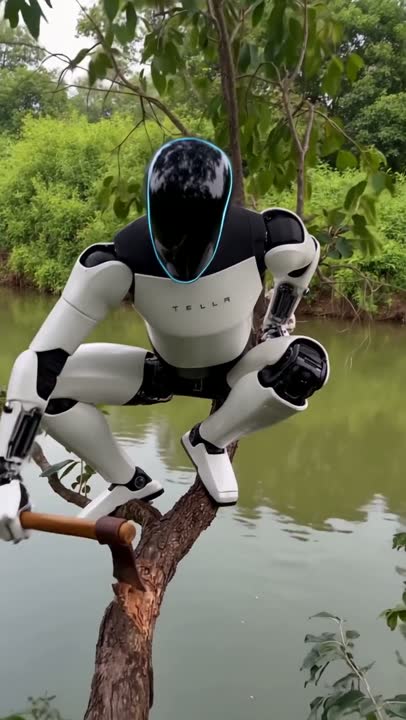
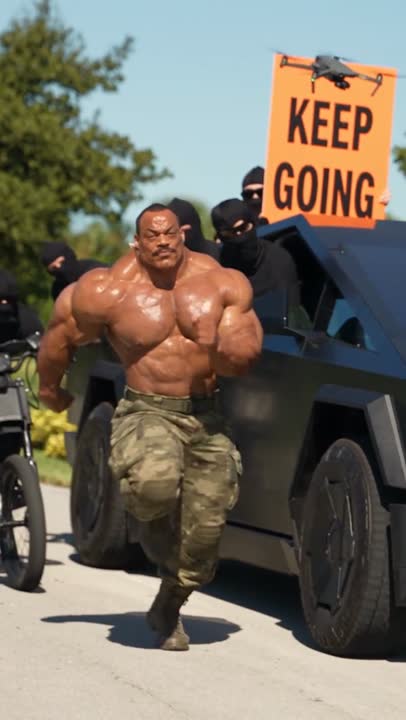
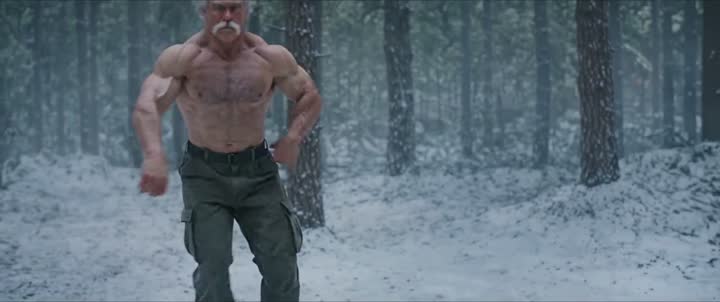
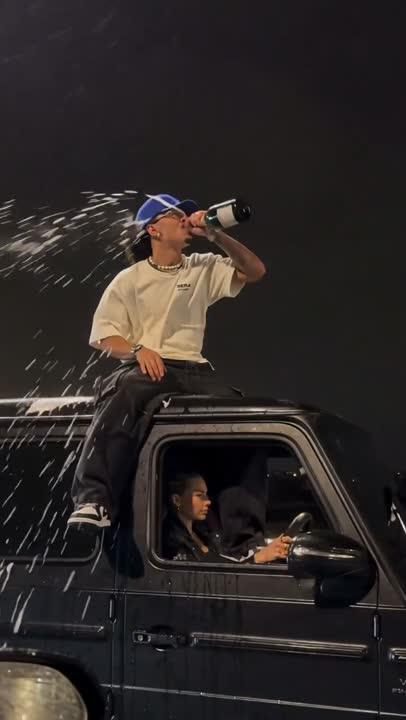
Swap the people, outfits or background in your video for the ones in your photos.
The camera and the moves follow the original.
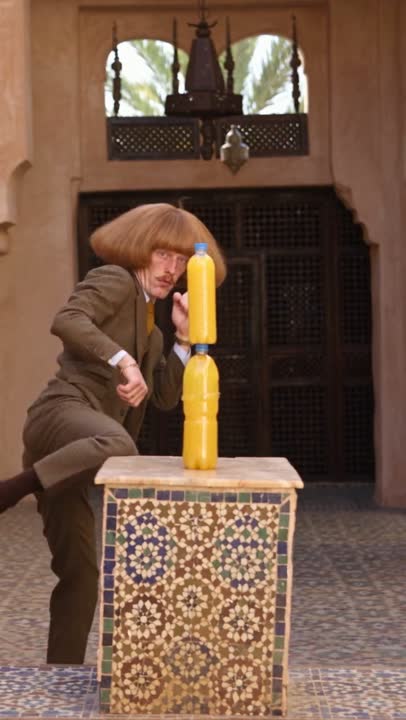
You can also swap a single product and keep the rest of the shot.
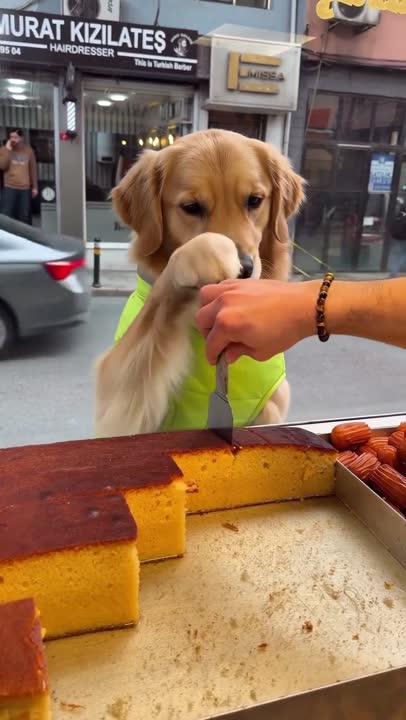
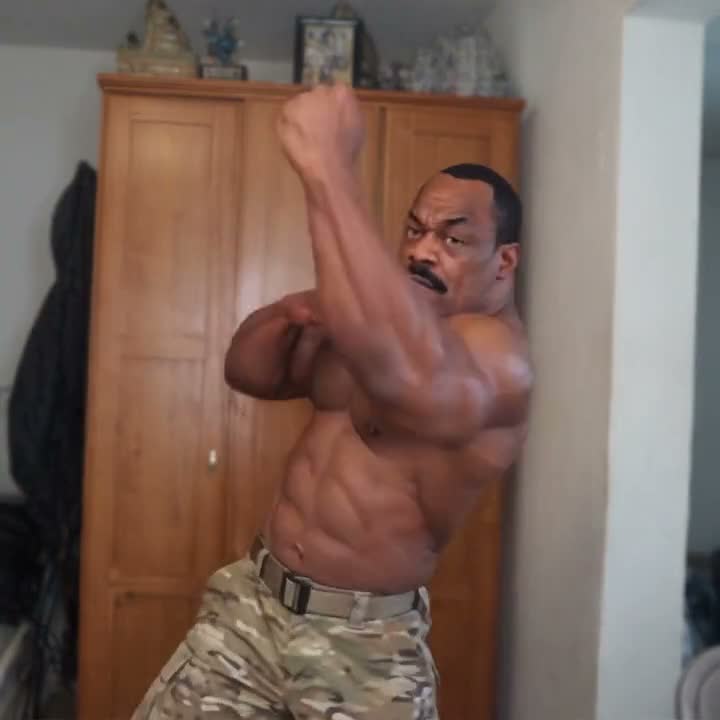
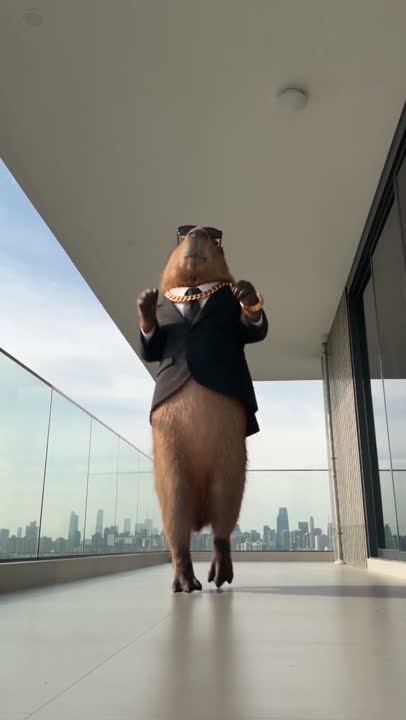
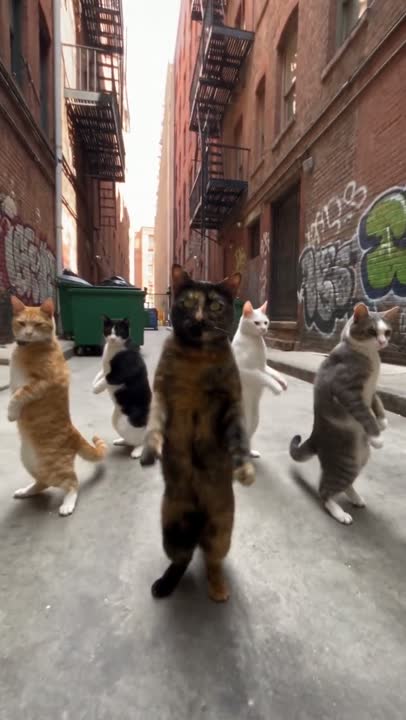
Original · Siren
Move the line to compare the original with the Siren result. Both sides always show the same frame.
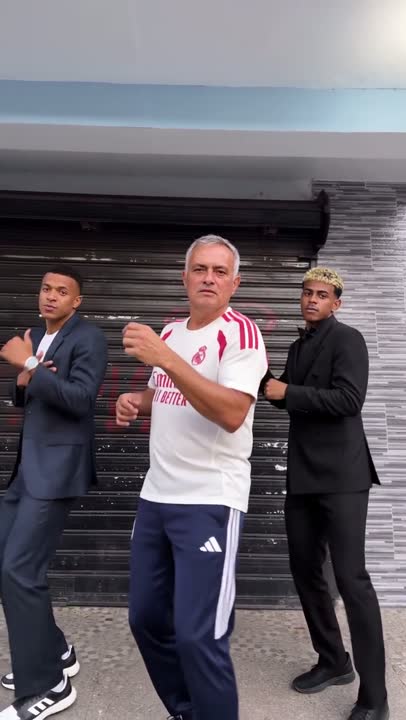
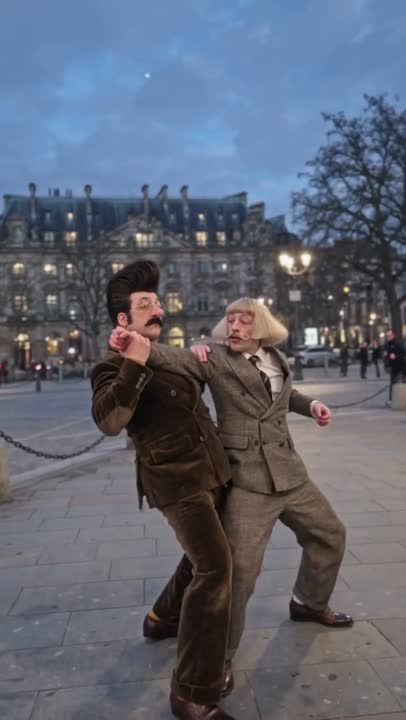
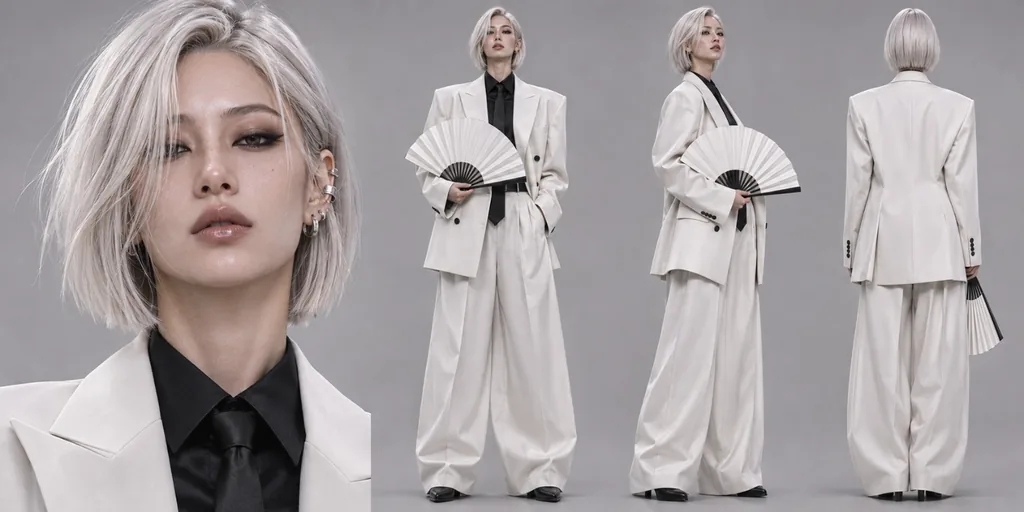 The lead at the frontthe person in photo 1
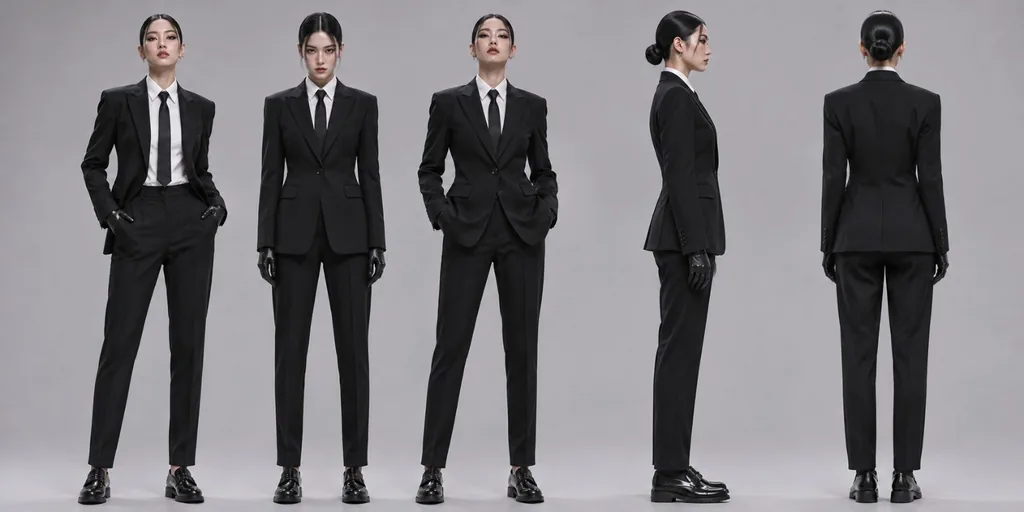 The dancers' outfitsthe suits in photo 2
Object swap
This ad was made from one photo with the instruction left empty. Siren worked out which can to replace on its own.
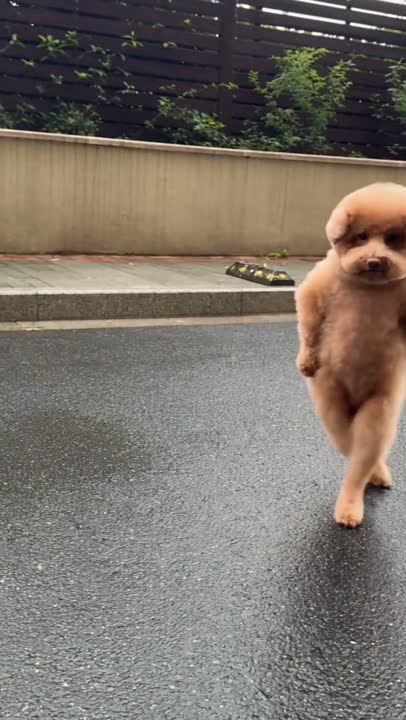
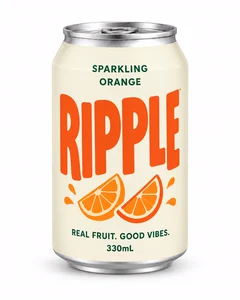 The can thrown from the billboardthe can in the photo
How it works
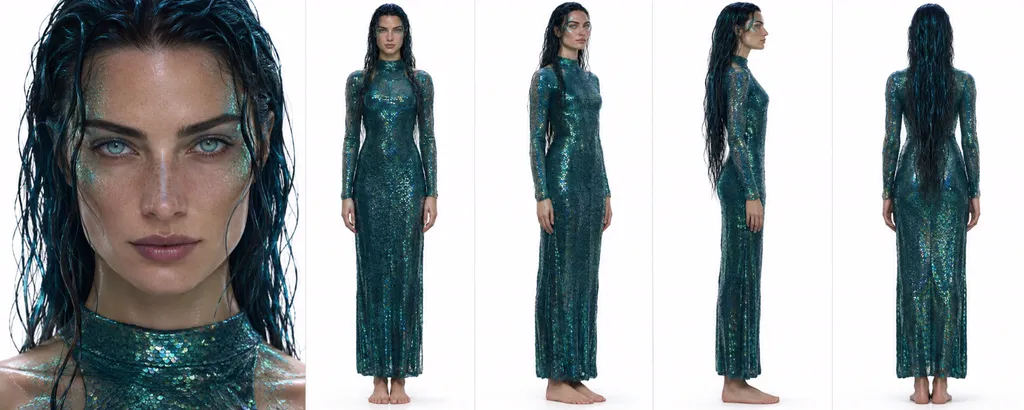
This example was made from one clip of an old captain at a ship's wheel and one photo of a siren.
Upload a video between 4 and 15 seconds or pick one from My videos. Landscape, portrait and square all work.
Start from an example
Each one opens Motion Studio with the source video, the photo and the settings filled in.
Credits
You see the credits before you create. If a video can't be made, every held credit is restored automatically.
See pricingWhere to use it
Pick Siren or Siren Fast in the model menu to open the panel for your source video and photos. On Siren you can choose motion transfer or object swap.
Open Motion Studio
You can also pick Siren for ad and lookbook videos. The avatar you choose takes the place of the person in the source video. With object swap, your product photo replaces an object in the source instead.
Business StudioFashion Studio
Connect Sera Studio to Claude, then hand Claude a video and a photo to make a Siren video right in the chat.
Connect ClaudeCreate an API key to make Siren videos from your own app. Uploads, generations and the finished video all go through the API.
Open the API consoleSiren is Sera Studio's AI video model. It recreates a scene with the framing, camera movement and timing of the original video and swaps the people, outfits or background for the ones in your photos. With object swap, it replaces just one product in the original.
Motion transfer rebuilds the scene with the movement and camera of the original and swaps the people, outfits or background for the ones in your photos. Object swap replaces one object in the original with the product in your photo, and the rest of the shot follows the original. Leave the instruction empty and Siren picks the most visible object of the same kind as your product.
Siren Fast runs Siren's motion transfer and returns the result sooner. It takes the same video, photos and instruction and costs more credits per source second (480p 14 credits · 720p 28 credits · 1080p 56 credits). Object swap is only on Siren.
Motion transfer takes videos from 4 to 15 seconds, object swap from 4 to 30 seconds. Upload an MP4 or MOV or pick one from My videos. Landscape, portrait and square videos all come back in their original ratio.
Up to 8. Keep one person per photo. You can add person, outfit and background photos together, then say what to swap for what. For object swap, add the product as the first photo.
The result carries the original sound. If the source has no sound, the result has none either.
Credits are charged per source second by resolution (motion transfer 480p 10 credits · 720p 20 credits · 1080p 40 credits; object swap 720p 19 credits · 1080p 29 credits; Siren Fast 480p 14 credits · 720p 28 credits · 1080p 56 credits). You see the total before you create. If a video can't be made, every held credit is restored automatically.
Use photos of yourself, of people who gave you permission, or of AI characters you created. Our terms prohibit using someone else's face without their permission.