
Open source
We publish the prompts and settings behind AI videos made with Sera. Pick a scene you like and make your own with the same settings.
Create a video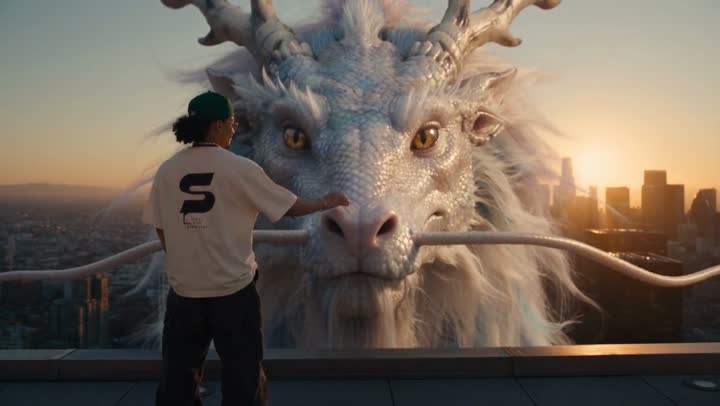
0–4sWhite dragon over the city
Medium-wide shot from behind the rider. He stands alone at the edge of a skyscraper rooftop, hands in his pockets, looking out over the city, the large black S logo on the back of his t-shirt clearly visible.
Hard cut. Wide shot from a neighboring tower. The rider is now seated on the base of the dragon's neck as it dives off the rooftop and plunges between the glass skyscrapers…
Close-up on the rider's face, sunset light glinting on his glasses and pearl necklace, curly hair whipping in the wind, shouting with pure exhilaration…
Extreme wide shot. The dragon bursts up through a layer of golden clouds above the skyline and rises into the open sky, swimming through the air with slow powerful undulations, legs tucked against its body…