Auto-generate YouTube Shorts with AI: one topic line became a 30-second Short in 3.5 minutes
Curious how much an AI Shorts generator really does? In Sera Studio’s What If we typed What if a day had thirty hours, and 3 minutes 29 seconds later had a 30-second Short with the script, voice, scenes and captions done. Here’s every step on the real app screens, from typing the topic to making the next episode.
Wondering how much an AI Shorts generator actually does for you? Here it is on screen. In Sera Studio’s What If, we typed one line, What if a day had thirty hours, and pressed Generate. 3 minutes 29 seconds later we had a 30-second Short with the script, voice, scenes and captions all done.
Below is every step, from typing the topic to making the next episode, on the real app screens. The Short was made on Oct 30, 2026, and we reopened that record to take the screenshots on Nov 7.
Auto-generating a Short with What If
What went in
- One topic line
- 1 lineWhat if a day had thirty hours
- Style
- Low-poly City
- Button pressed
- Generate
What came out
- A vertical Short
- 30 sScript, voice, scenes, captions
- Next
- Make the next episode
- Episodes
- Up to 4 at once
Time taken
- Request to finished
- 3:29A real run on Oct 30, 2026
- Credits held
- Up to 95
- Credits used
- 78
Type one topic line
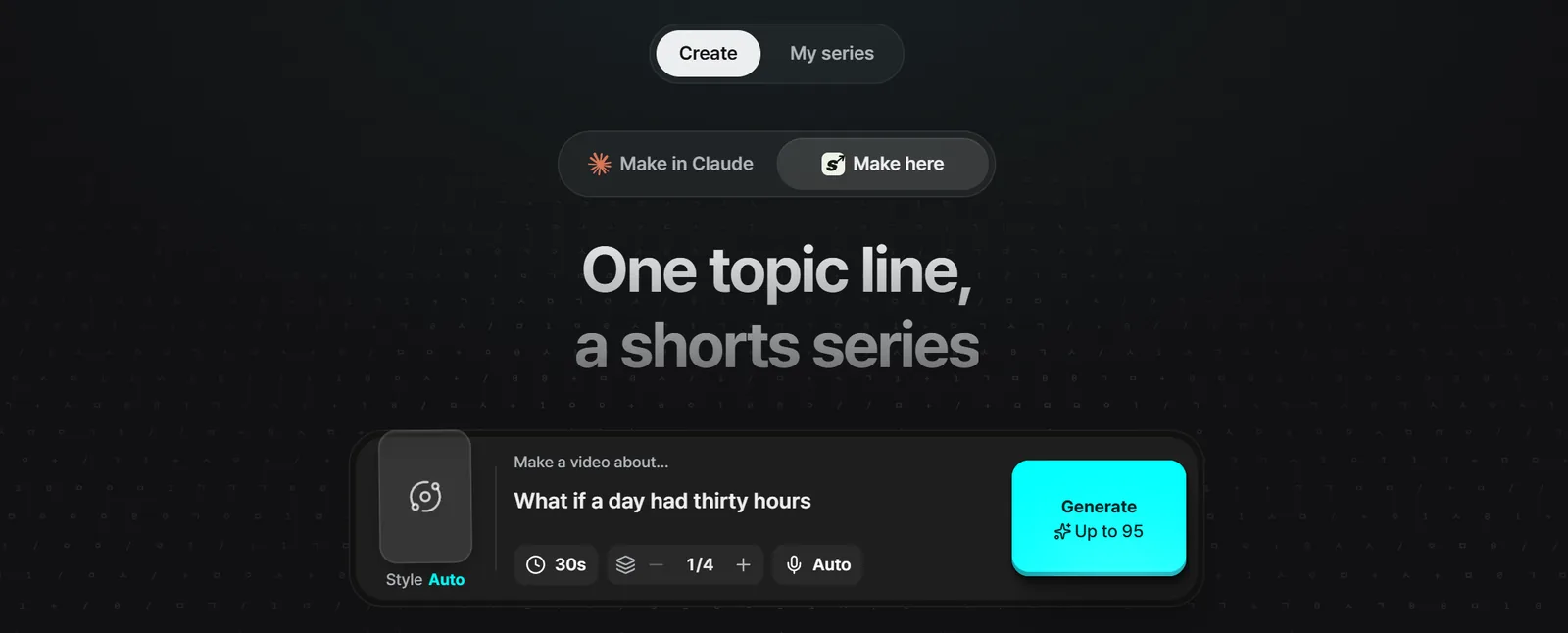
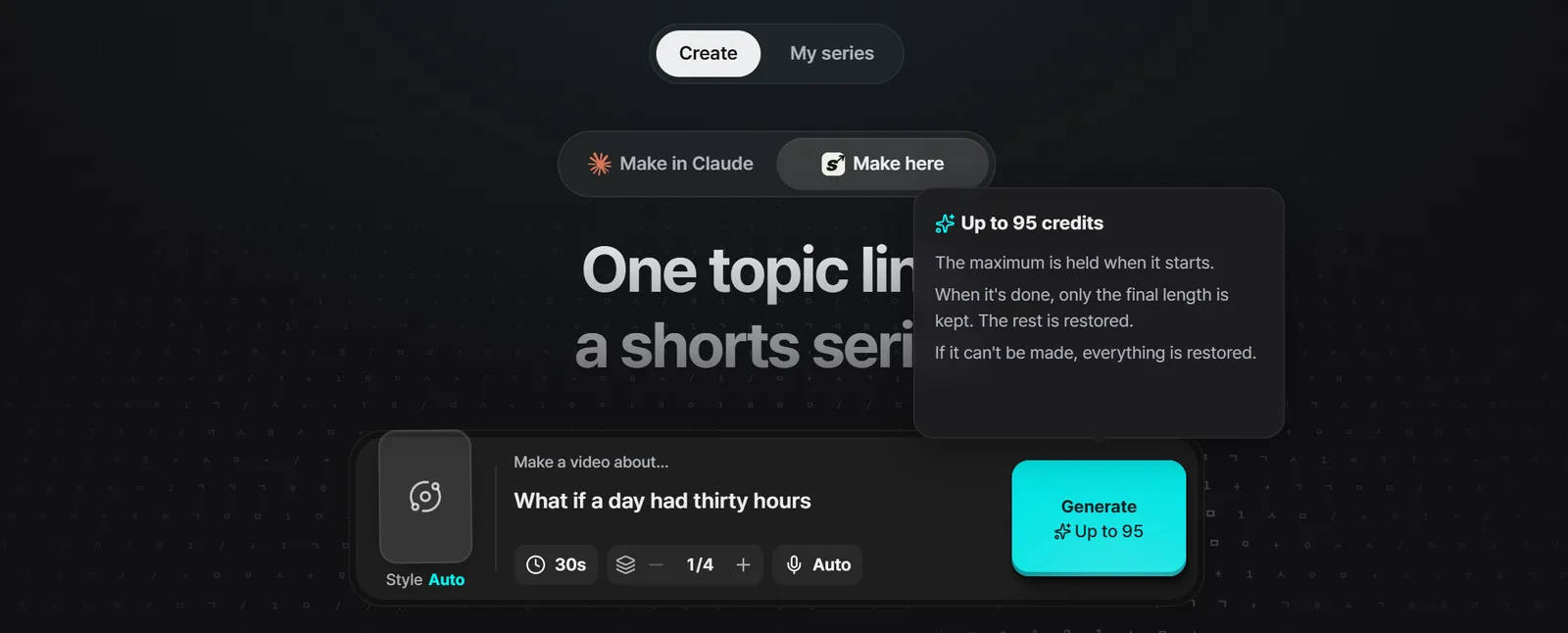
Open What If and the Create tab has a single box that says Make a video about. Type your topic in one line. A what-if idea works, and so does a how-it-works question like how a parcel gets to your door.
- Length starts at 30 seconds, and you can pick anything from 15 seconds to 5 minutes in 5-second steps.
- You can make up to 4 episodes at once.
- Leave the voice on Auto or pick one. There’s also a version with no voice, just sound effects and visuals.
- The switch at the top picks Make here or Make in Claude. We used Make here, which runs the whole thing inside Sera Studio.
Keep the default style, or choose one
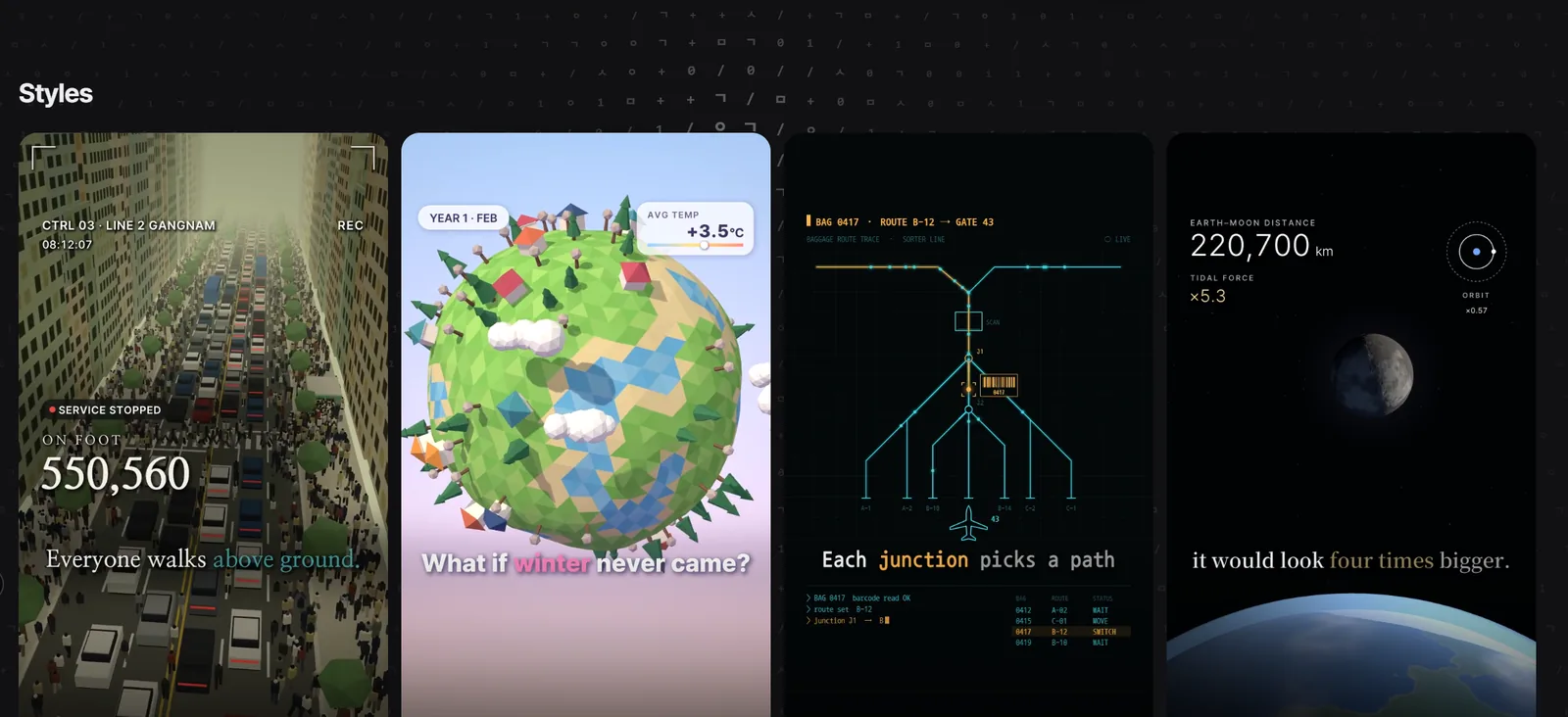
Style, to the left of the box, starts on Default, which makes the Low-poly City style. Scroll down and the style wall plays sample videos for thirteen styles. Open one to see what it’s made of.
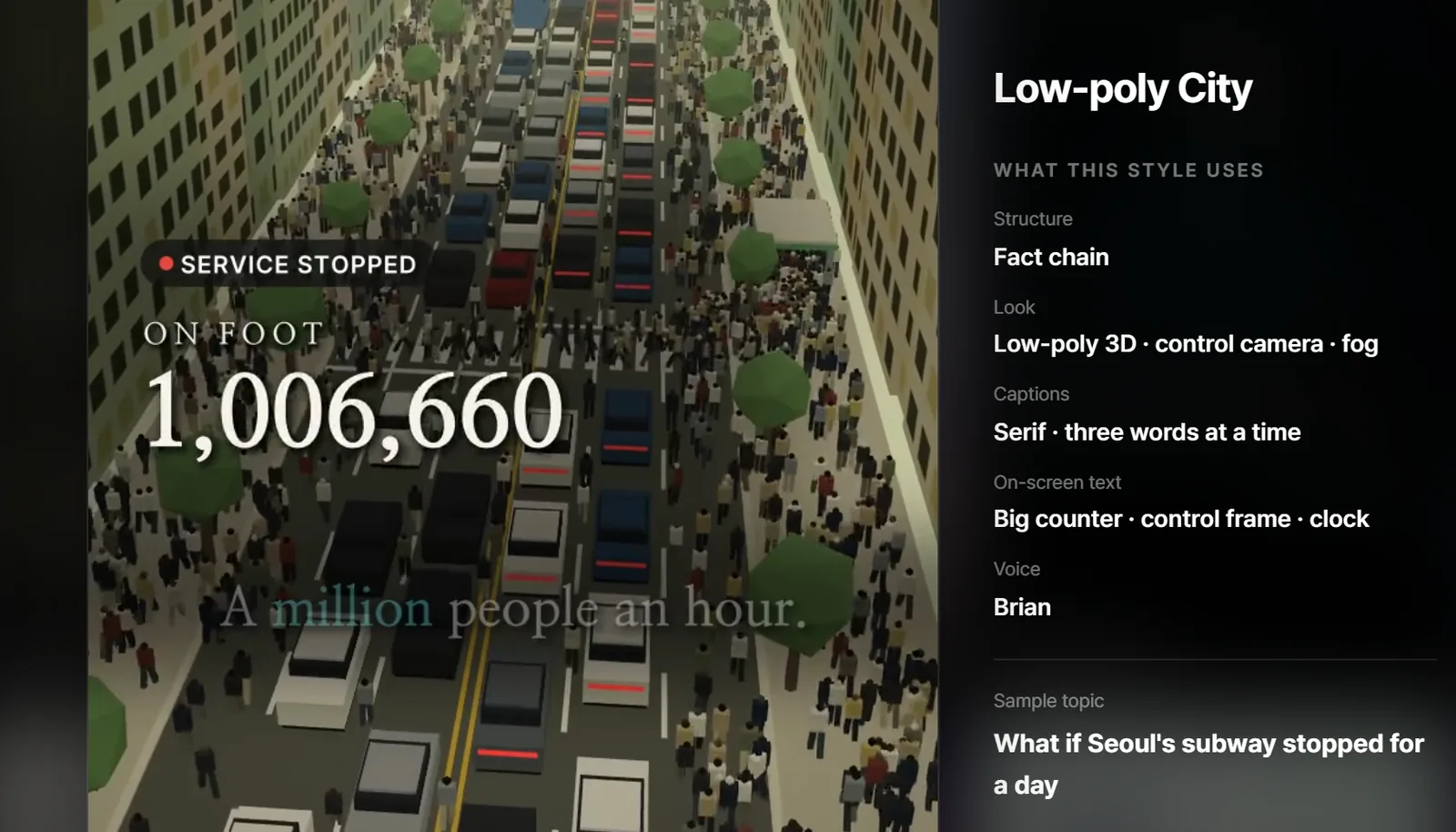
This Short came out in Low-poly City. The style view lists its structure, look, captions, on-screen text and voice, plus a sample topic, and Use this style puts it into the box.
Check the credits before you press Generate
The Generate button shows the most it can cost. A 30-second Short is up to 95 credits. Hover over the button to see how that works.
- The maximum is held when it starts.
- When it’s done, only the final length is kept and the rest is restored.
- If it can’t be made, everything is restored.
A 30-second Short was ready in 3.5 minutes
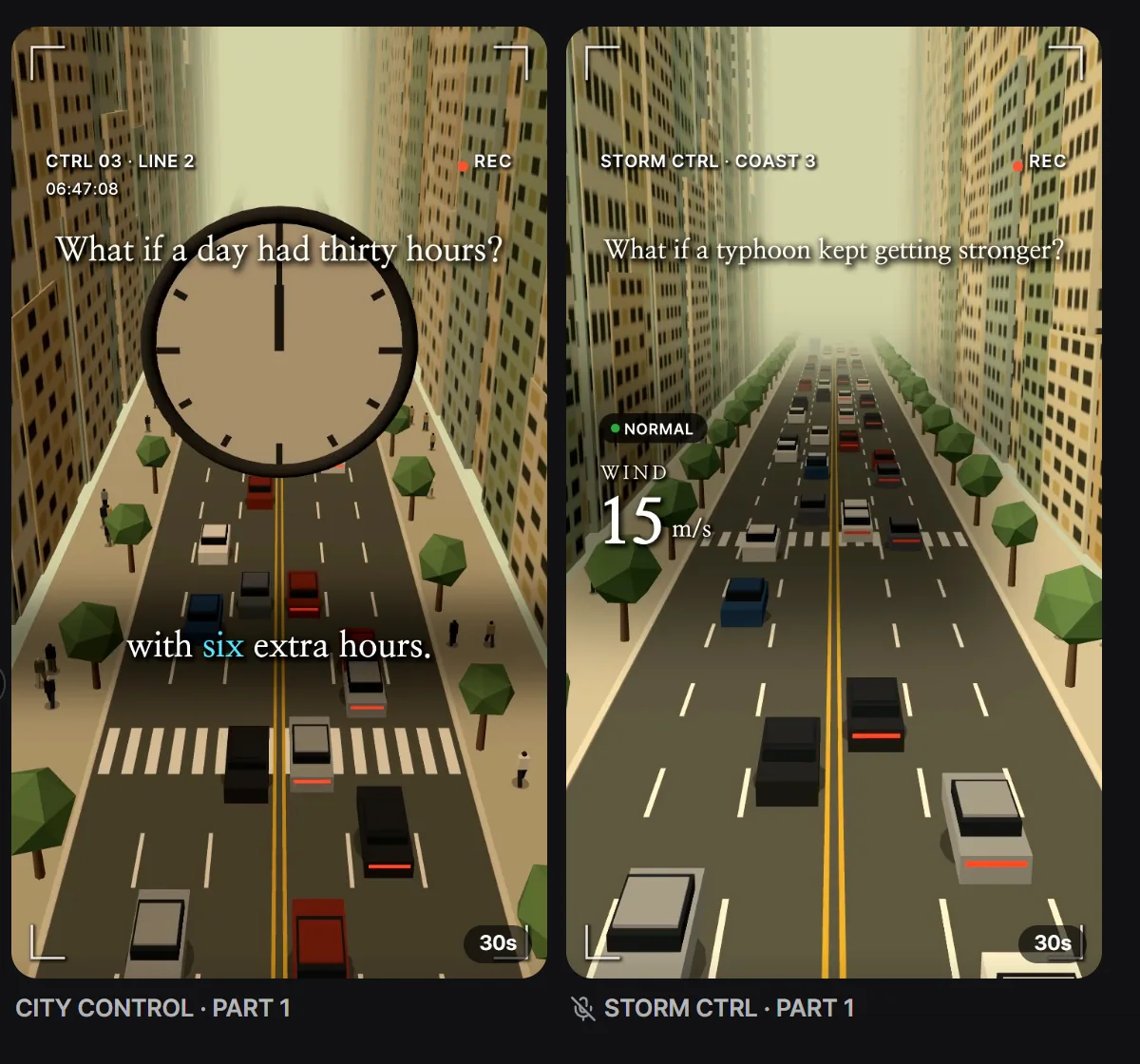
Once you press Generate, a card appears in the My series tab and steps through Writing the script, Recording the voice, Making scenes, Drawing scenes and Finishing. This one took 3 minutes 29 seconds from request to finished, and came out at 30.42 seconds.
Finished episodes stay in My series as cards. The AI named this one CITY CONTROL, PART 1, and the card plays a silent preview. The other card, STORM CTRL, is the no-voice version, made from What if a typhoon kept getting stronger.
Watch it, then make the next episode
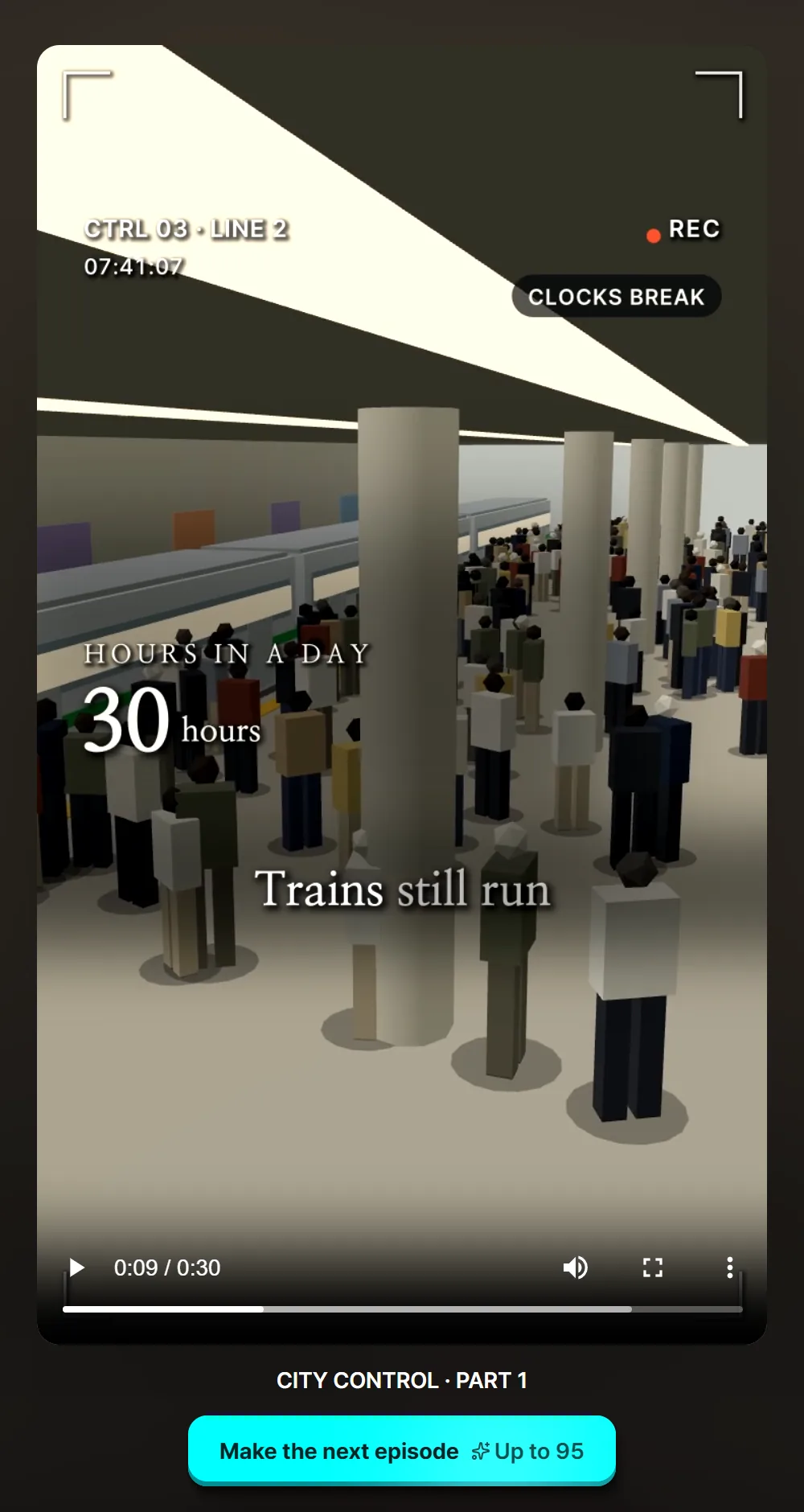
Open a card to play it full size. Make the next episode, below the video, writes PART 2 so it picks up where this one left off.
Time and credits
- It took 3 minutes 29 seconds from request to finished.
- 95 credits were held at the start and 78 were used. The other 17 came back.
- Make in Claude costs fewer credits than Make here.
Good to know before you start
- The time is one run of one episode. Length, episode count and how busy the queue is can change it.
- We didn’t make anything new for this guide. We reopened the Oct 30 record and took the screenshots.
- These are the real Sera Studio app screens. We cropped or removed the workspace name and balance, and kept only this guide’s episodes in My series.
- Sera Studio wrote this piece to introduce its own feature, What If.