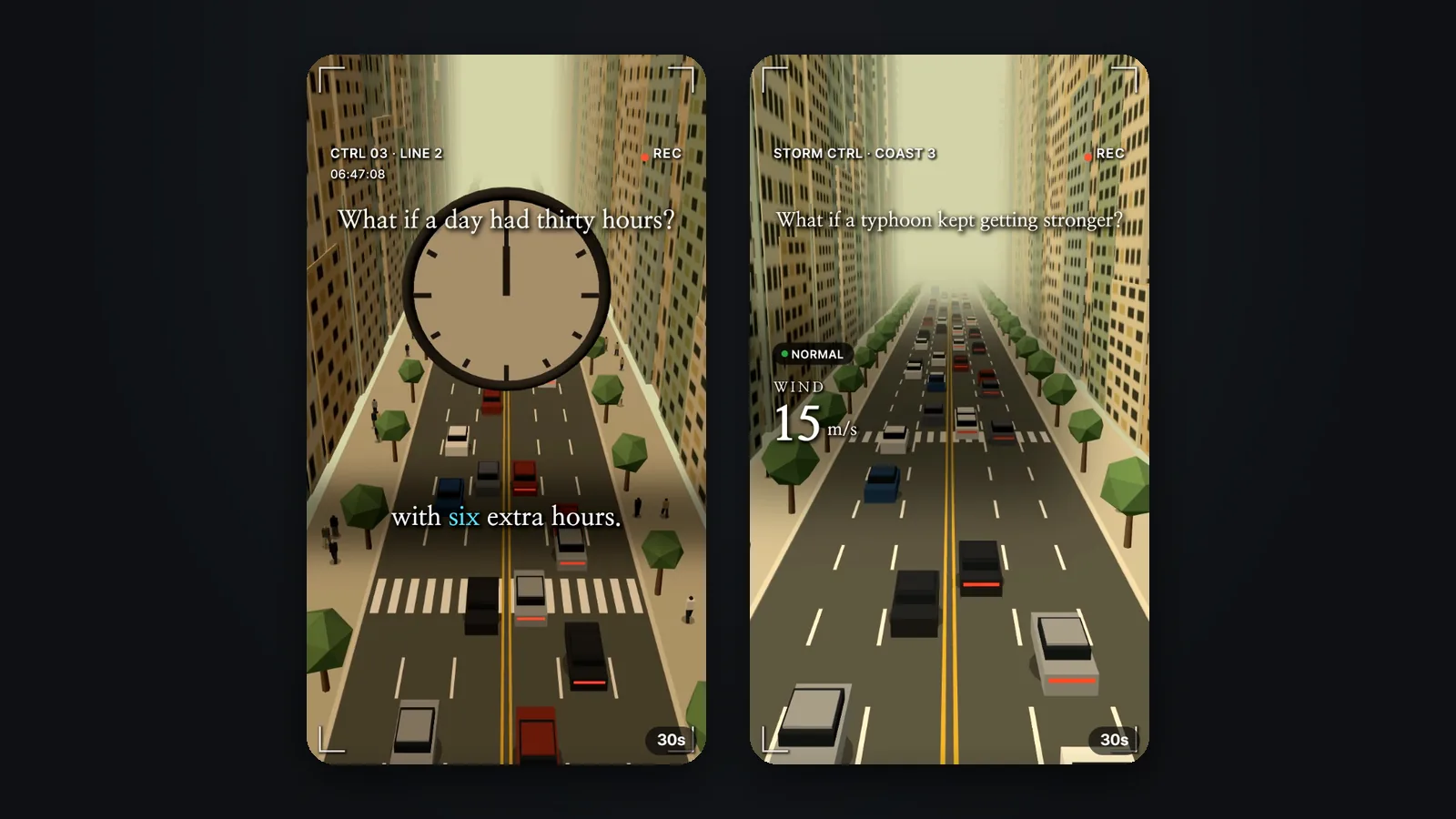
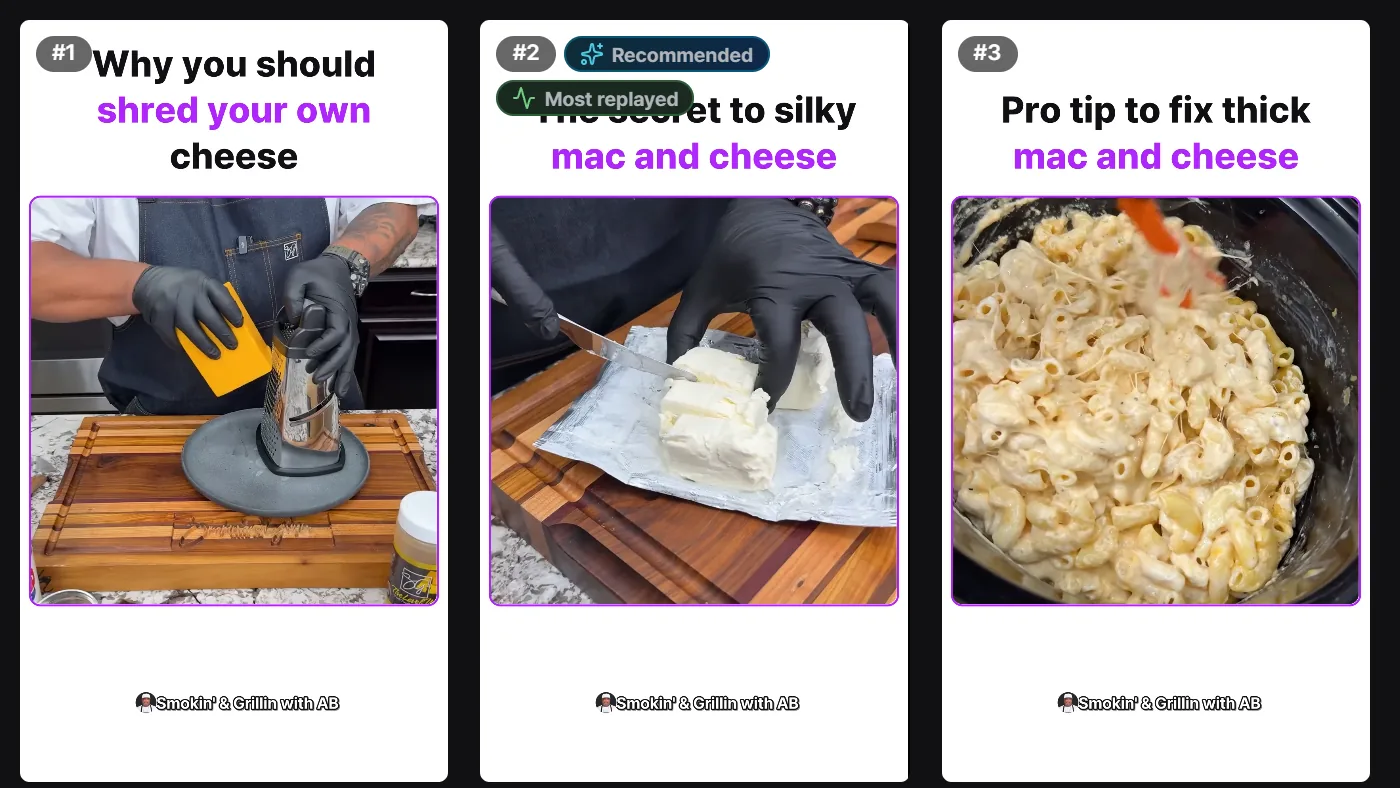
AI product video generator, tried for real: we added a product photo and a model showed it off
Can a product photo turn into an ad where a model shows the product off? We made nine ad videos for test products in Sera Studio’s Business Studio: five UGC videos with a person in them and four motion videos where the product is the star. Each took 3 to 10 minutes. Here’s what went in, how long it took, what it cost, and what worked and what didn’t.
Shooting one product ad means booking a model, finding a location and editing the footage. For a small shop or a one-person store, that’s a lot for a single video. So we tried an AI product video generator instead: Sera Studio’s Business Studio. We gave it product photos and got back videos of a model holding the product and showing it off.
Below are all nine ad videos we made for test products between Oct 3 and Oct 26, 2026. For each one we list the photos that went in, how long it took and the credits it used, straight from the record. We also wrote down what worked and what didn’t.
AI ad videos from product photos
What went in
- Product photos
- 1 to 4Product photos per video
- Videos with an avatar
- 4
- Videos with an uploaded person
- 2
What came out
- Ad videos
- 95 UGC, 4 motion
- Model
- Seedance 2.5
- Ratio and length
- 9:16, 8 to 15s
Time taken
- Until one video was ready
- 3 to 10 minFastest 2:58, slowest 9:43
- One 15s 1080p video
- 855 credits
- All nine
- 6,101 credits
Pick Video and add your product photos
Business Studio turns product photos into ad images and ad videos. Choose Video on the left of the input box and it switches to making videos.

- Product slot. Add the product photos. One product holds up to 6 photos, and Upload from link pulls the photos from a product page URL.
- Avatar slot. Add the person who appears in the video.
- Skill. Sets the scenes and how the video is put together.
- Model, ratio and length sit on the row below. On Nov 8 the defaults were Seedance 2.5, 720p and 9:16.
The skill decides the scenes
Press Skill to open the skill picker. Video skills come in two groups. UGC videos have a person holding and showing the product. Motion videos make the product the star of the scene.
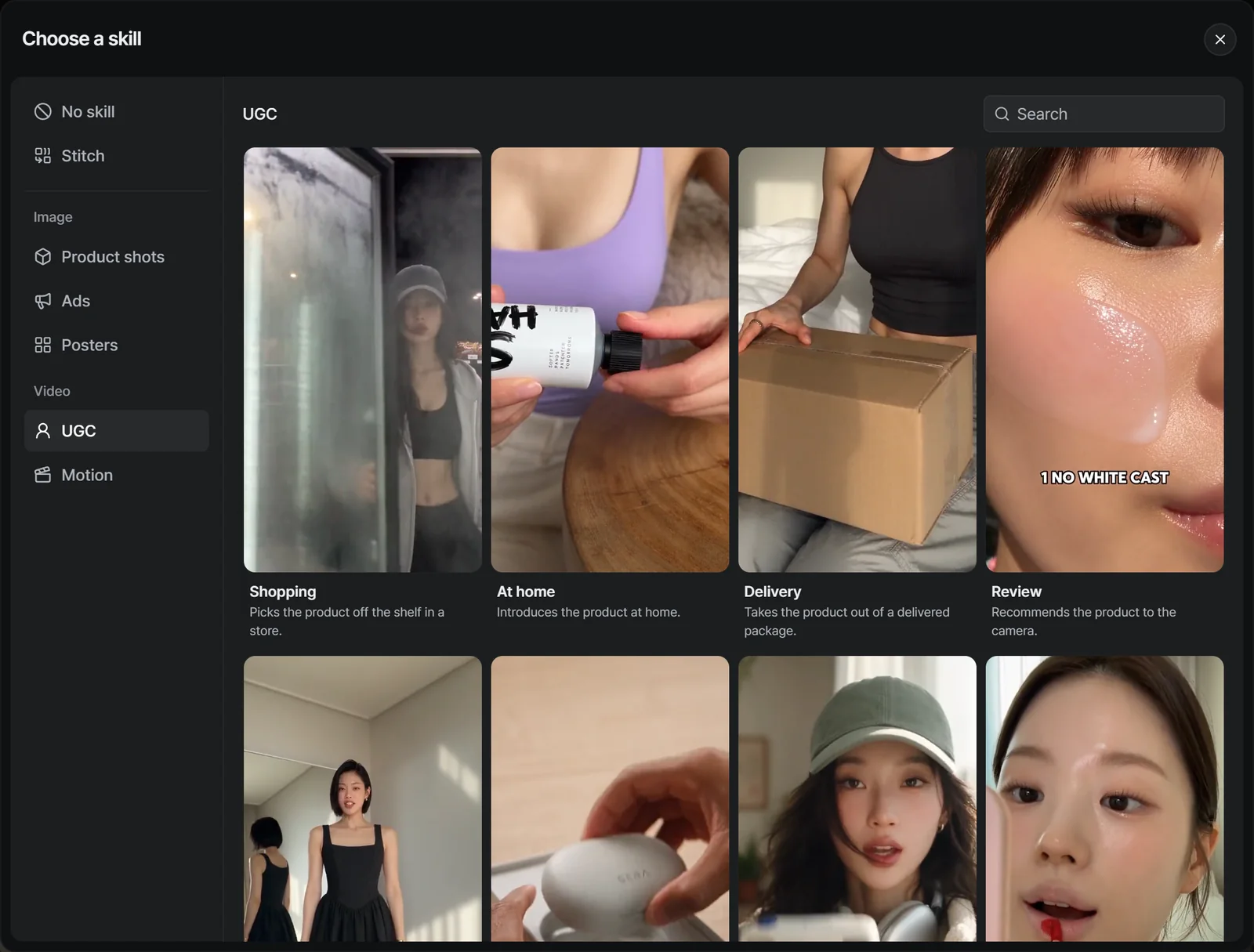
- Nine UGC skills: Shopping, At home, Delivery, Review, Try-on, Unboxing, Tutorial, Before/after and Mukbang
- Four motion skills: General, Typography, Dark minimalism and Color pop
Watch the samples and pick one. Some skills, like Mukbang, record only the sound of eating with no talking.
Choose your model with an avatar
The Avatar slot opens 15 built-in avatars. You can also pick a person from the My avatars, Uploads or Generated tabs. One video takes up to 29 people, and they appear in the order you pick them.
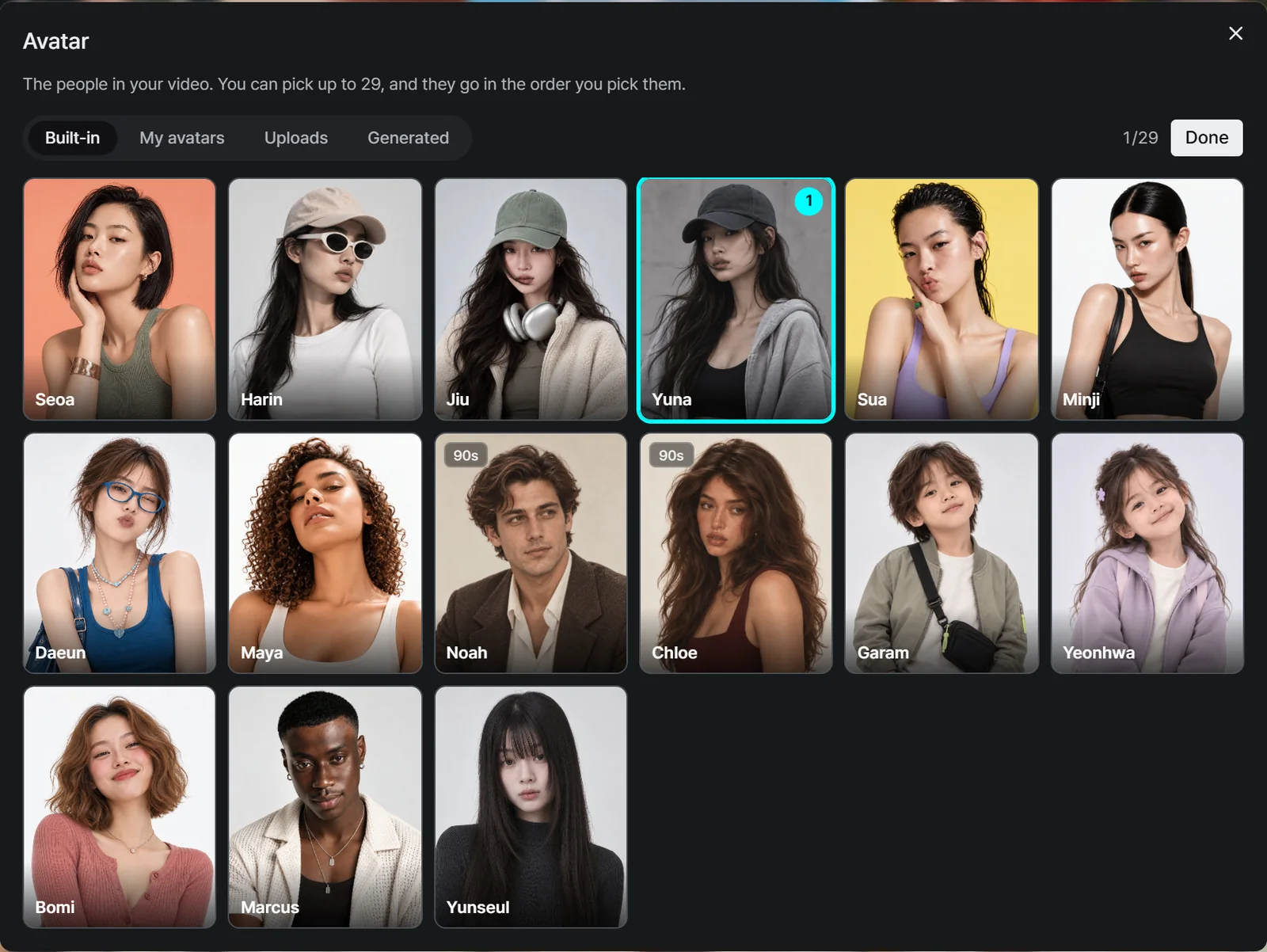
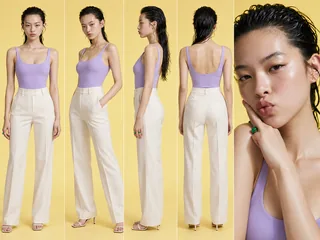
Four of our nine videos use built-in avatars (Sua, Yuna, Jiu and Harin). The Unboxing and Delivery videos use person photos we uploaded ourselves.
Five UGC ad videos
These have a person holding and showing the product. All five are Seedance 2.5, 1080p, 15 seconds. The originals have sound, but we muted them here.
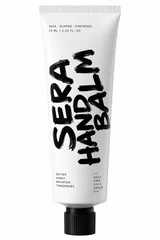
- 15s · 1080pInputAt homeShe opens the hand balm on the sofa and rubs it into the back of her hand.
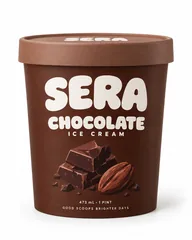
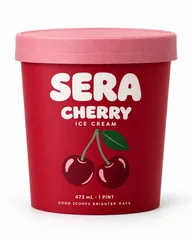
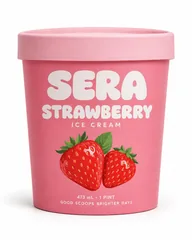
- 15s · 1080pInputShoppingShe picks the cherry ice cream out of a store freezer and holds it up.

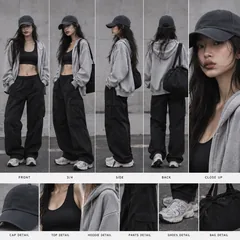
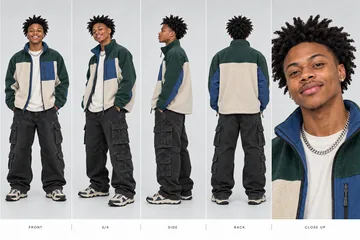
- 15s · 1080pInputUnboxingHe opens the box, takes out the earbuds and puts one in.

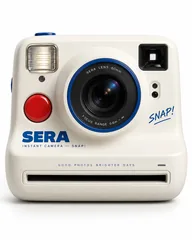
- 15s · 1080pInputTutorialShe walks through the instant camera and holds up the print.
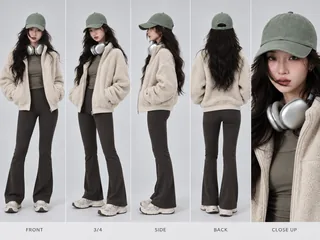
- 15s · 1080pInputDeliveryShe takes the bag out of a delivery box, puts her phone in and wears it.
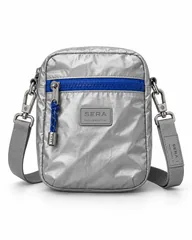
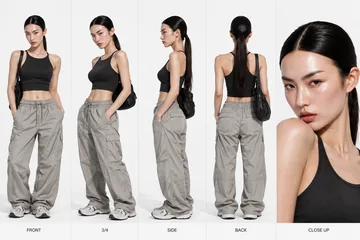
We only added product photos and an avatar, yet the videos include opening the cap, rubbing in the balm and tearing open the box. For the Shopping video we added four photos of different flavors, and the freezer came out stocked with several SERA tubs.
Four motion ad videos
No people here: the product is the star. Each started from a single product photo, and only the one with Harin also had an avatar.
- 10s · 1080pInputColor popLime and cherries fill a clear pouch against a blue sky.
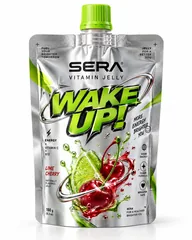
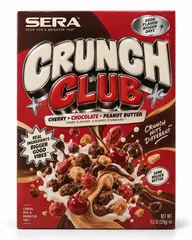
- 8s · 1080pInputTypographyCereal bursts up in front of moving CRUNCH lettering on red.
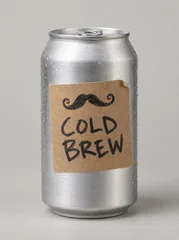
- 10s · 720pInputGeneralThe can rolls, then cold brew pours over ice.
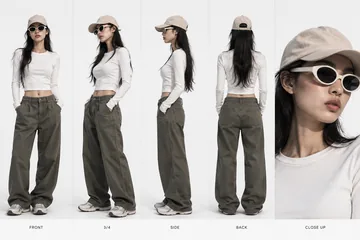
- 10s · 720pInputGeneral + avatarHarin hands the can out of a street billboard and a hand takes it.
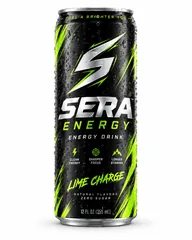
Color pop and Typography do what the names say: color and lettering carry the scene. General builds several shots around the product.
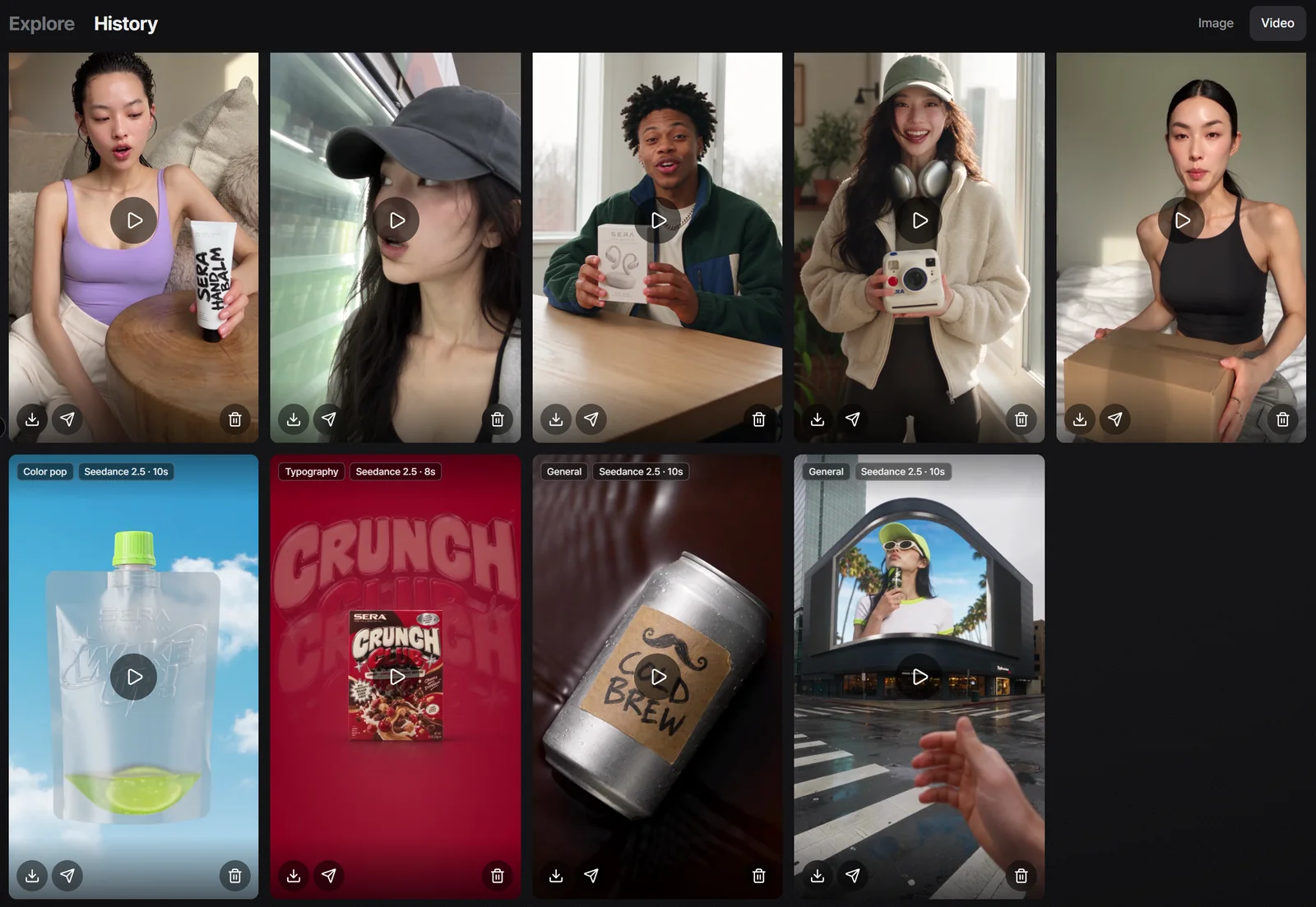
Every finished video lands in History
Finished videos collect under Video in History. Click one to open it full size, with Download and Post buttons.
Time and credits
| Skill | Length and quality | Time taken | Credits |
|---|---|---|---|
| At home | 15s · 1080p | 7:06 | 855 |
| Shopping | 15s · 1080p | 5:51 | 855 |
| Unboxing | 15s · 1080p | 9:43 | 855 |
| Tutorial | 15s · 1080p | 5:24 | 855 |
| Delivery | 15s · 1080p | 9:18 | 855 |
| Color pop | 10s · 1080p | 6:36 | 570 |
| Typography | 8s · 1080p | 7:30 | 456 |
| General | 10s · 720p | 2:58 | 400 |
| General + avatar | 10s · 720p | 3:08 | 400 |
The fastest video was ready in 2 minutes 58 seconds and the slowest in 9 minutes 43 seconds. A 15-second 1080p video used 855 credits. In our AI product photo walkthrough one image was 11 to 15 credits, so video costs a lot more.
Credits depend on the model, quality and length, and the Generate button shows the estimate before you start. On Nov 8 the default 720p, 5-second video was 235 credits and the 20-second UGC default was 940. If a video fails, the credits come back.
What worked
- We got ad videos with a person in them without a shoot. No model booking, no location.
- Product shapes and large text stayed true to the photos. Big lettering like the SERA logo, CRUNCH CLUB and WAKE UP stayed sharp.
- They’re 9:16 vertical, ready for Shorts, Reels and TikTok. The Post button sends them straight to a connected social account.
- Switching the skill changes how the video is built, which makes it easy to test several ad ideas for one product.
What didn’t
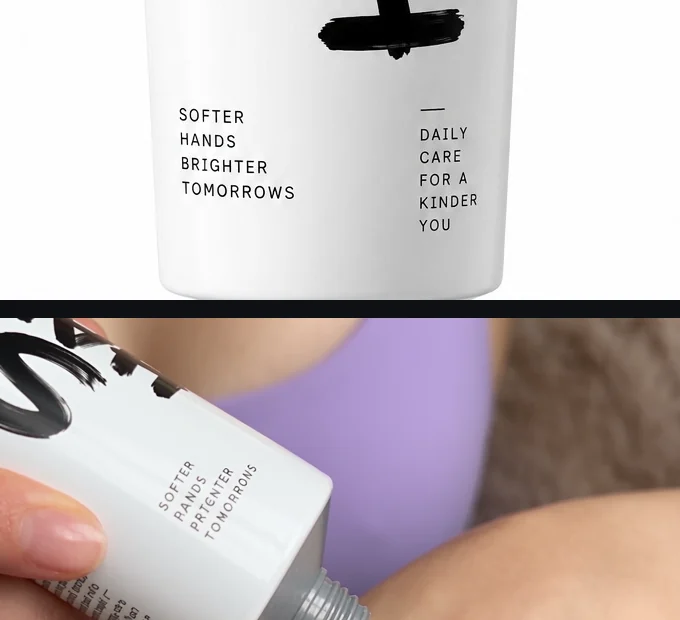
Small print didn’t survive. The hand balm photo says SOFTER HANDS BRIGHTER TOMORROWS. In the video, HANDS became PANDS and TOMORROWS became TOMORRONS. The lettering on the ice cream tub also smeared in a few shots of the Shopping video.
- One video takes 3 to 10 minutes, longer than the roughly 2 minutes an image took.
- Video uses far more credits than images. Settle the length and quality before you generate.
If the small print on your label matters for the ad, add that text yourself in editing.
Who it suits
- Sellers who need product videos for Shopify, Amazon or their own store
- Anyone who wants to test several social ad ideas without booking a model
- People who have made product photo ads and want to move to video. The image steps are in our AI product photo walkthrough.
Good to know before you try
- The videos here were made between Oct 3 and Oct 26, 2026. Nothing was generated for this post.
- Time taken depends on the queue at the time. Credits are what each video cost that day, and they change with the model, quality and length you pick.
- The products are test product photos Sera Studio made. The people come from the built-in avatars and the person photos we uploaded.
- The clips here are muted and scaled down to 540x960. The real videos have sound and the quality listed in the table.
- These are real Sera Studio screens. We cropped out the workspace name and balance, and History shows only the videos in this post.
- Sera Studio wrote this post to introduce its own Business Studio.