How to Replace a Character in Any Video With One Photo
Swap the person in a video with one photo. See how Siren keeps the camera, the timing and the sound, and how it compares with Kling and Wan Animate.
You shot a dance video and you like everything about it except who is in it. Maybe you want your AI character in the lead. Maybe a client wants the same ad with a different model. Reshooting takes a day. Fixing it frame by frame takes a week.
AI character replacement does it from one video and one photo. The camera move and the timing stay the same. Only the person changes. This guide shows how to replace a character in a video with Siren on SeraStudio and how it compares with Kling Motion Control and Wan Animate.
What character replacement actually does
A character replacement model reads the motion from your original video, down to the facial expressions and the camera path. It reads the look from a photo. Then it renders the same performance with the new person.
The hard part is everything around the face. Hair has to move with the head. Clothes have to fold the way the original clothes did. When several people move fast in one frame, weaker models smear faces or merge bodies.
How to swap a character with Siren
Siren is the motion transfer model in SeraStudio's Motion Studio. Pick Siren as the model and upload an original clip between 4 and 15 seconds long. Then add up to 8 photos. A photo can show a person, an outfit or a background. Keep one person per photo.

You can write one line saying what to swap. If you leave it empty, Siren replaces the lead with the person in your first photo.
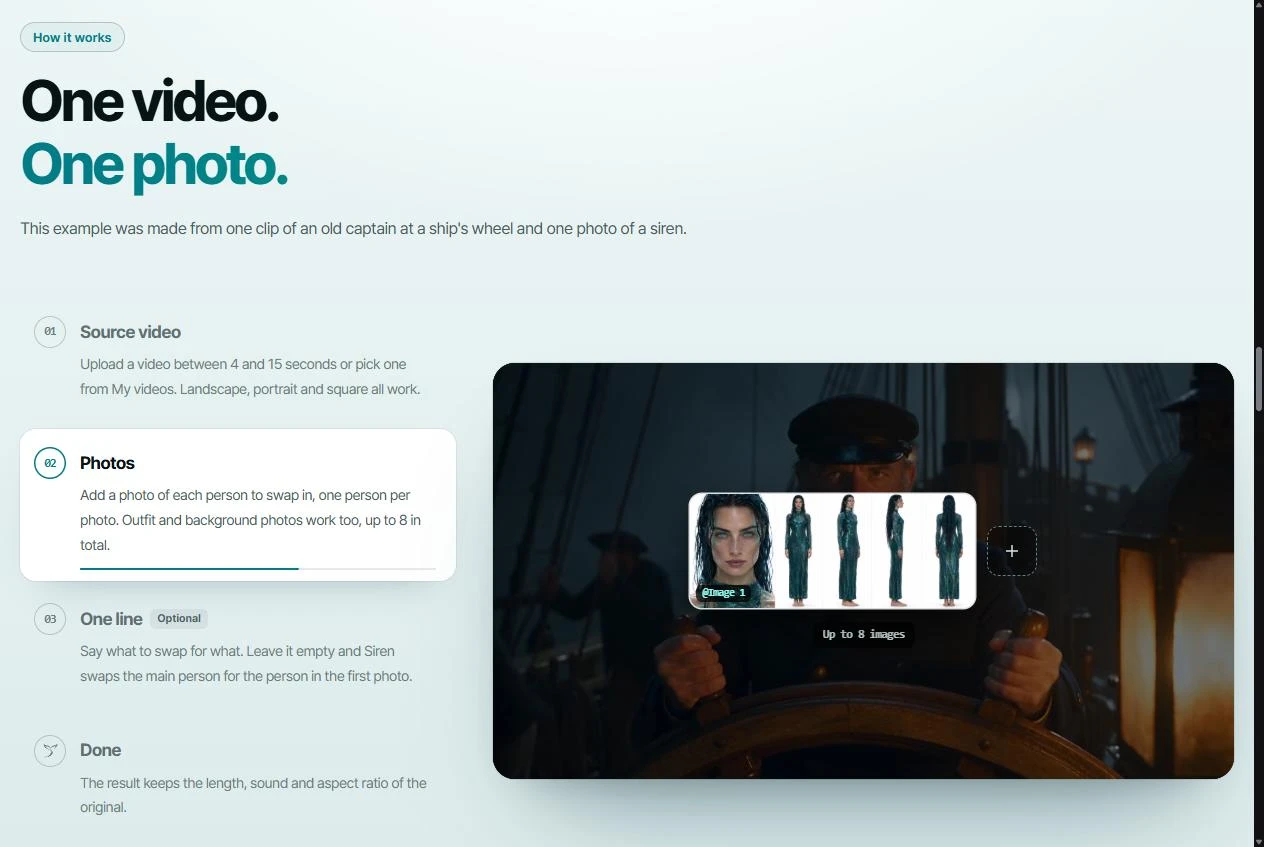
The finished video matches the original in length, sound and aspect ratio. That matters for dance videos. The beat lands where it landed before, so there is nothing to re-sync. You can render at 480p, 720p or 1080p in landscape, portrait or square.
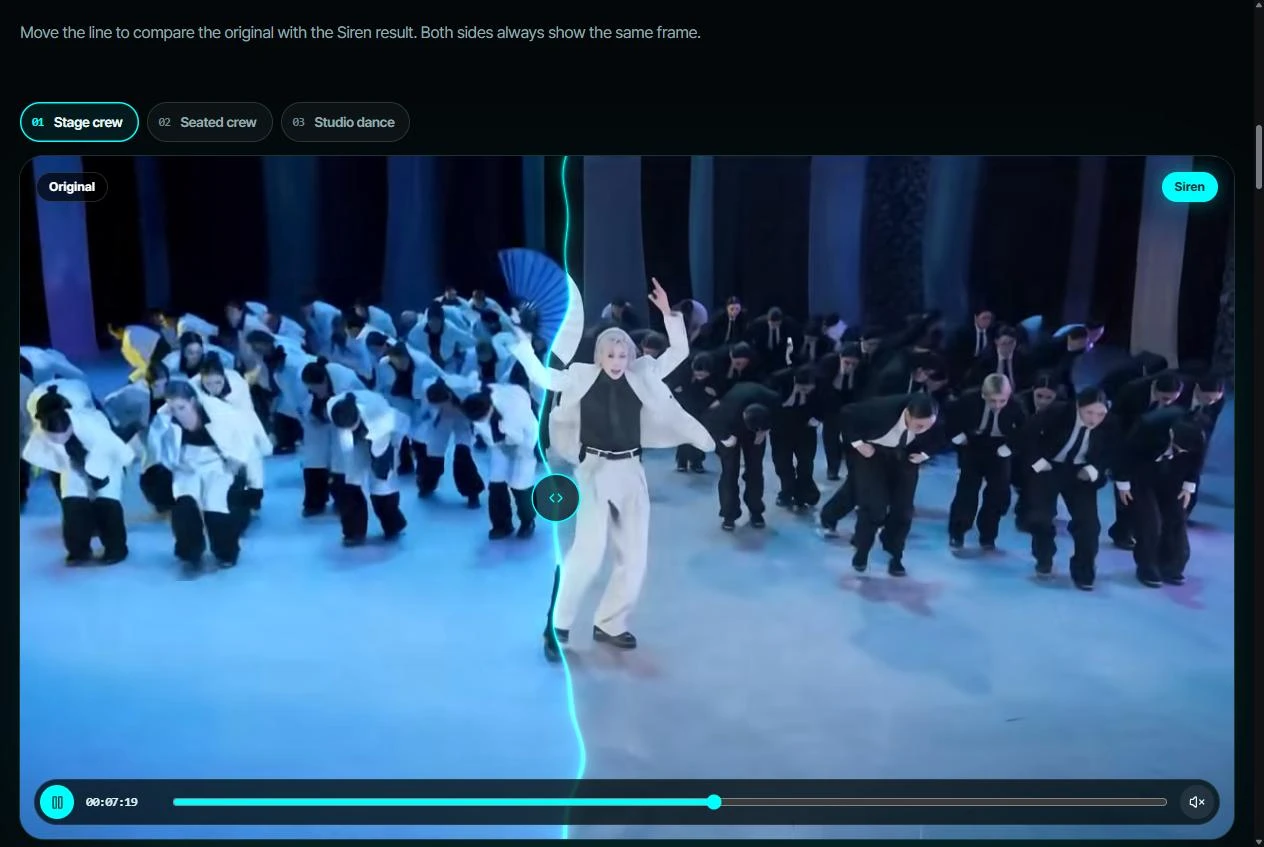
The Siren page has a group dance example worth a look. The dancer in front becomes a different person and the dancers behind her change into black suits. The formation and the camera move stay the same. The faces hold up even with a whole crowd moving fast.
Start from an Instagram Reel
You don't need the video file. In Motion Studio, paste the link to a public Instagram Reel and Siren pulls the video in. Set a start time in seconds and it takes up to 15 seconds from that point. Imported videos are deleted after 7 days.
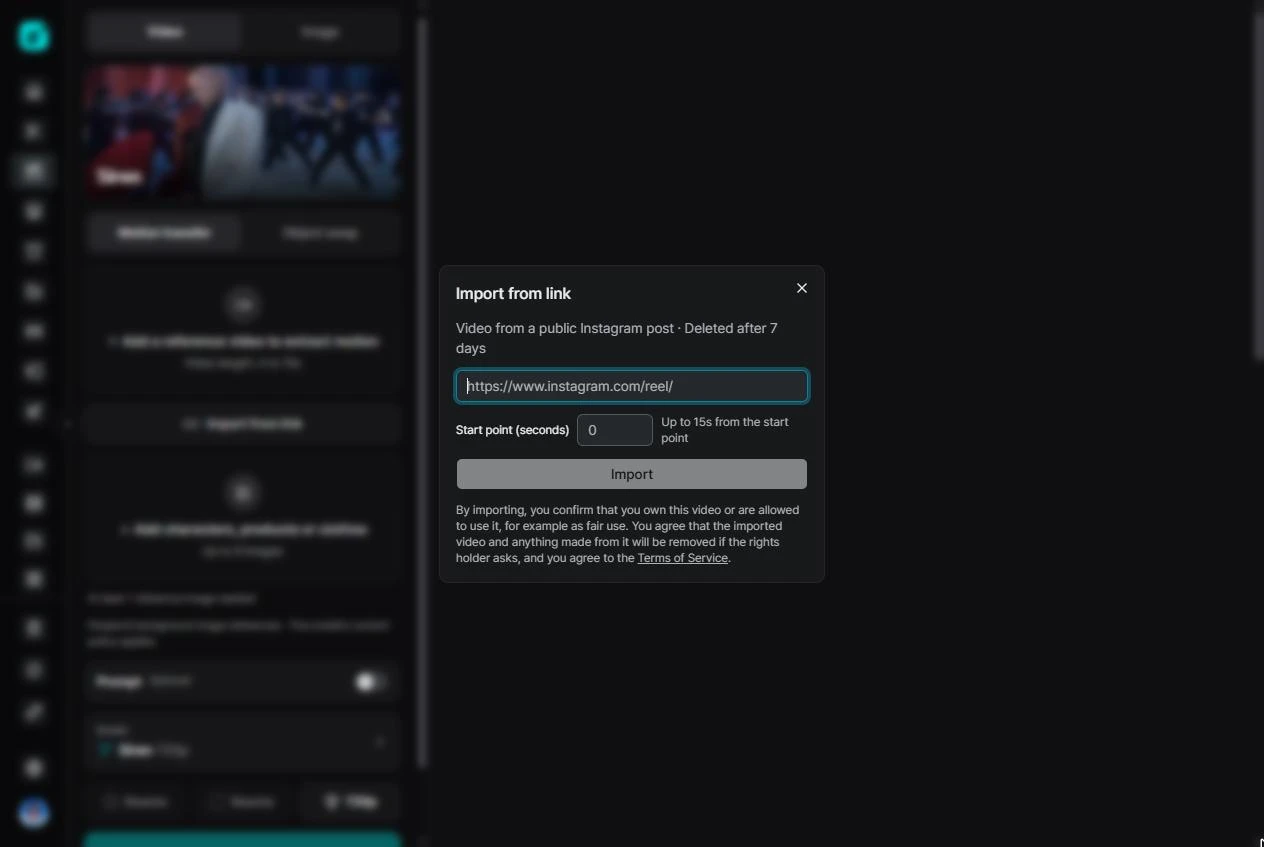
Use this only for videos you own or have the right to use. SeraStudio asks you to confirm that before it imports anything.
Swap a product instead of a person
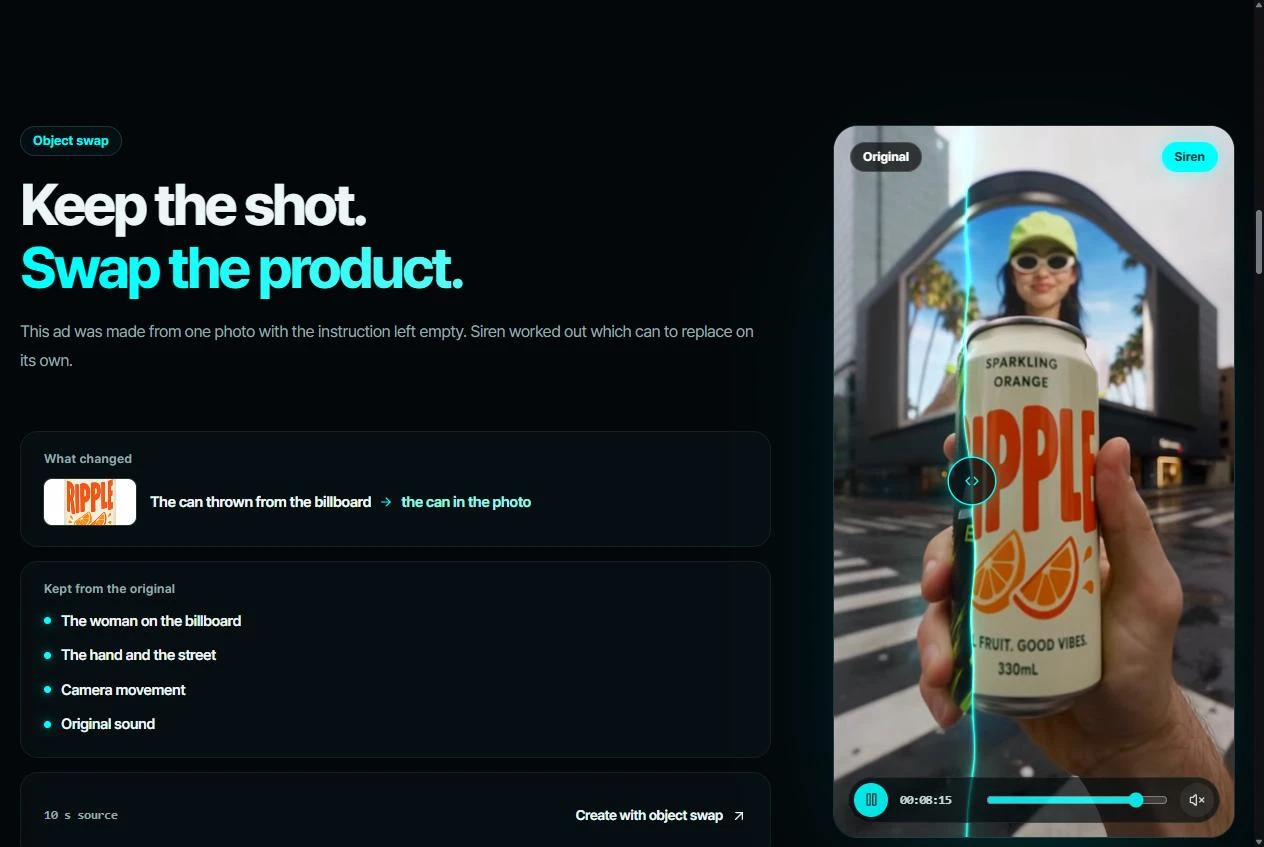
Object Swap works the same way for things. Upload a product photo and Siren replaces the matching object in the clip. In the demo, a can thrown from a billboard turns into the can from the photo. The hand, the street and the camera stay as they were.
If you leave the instruction empty, Siren finds the most visible object of that kind on its own. Object Swap takes clips up to 30 seconds long. For a brand, this means an ad that already performed can run again with a new product and no new shoot.
Siren Fast
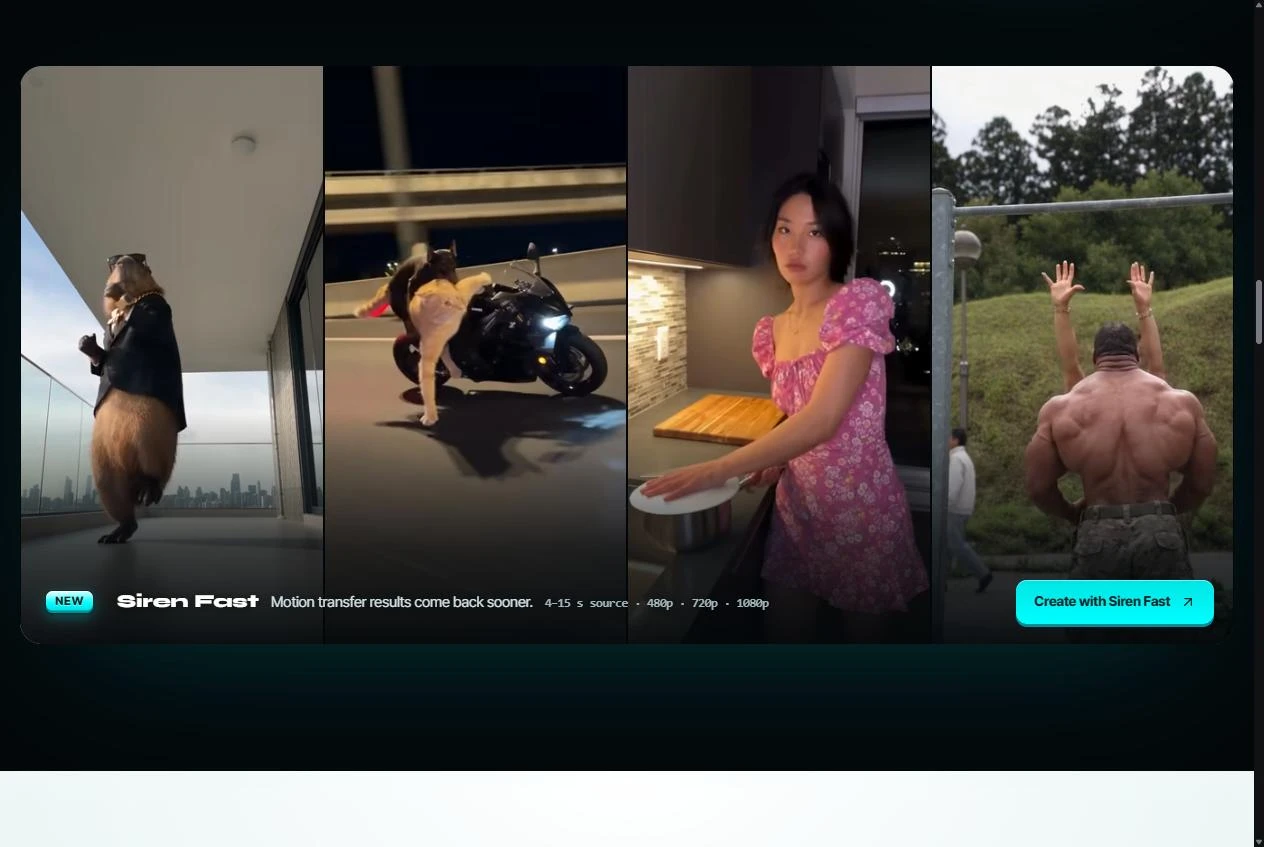
Siren Fast gives the same quality as Siren and renders more than twice as fast. It is the one to pick when you want to test several versions in a row. It handles motion transfer only, so use regular Siren for Object Swap.
Siren vs Kling Motion Control vs Wan Animate
| Siren | Kling Motion Control | Wan Animate Replace | |
|---|---|---|---|
| Photos you can add | Up to 8 (people, outfits, backgrounds) | 1 character image | 1 character image |
| Original clip | 4 to 15 seconds (Object Swap up to 30) | 3 to 30 seconds, one continuous shot (Kling 2.6) | One person in the clip |
| What stays from the original | Length, sound, aspect ratio, camera | Motion and expressions. Background is set by the prompt | Background and camera, with relighting |
| Product swap | Yes | No | No |
Kling Motion Control and Wan Animate do well when you animate one character. Siren is built for clips with more going on, like crowds, outfit changes, new backgrounds and products.
Pricing for Siren starts at $0.10 per second of video at 480p. You see the total before you render, and a failed render is refunded automatically.
Use photos you have the rights to
Only use photos of yourself, of people who gave you permission, or of AI characters you made. An avatar made in SeraStudio is the easiest place to start.
Where else you can use Siren
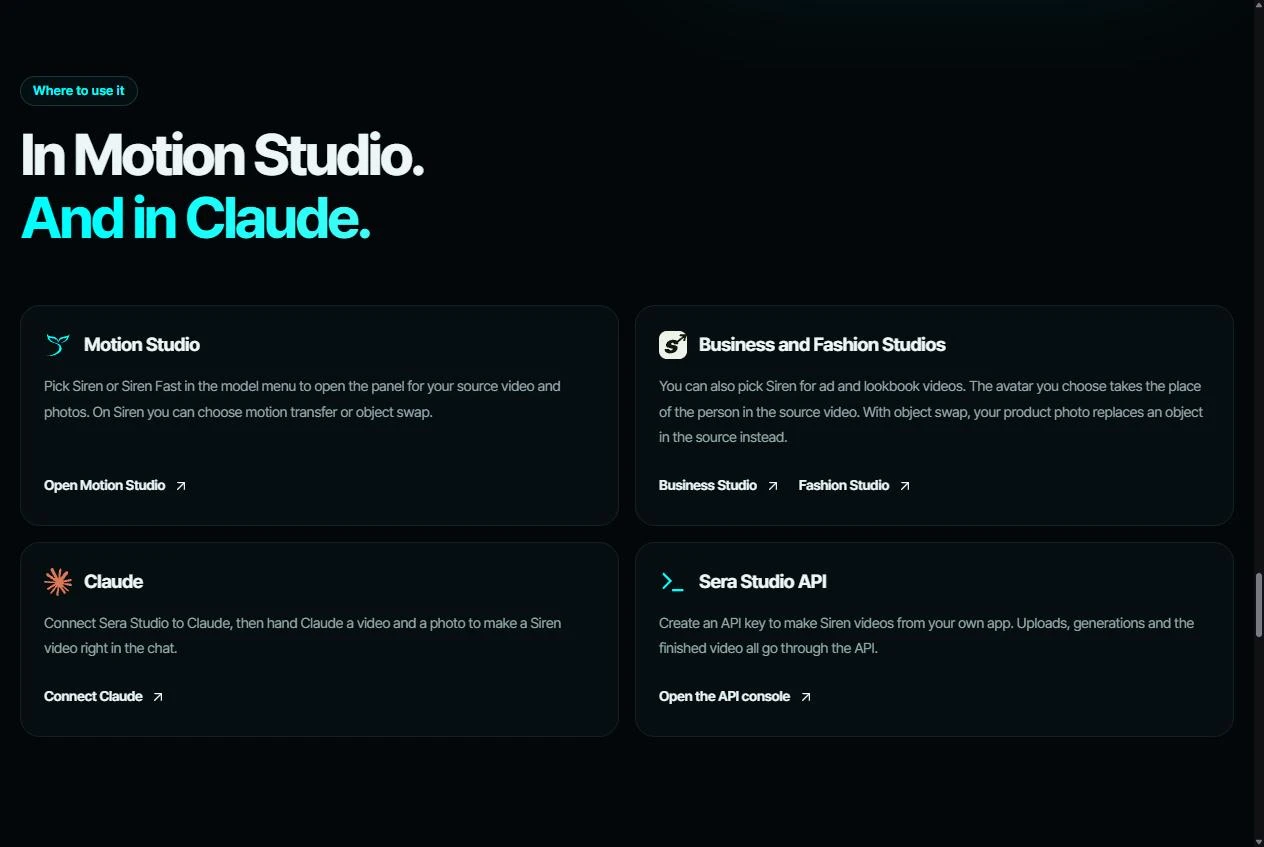
Siren also runs in Business Studio and Fashion Studio. There you drop your avatar or your product into an ad or a lookbook video. You can connect SeraStudio to Claude and make Siren videos from a chat. Developers can call it through the SeraStudio API.
One original clip can turn into many versions. Swap the dancer or the product and keep the rest.