
Fix a part
The whole video 0:14.0 Fixed range
- Original kept
- 89.8%
- Frames changed
- 43 of 420
- Credits used
- 2s × 20 = 40 credits
Remaking the whole video would take 280 credits. That's 86% saved.
Fix only what's wrong.
Pick the few seconds that look off and remake just those. Not a single frame changes anywhere else.
Ways to fix
Move the line to compare before and after. Outside the green range, both sides are the same footage.
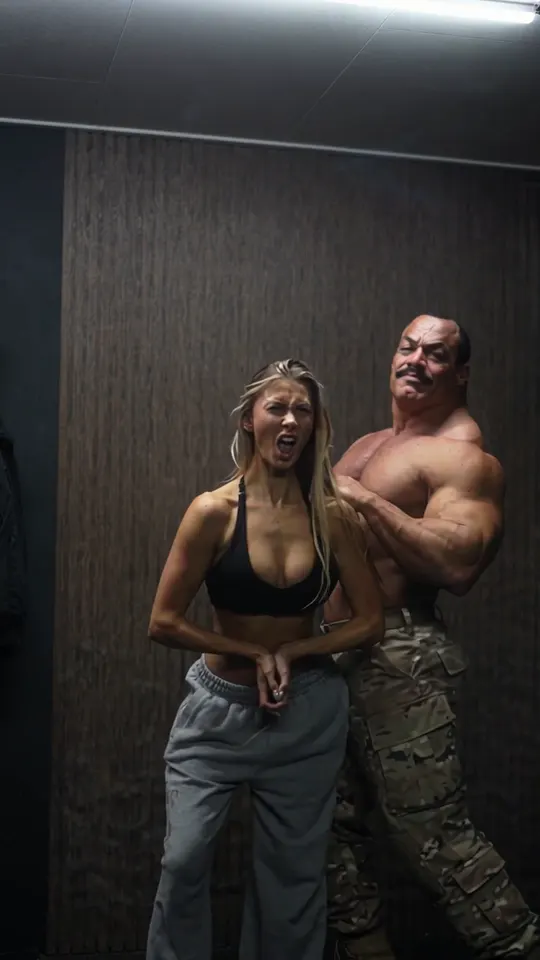 BeforeAfter
For one part of the frame that went wrong, like a mangled hand, an odd expression or an object that pops in.
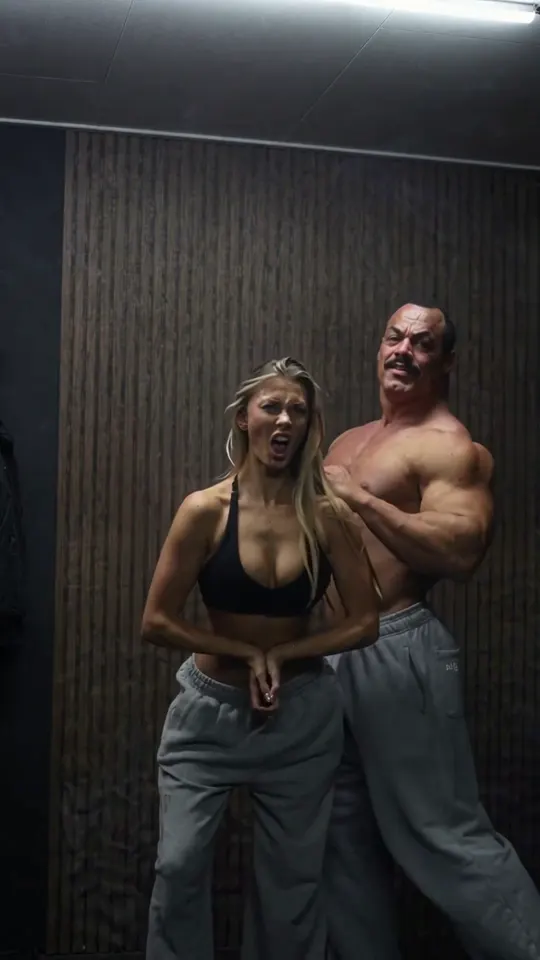
Original footage
Only the remade range is placed back into your video. The rest of the picture and all of the sound stay untouched.
Fixed rangeRemaking the whole video would take 280 credits. That's 86% saved.
 Fixed range
Versions
Each new fix lands on your current version. Fix one spot, then another, and the earlier fix stays in.
Current versionWhere to use it
Upload a video or pick one you made in Sera Studio. MP4 and MOV files up to 60s and 500MB.
Open SeraStudio FixConnect Sera Studio to Claude and say which video to fix and how. Choosing the range and remaking it all happens in the chat.
See how to connect ClaudeFAQ
MP4 and MOV files, and videos you made in Sera Studio. One video can be up to 60s and 500MB. HDR videos aren't supported yet.
Only as many as the length you remake. The length rounds up to whole seconds, and the shortest is 2s. Once you pick a range, the cost shows on screen before you make anything.
No. The picture and sound outside the range stay as the original. Only the remade range is placed back in.
Fix the same range again. The first retry costs 50%. If a fix fails while it's being made, your credits are restored.
Every fix makes a new version and the original stays as it is. You can download each version on its own.