Schedule shorts ahead or your channel stalls in busy weeks
Post on the same day you make videos and one busy week stops your channel. Sera Studio’s schedule calendar lets you line up finished shorts up to 30 days ahead, and each one posts on the day and time you set.
Sera Studio schedule calendar settings
- Furthest you can schedule
- 30 days
- The two things you set
- Days + times
- Posts at the set times
- Auto
The hard part of short-form video is posting without gaps. When the day you make videos is also the day you post them, a busy week can stop your channel completely.
Separating the two days takes care of most of that. You add videos to the calendar on the day you finish them, and they post on the days and times you set ahead of time.
Four steps to a schedule
- Connect the social accounts you’ll post to. Without one, there’s nowhere to send the posts.
- Pick the finished videos to post. You can select several at once.
- Set the days and times, or start from a preset such as Once a day or Weekends. The videos you picked are spread across those slots in order.
- Add them. Each one posts automatically at its time.
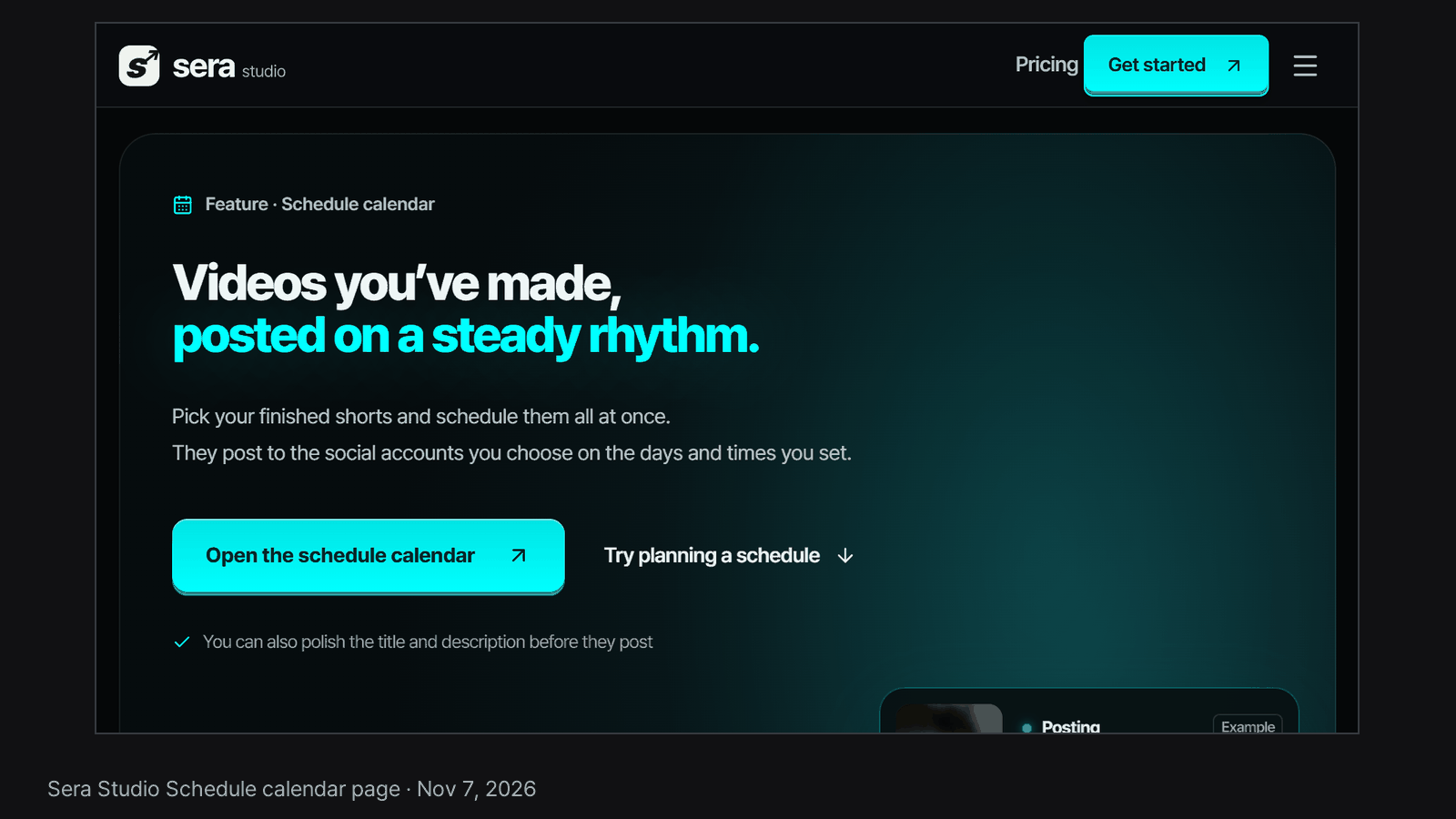
You can try planning a schedule with example videos on our schedule calendar page.
You can book up to 30 days ahead
The calendar shows what you can book: today through 30 days from now. Later days are locked. If the videos you picked won’t all fit in that window, Sera tells you before scheduling. That window works well if you plan a month ahead and fill the gaps once a week.
What to check before you add
Read the title and description first. AI writes both from what’s said in the video, hashtags included, and a post is awkward to change once it’s live. Until posting starts, you can still change the date, time, title or description from the calendar.
You don’t need to space posts out yourself. Each new post takes its own slot after the posts already scheduled, so they go out one at a time.
When a post doesn’t go out
The calendar marks it Failed, and the clip goes back into the Add to schedule list. The usual causes are a dropped account connection or a platform limit. Reconnect the account and add the same video again at a new time.
Good to know
- We’ve confirmed the full path on YouTube, from adding a post to it going live. You can connect other platforms too, and we’re checking posting on them one at a time.
- Each platform sets its own limit on how many posts it accepts in a day.
- Sera Studio wrote this article about its own feature. The settings described are as of Nov 7, 2026.