Why merging videos comes first: shorts cut part by part lose the story
Turn each part into shorts on its own and the story breaks off at the end of every part. Free merge in Sera Studio joins your files into one video first and uses no credits for it. The joined video is kept for 7 days, and anything under 15 seconds can’t be converted.
Sera Studio free merge and conversion settings
- Cost of the merge itself
- 0 credits
- Joined video kept
- 7 days
- Merges per 24 hours
- 10
- Shortest video to convert
- 15 s
If you filmed in parts and turn each file into shorts separately, the story breaks off wherever a part ends. The same opening shows up in several clips, and the later ones only make sense to viewers who saw the earlier parts.
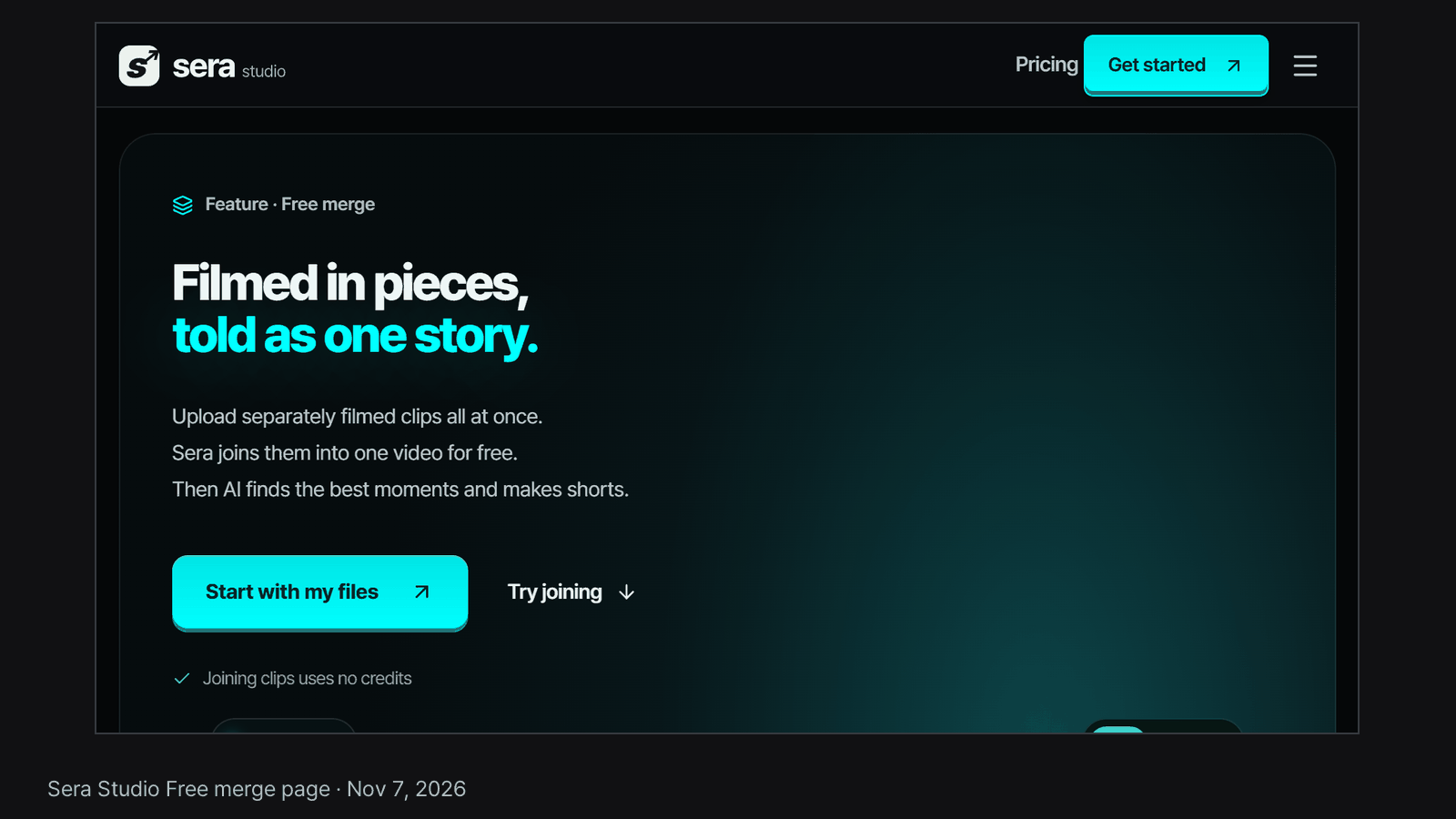
Sera Studio handles this by joining the files into one video first. The merge itself uses no credits. Credits only come in when you turn the joined video into shorts.
It takes three steps
- Upload two or more files at once. They line up by the time each file was last modified, and you can reorder them with the up and down arrows before the merge starts.
- When the merge finishes, you get one joined video to play and download from the results screen. This step is free.
- Convert that video to shorts. This is the step that uses credits. They’re based on the joined video’s length, and you can see the amount before you start.
Upload files filmed in the same orientation together. If vertical and horizontal videos are mixed, Sera tells you when you upload. You can try a merge with example files on our free merge page, where nothing gets uploaded.
How long it’s kept and the free limits
A joined video is kept for 7 days, and the button that turns it into shorts works until then. The free limits are 10 merges per 24 hours and 50 GB of files per 30 days. Both are rolling windows, so room comes back as earlier merges pass the 24-hour or 30-day mark.
Joined videos top out at 1080p, measured on the short side, so a 1080x1920 phone video keeps its full size. Larger parts are scaled down to match.
Two cases where you can’t convert
The first is a video shorter than 15 seconds. A short is at least 15 seconds long, so a shorter video leaves nothing to pick.
The second is a joined video older than 7 days. Once it’s deleted, the convert button goes with it.
A quiet video can still be converted. Sera usually picks moments from what people say, and when there’s no speech it picks them from what’s on screen instead, using movement and scene changes.
Good to know
- The numbers above are Sera Studio’s settings as of Nov 7, 2026.
- After 7 days the joined video is gone. If you want to keep it, download it and store it yourself.
- If a conversion fails, the credits it held come back automatically.
- Sera Studio wrote this article about its own feature.