Your shorts hook needs one spoken line: how 44 characters set up a clip in 3 seconds
A clip cut from the middle of a long video starts with no setup. Intro voice puts one spoken line in front of it, up to 44 characters and no longer than 3 seconds, and by default it finishes before the original audio starts.
Sera Studio intro voice settings for English videos
- Characters per intro line
- 44
- Max intro length
- 3 s
- Recommended English voices
- 7
A short cut from the middle of a long video drops viewers into a story that’s already under way. They don’t know who is talking or what led up to this moment, and the first 3 seconds decide whether they keep watching. One spoken line at the very start of the clip fills that gap.
The original dialogue stays clear
By default the intro plays before the clip starts. Nothing overlaps, so the first line of dialogue isn’t buried and the original audio doesn’t need turning down. The clip gets longer instead, by 3 seconds at most.
If you’d rather keep the length, go to Voices and choose Lower original audio while speaking. The intro then plays over the start of the video, and the original audio dips while the intro speaks.
The line stops at 44 characters
For English videos the intro line can be up to 44 characters, spaces included, which is sized to fit the 3-second limit. If a voice reads it a little long, the line is sped up by as much as 1.25x. If it still doesn’t fit, that clip goes out without an intro.
The line also leaves the thought unfinished, since giving away the answer would remove the reason to keep watching. It ends on a noun phrase like Why the repair bill doubled, or sets up a scene and stops, like The bundle that cut his phone bill. The documentary-style voices, Matilda and George, are the exception. They narrate in full past-tense sentences such as One person kept making the same mistake, which still leave you wondering what came next.
A few clickbait words are filtered out automatically, including shocking, insane and mind-blowing. The thinking is that a viewer who feels tricked once won’t open your next video. You can rewrite the line in the canvas editor, since you know your video better than the AI does.
Voice and speed
Pick a voice that suits your channel and set its speed anywhere from 0.7x to 1.2x. A steady voice fits videos that explain things, and a brighter one fits everyday vlogs. You can listen to each voice in the list before you pick.
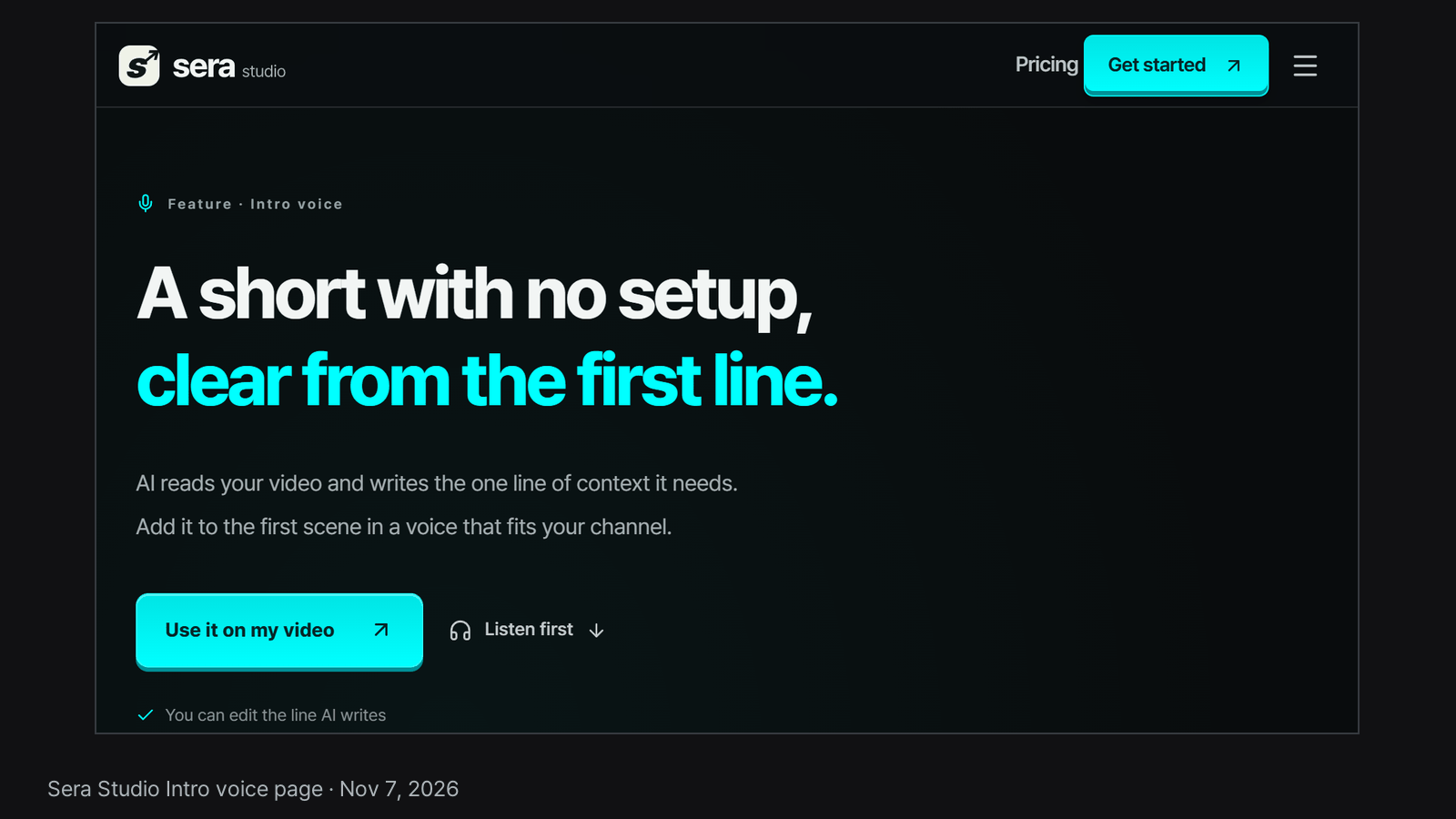
English videos get English voices, and Sera Studio recommends seven of them. Sarah is a steady voice for explainers and interviews, for example, and Jessica is a playful one for vlogs and everyday clips. A slower speed lowers the character limit, since the same line takes longer to read. You can hear a real intro sample on our intro voice page.
The video still comes out without the line
If writing the line or generating the voice fails, the clip is still finished, just without an intro, so a problem with the opening line never costs you the video.
Good to know
- We have no data comparing how clips with and without an intro perform. This article only covers how the feature works.
- The numbers above are Sera Studio’s settings for English videos as of Nov 7, 2026.
- Sera Studio wrote this article about its own feature.