
오픈소스
세라에서 만든 AI 영상의 프롬프트와 설정을 공개합니다. 마음에 드는 장면을 골라 같은 설정으로 바로 만들어 보세요.
영상 만들기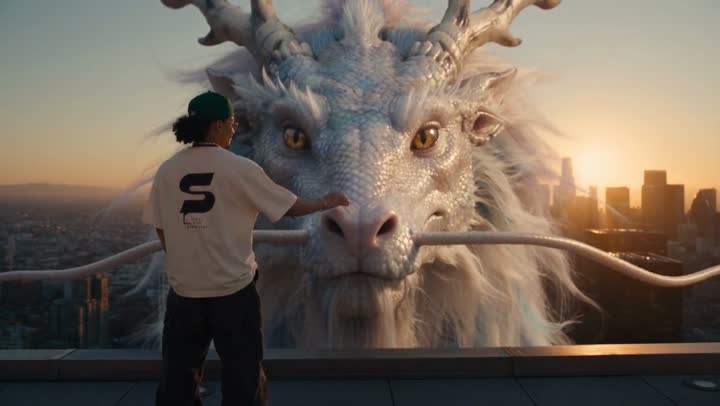
0–4초도시 위를 나는 백룡
Medium-wide shot from behind the rider. He stands alone at the edge of a skyscraper rooftop, hands in his pockets, looking out over the city, the large black S logo on the back of his t-shirt clearly visible.
Hard cut. Wide shot from a neighboring tower. The rider is now seated on the base of the dragon's neck as it dives off the rooftop and plunges between the glass skyscrapers…
Close-up on the rider's face, sunset light glinting on his glasses and pearl necklace, curly hair whipping in the wind, shouting with pure exhilaration…
Extreme wide shot. The dragon bursts up through a layer of golden clouds above the skyline and rises into the open sky, swimming through the air with slow powerful undulations, legs tucked against its body…